9.5 Info window
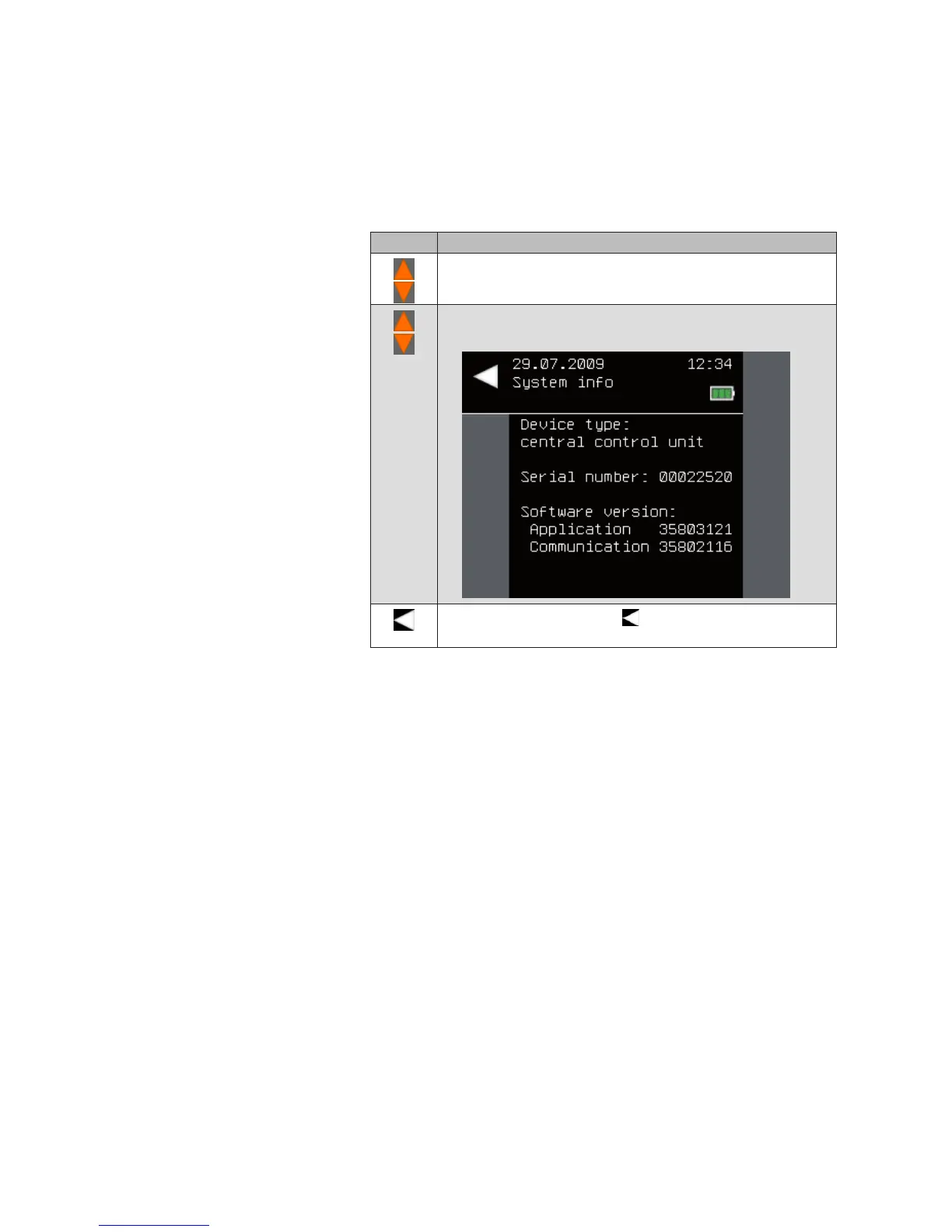
The [System info] menu is used to display the software versions of the cen-
tral transmitter. Proceed as follows.
Button Action/result
In the main menu, select the [System] menu and press ok.
The [System] menu opens.
Select the [System info] menu here and press ok.
The following menu displays the software versions.
Leave the menu using the button.
The [System] menu opens again.
Main menu
System
System info
System



 To Next Page