7.1 Operating favourites
There are several ways to operate a favourite with the WMS Central trans-
mitter. You can operate the favourite directly, preselect positions or recall a
scene.
7.1.1 Operating a favourite
directly
The product responds directly to the press of a button on the WMS Central
transmitter.
Button Action/result
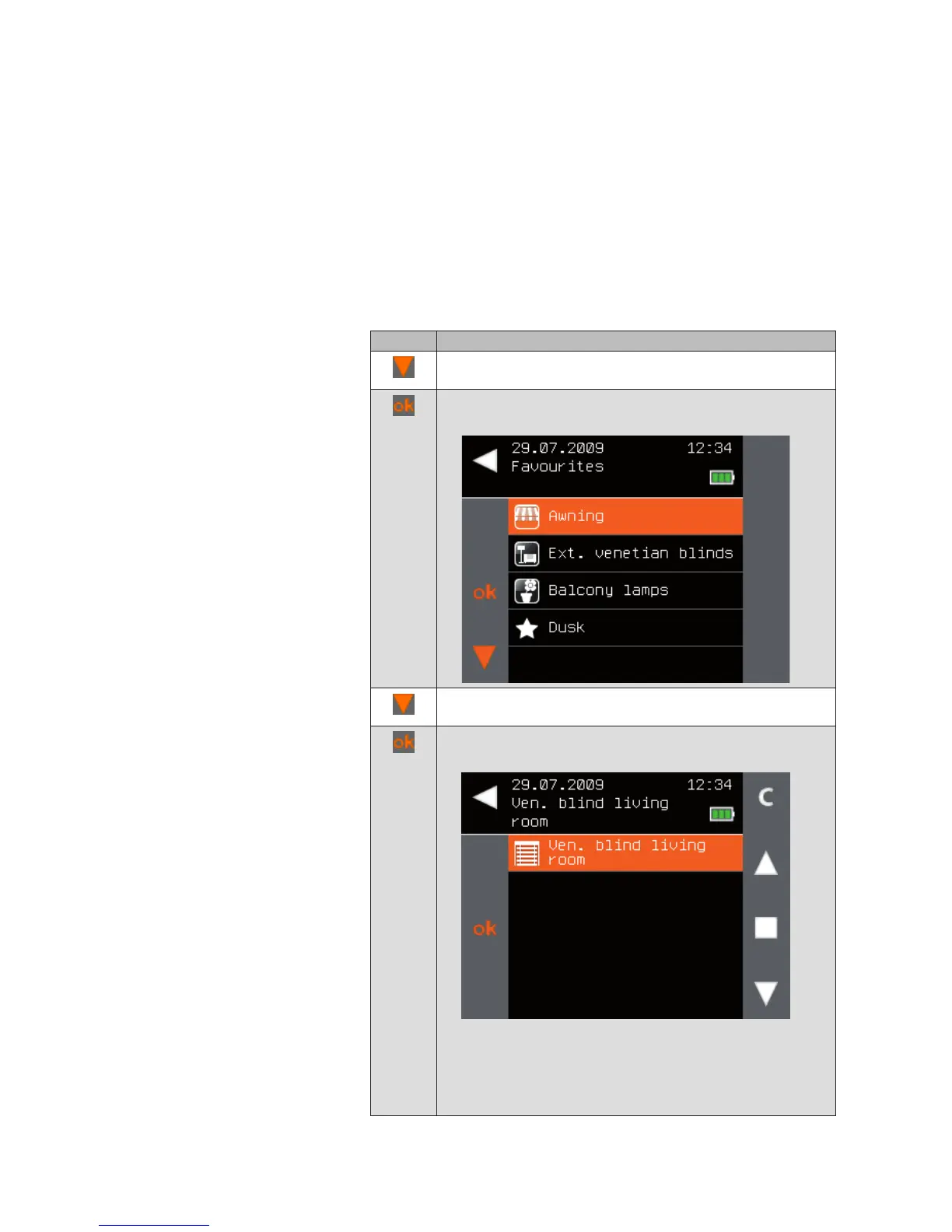
In the main menu, select the [Favourites] line using the
selection cursor.
Press the ok button.
The [Favourites] menu is displayed:
Using the function buttons, select the favourite that you
would like to use.
Press the ok button.
All channels belonging to the favourite are displayed.
The buttons that are relevant to the particular product are
activated on the right.
NOTE When multiple channels are displayed, you can use
the buttons on the left to select the channel you wish
to operate.
Main menu
Favourites
Favourites



 To Next Page