7.4.2 Deleting a channel or
scene from a favourite
To delete an individual channel or scenes from a favourite, proceed as fol-
lows:
Button Action/result
In the main menu, select the [Favourites] menu and press
ok.
The [Favourites] menu opens.
Using the selection cursor, select the favourite from which
you wish to delete a channel or scene.
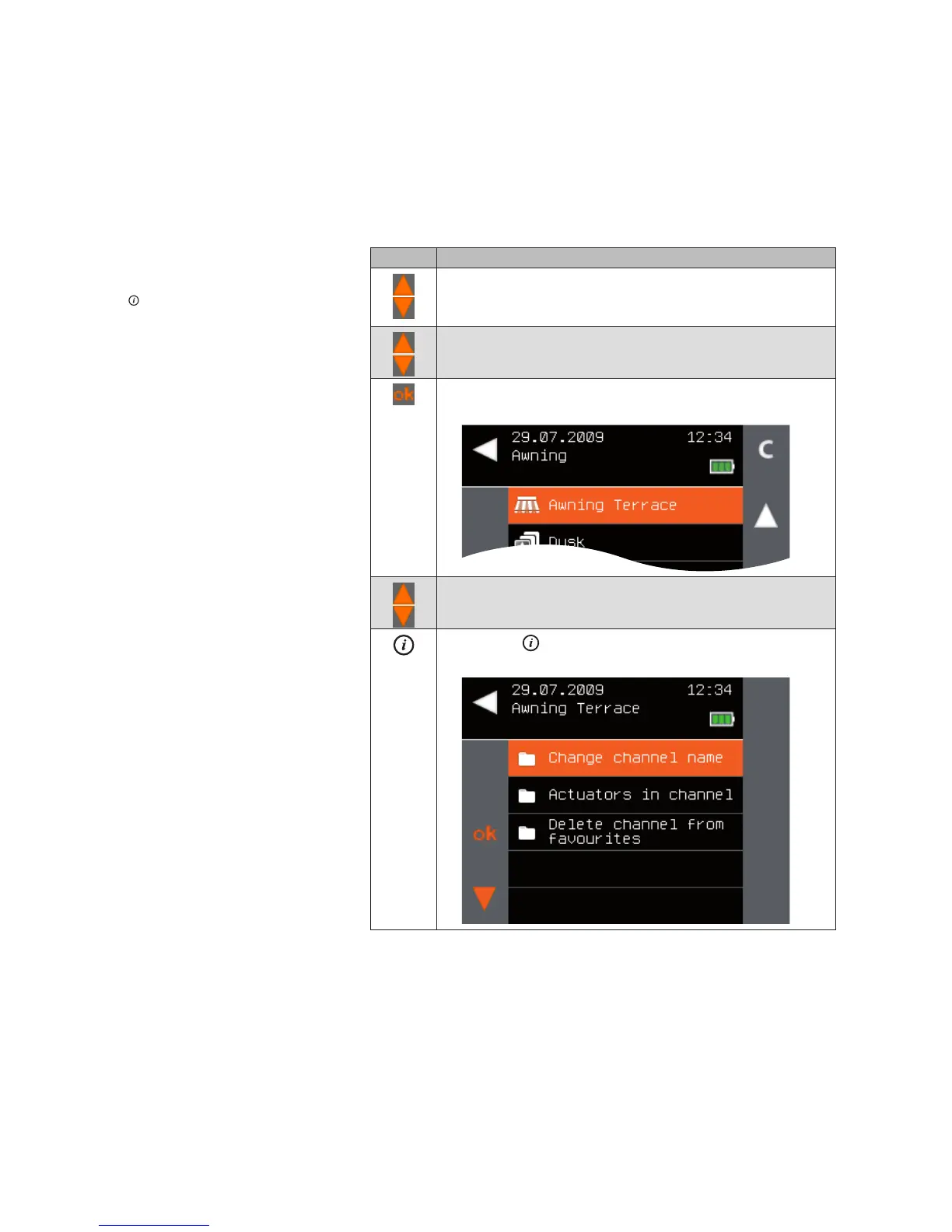
Press the ok button.
The devices of the selected favourite are displayed.
Using the selection cursor, select the channel or scene you
wish to delete from the channel.
Press the button.
The context menu for the selected channel is displayed.
Main menu
Favourites
Favourite x
Channel x
Delete channel from favourite
Favourites



 To Next Page