55
Button Action/result
Using the selection cursor, select the
[Delete channel from favourite] or
[Delete scene from favourite] menu item.
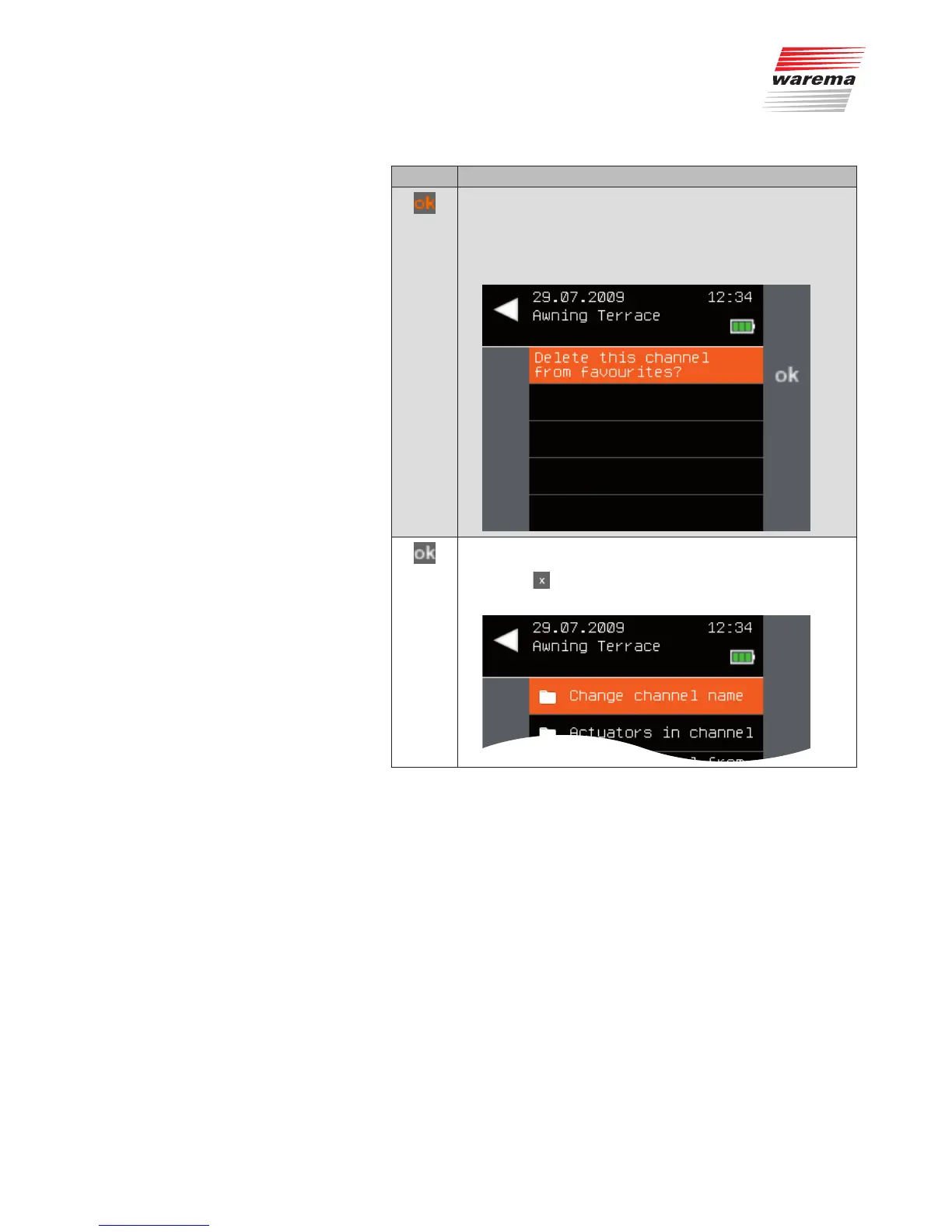
Call up the function with ok.
The following menu is displayed.
Confirm with ok in order to delete the favourite. (If you do not
want to delete the favourite, you can cancel the procedure
with the button.
The context menu of the channel opens again.
Favourites



 To Next Page