53
Button Action/result
Using the selection cursor, select the
[Change channel name] or [Change scene name] menu
item.
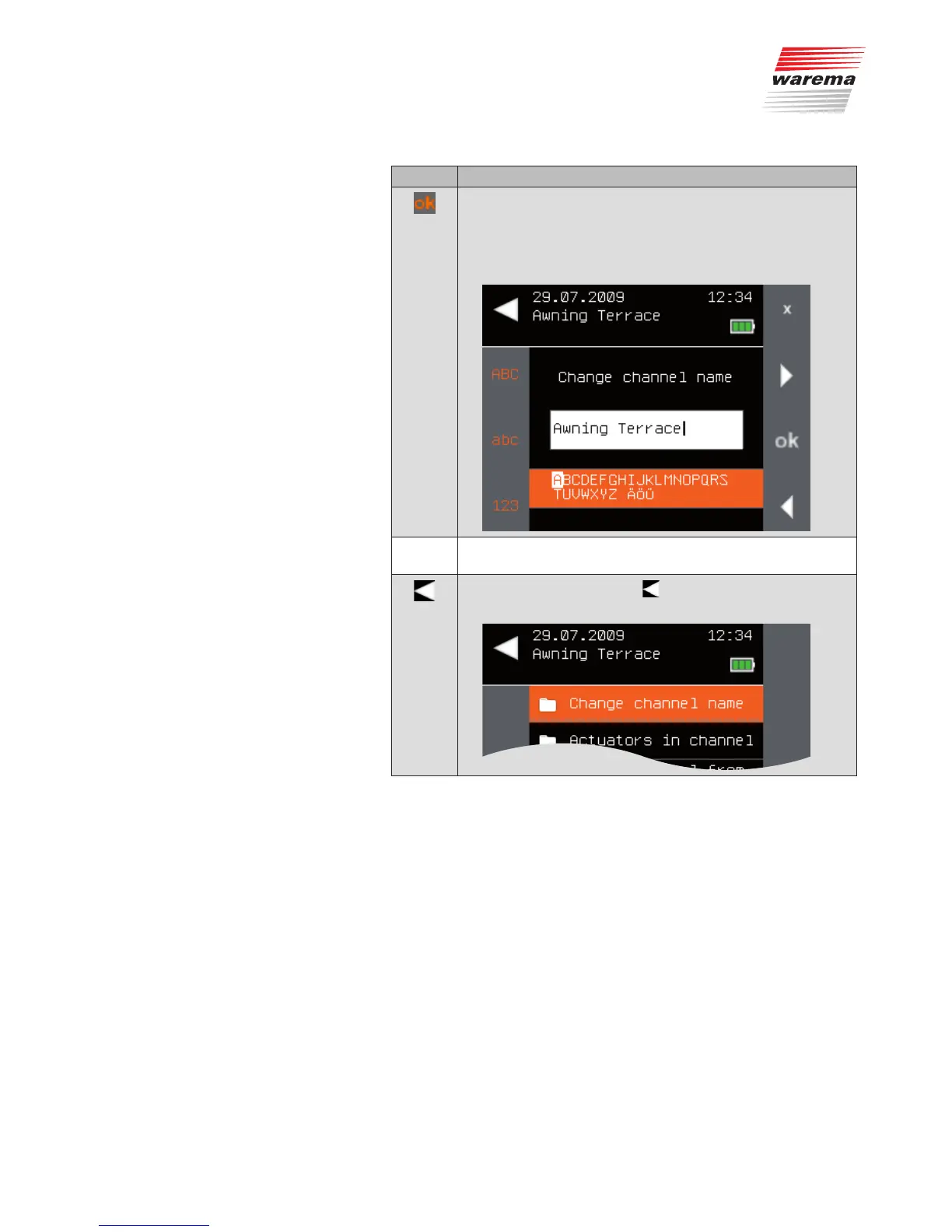
Call up the function with ok.
The following menu is displayed.
Change the name of the channel/scene.
(For entering texts, see also Chapter 6.4 on page 35).
Leave the menu using the button.
The context menu of the channel opens again.
Favourites



 To Next Page