Button Action/result
Using the selection cursor, select the
[Allocate channel to another channel] menu item.
Call up the function with ok.
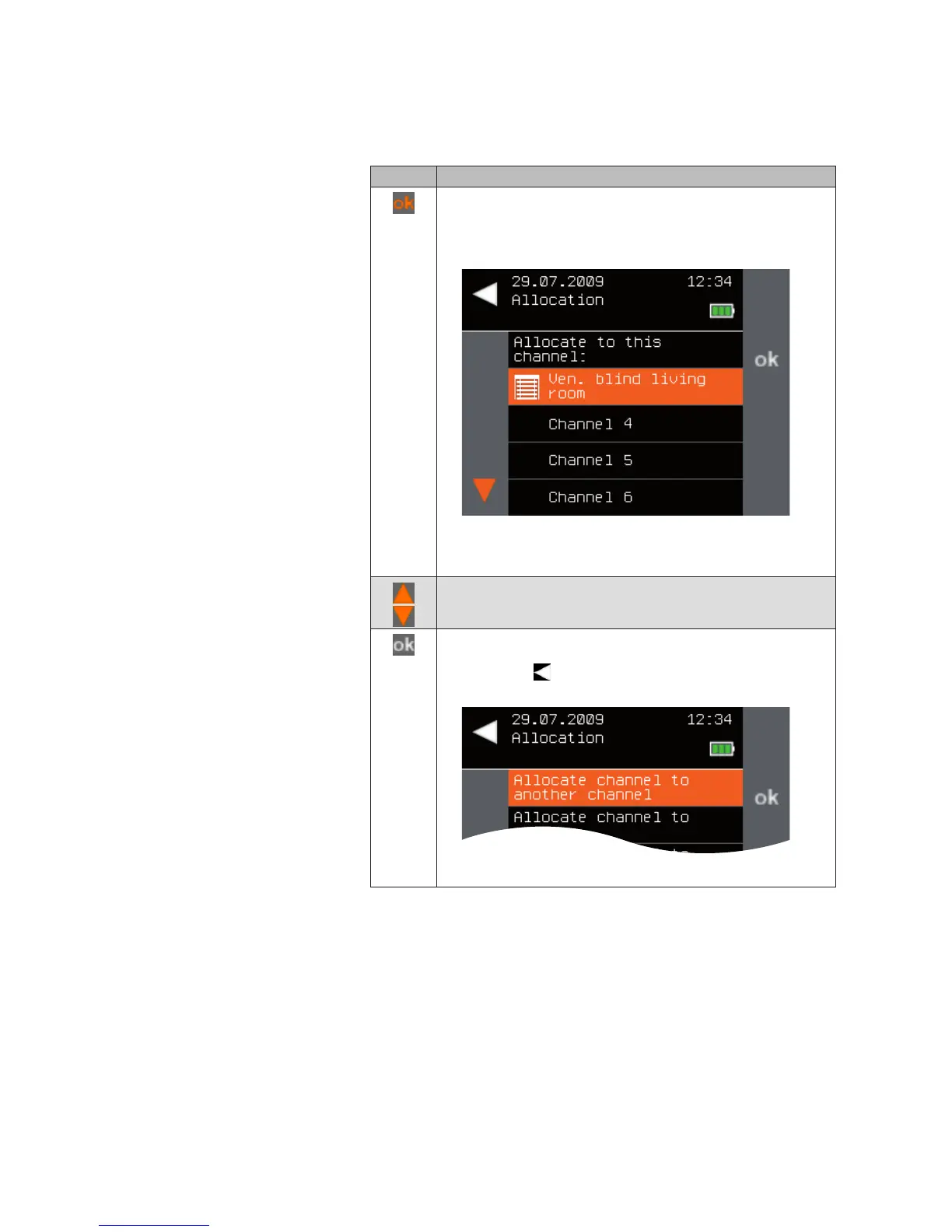
The following menu is displayed.
NOTE Only those channels are displayed for selection that
are still empty or that have the same product type as
the channel that you wish to allocate.
Using the selection cursor, select the desired channel.
To allocate the channel to the selected channel, confirm
with ok. (If you do not wish to allocate the channel, you can
cancel with .)
The [Allocate] menu opens again.
Products



 To Next Page