n Administrator and recipient both have installed the Wink-
haus blueCompact App and have access to the Internet
on their smartphones.
n The administrator and recipient have an email account.
Additional requirement:
n User is in the Master key menu.
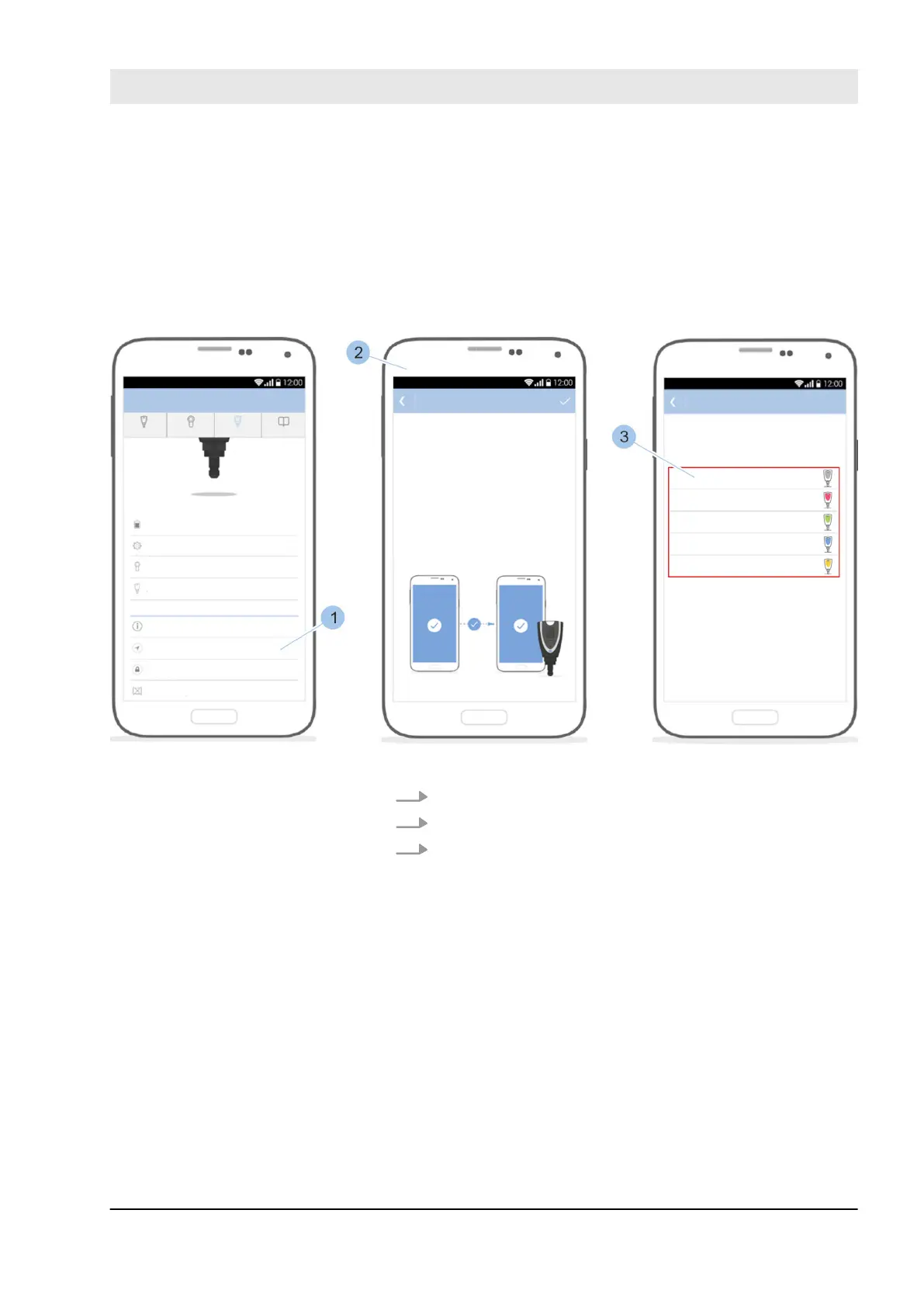
Fig. 106: Select key
1. Touch Remote authorisation (1).
2. Read notifications (2).
3. Select deposited key (3).
Send remote authorisation
Manage locking system
23.03.2020 blueCompact electronic locking system 131



 To Next Page