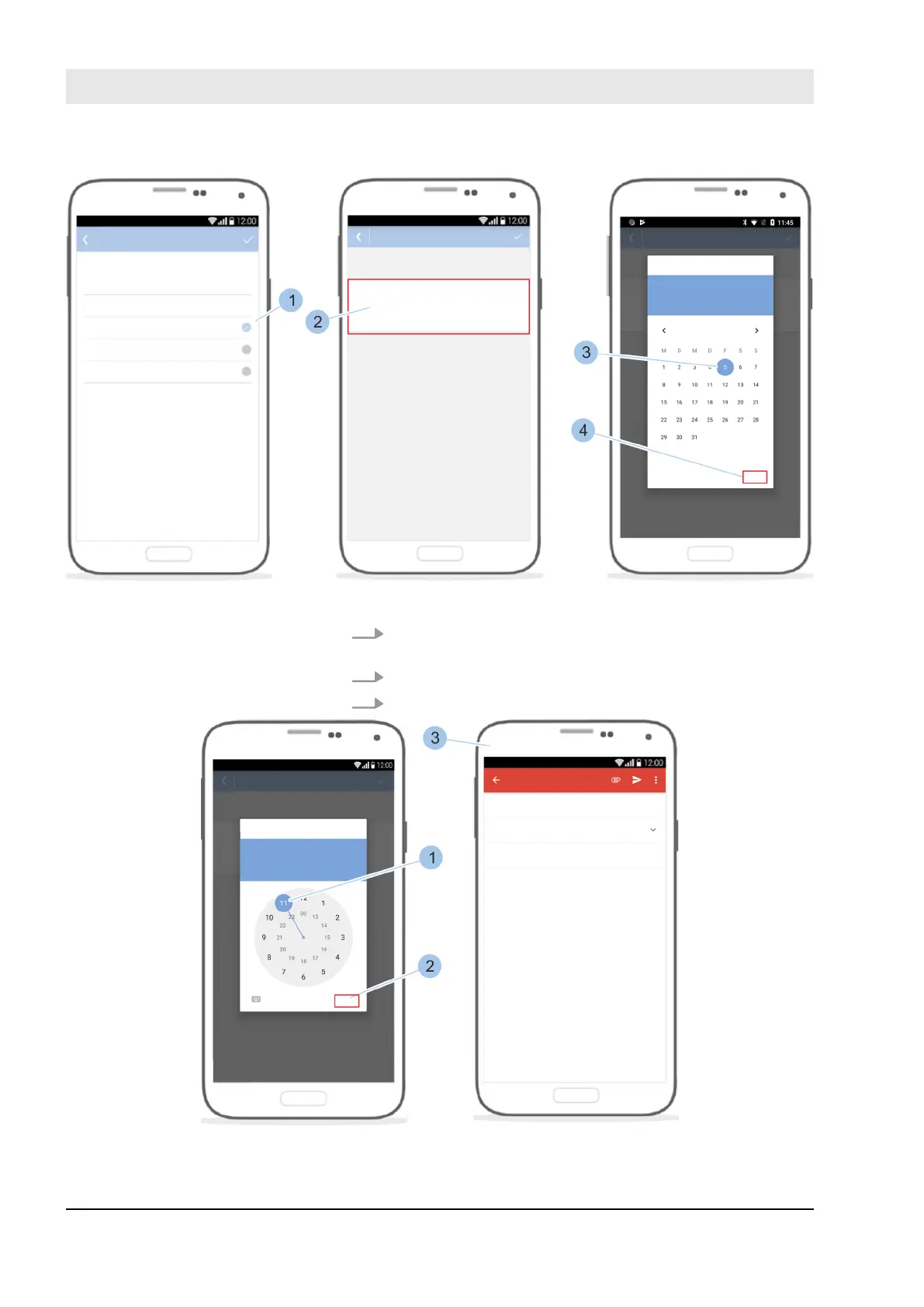
Fig. 107: Select cylinder or reader and establish locking authorisation
4. Select cylinder or reader (1) for which the locking
authorisation should be issued.
5. Touch in the relevant date field (2).
6. Select the date (3) and confirm with OK (4).
Fig. 108: Forward locking authorisation
Manage locking system
23.03.2020blueCompact electronic locking system132



 To Next Page