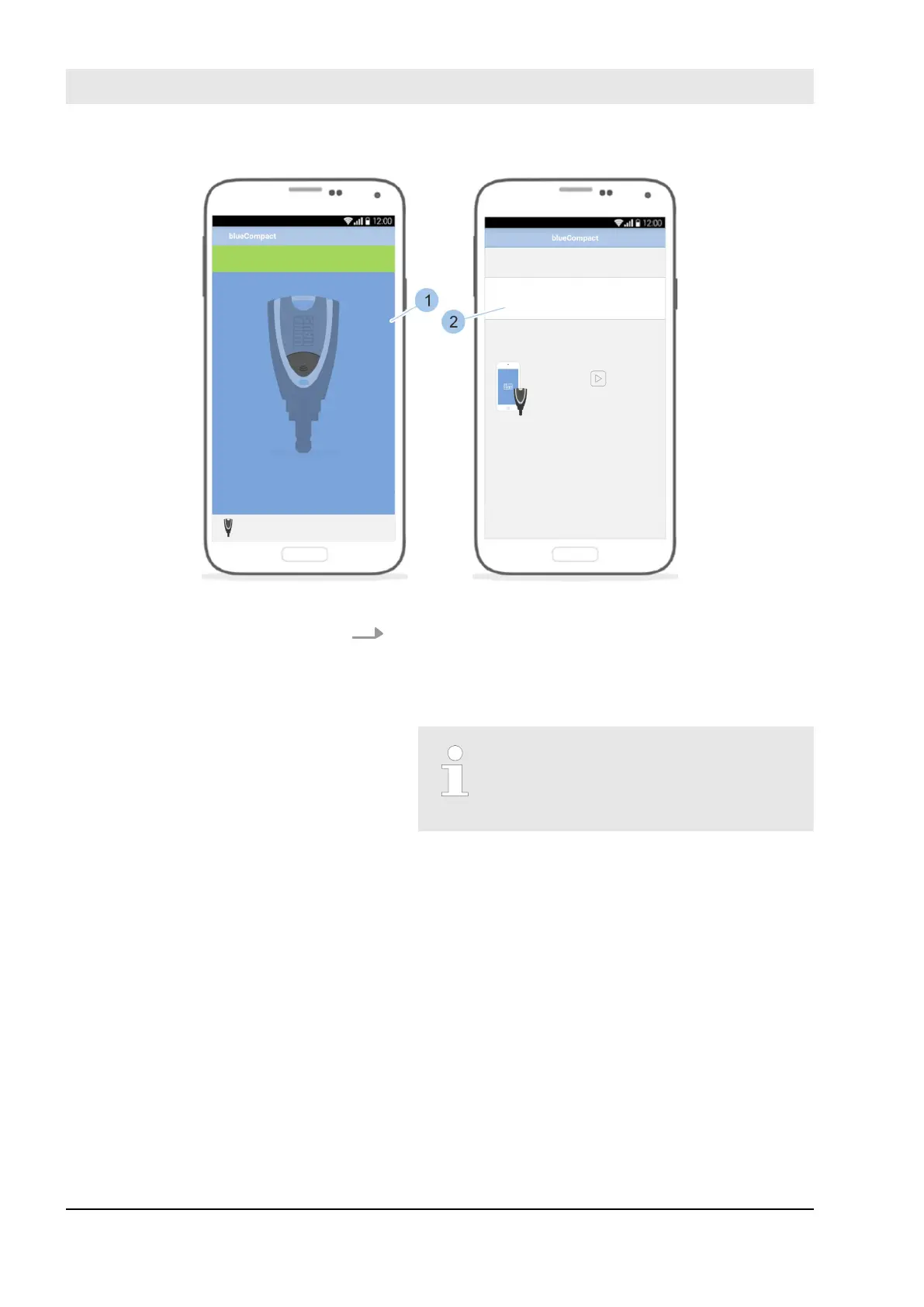
Fig. 110: Select active key
13. Select the active key (1) for which the remote authori-
sation is intended from the list based on the Wink-
haus-UID.
ð
The active key is authorised to lock for the speci-
fied period (2).
The information on the period of
time for the locking authorisation
requires Firmware version 200 or
newer.
Manage locking system
23.03.2020blueCompact electronic locking system134



 To Next Page