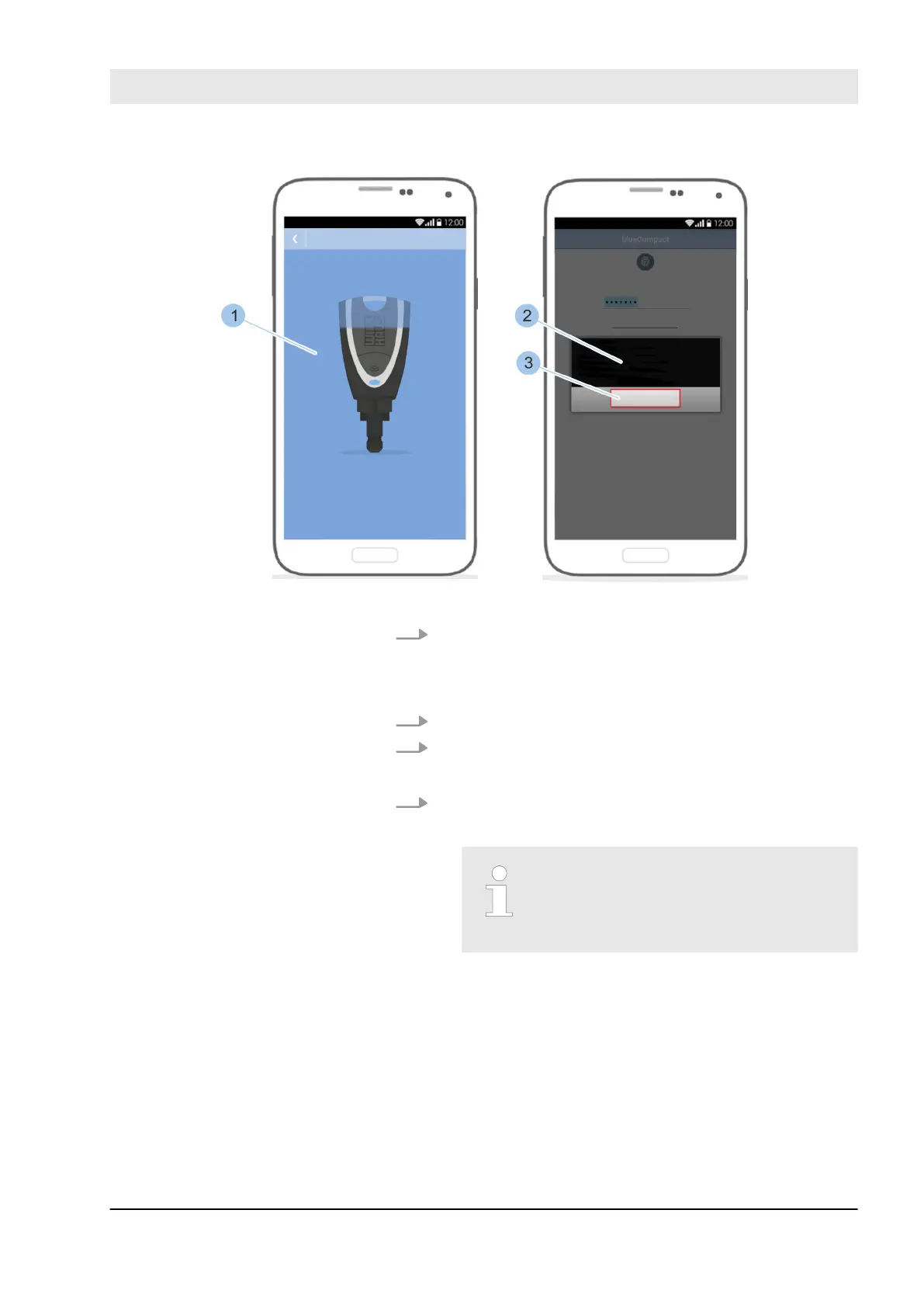
Fig. 114: Complete software update
5. After the software update has been installed (1), con-
firm the message (2) with OK (3).
ð
Once the installation is complete, the Masterkey
switches o automatically.
6. Wait a few seconds.
7. Activate Masterkey by pressing on the button.
ð
The Masterkey flashes yellow for a few seconds.
8. Wait until the Masterkey flashes blue.
ð
The Masterkey can be connected to the app again.
A second part of the update may
have to be installed as described.
This is indicated after logging in with
the password again.
Install software updates
23.03.2020 blueCompact electronic locking system 141



 To Next Page