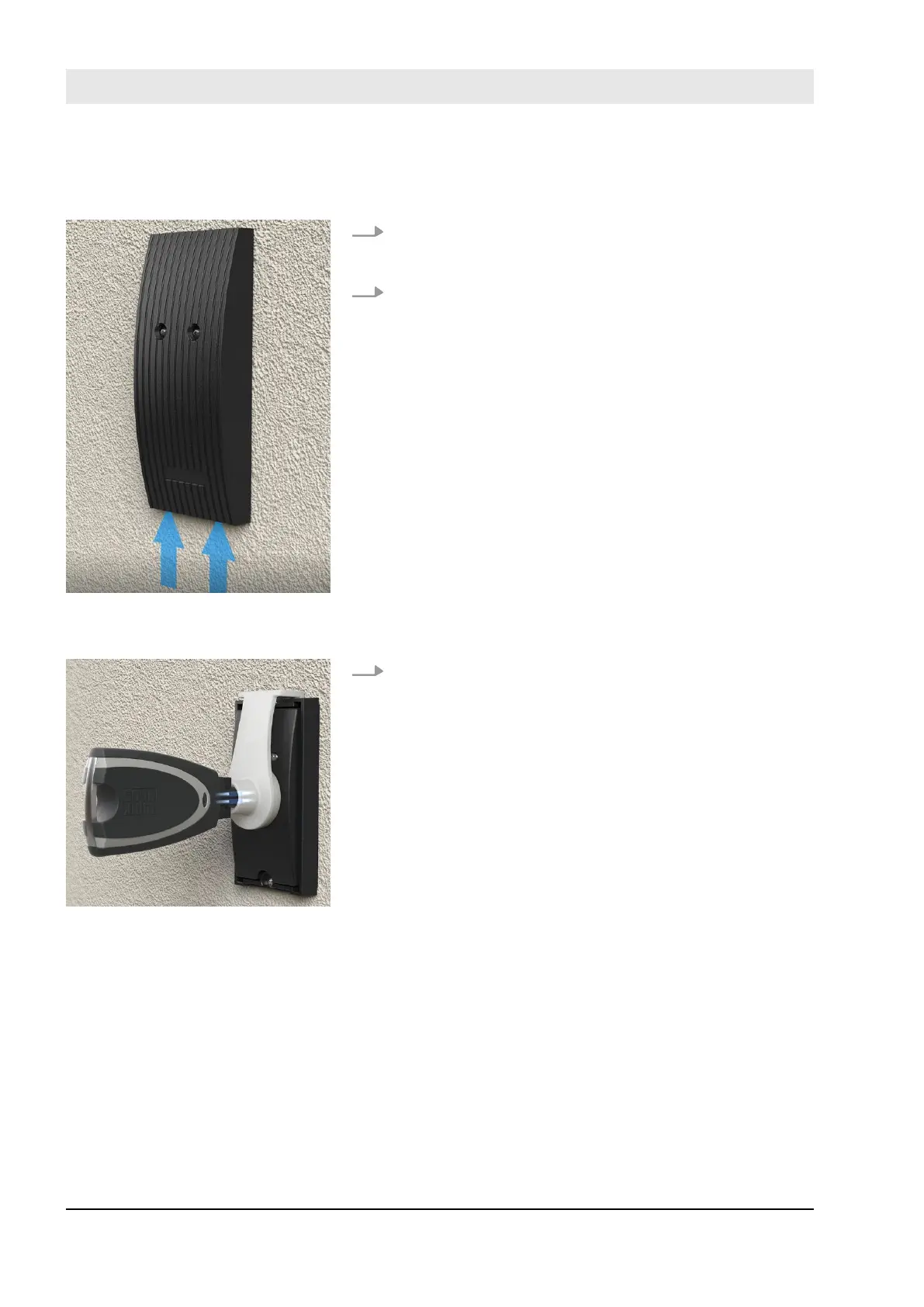
1. Carefully remove the reader housing. To do this, press
against the reader housing from below until the reader
housing folds open to the front.
2. Remove the reader housing.
3. Hook the programming adapter into the relevant
groove on the reader and insert the Masterkey in the
programming adapter.
ð
The reader is now prepared for the installation of
the software update.
Prepare installation of software
updates.
Fig. 119: Remove the reader
housing
Fig. 120: Hook in the program-
ming adapter and insert the Mas-
terkey
Install software updates
23.03.2020blueCompact electronic locking system148



 To Next Page