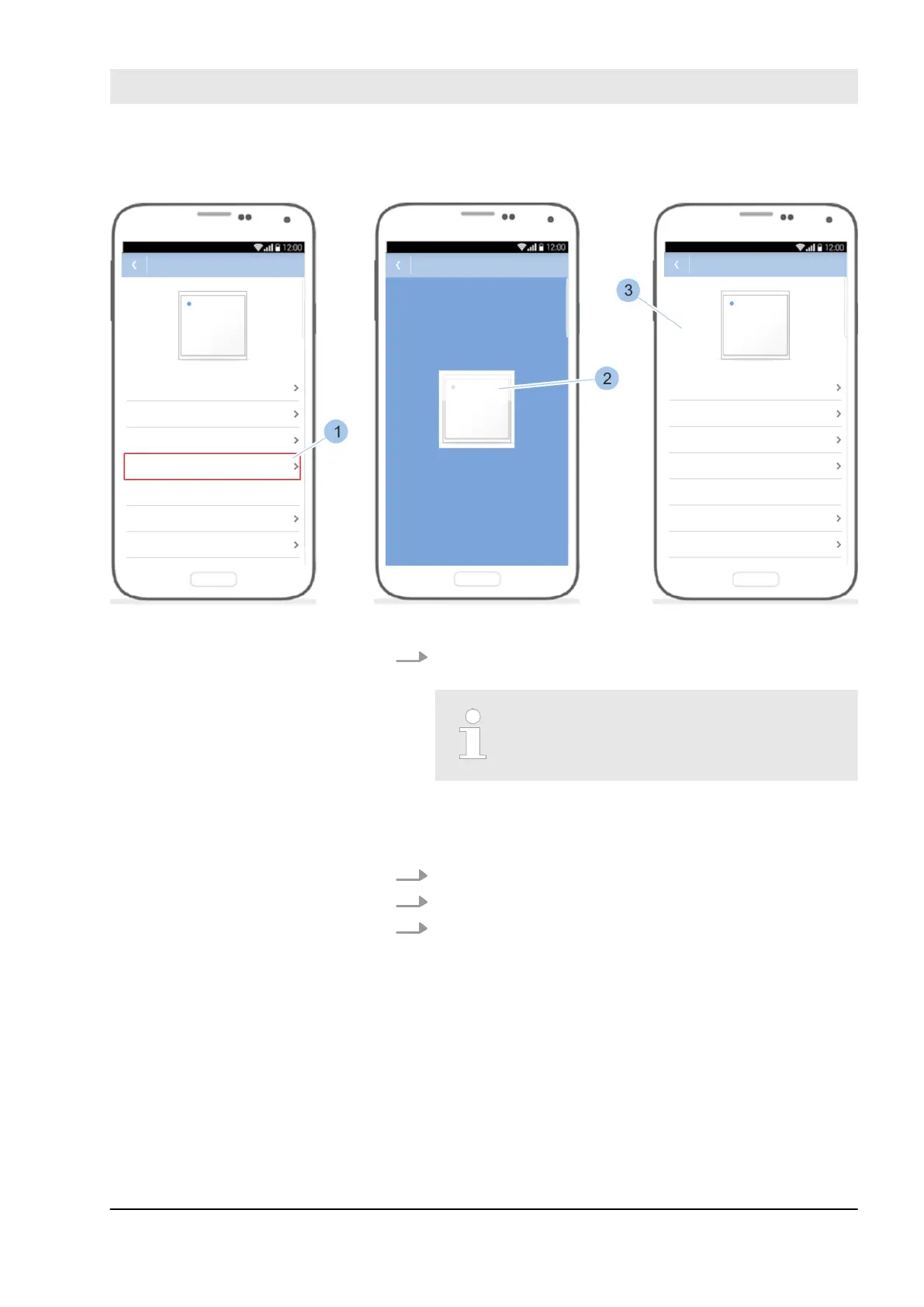
Fig. 123: Install software update
Start the installation by touching the software version
(1).
The data transfer between the Mas-
terkey and reader can take several
minutes during the software update.
ð
The software update is installed (2) and completed
(3).
1. Remove the Masterkey from the programming adapter.
2. Remove the programming adapter from the reader.
3. Place the reader housing on the reader and engage.
Second installation option:
Complete the installation of the
software update.
Install software updates
23.03.2020 blueCompact electronic locking system 151



 To Next Page