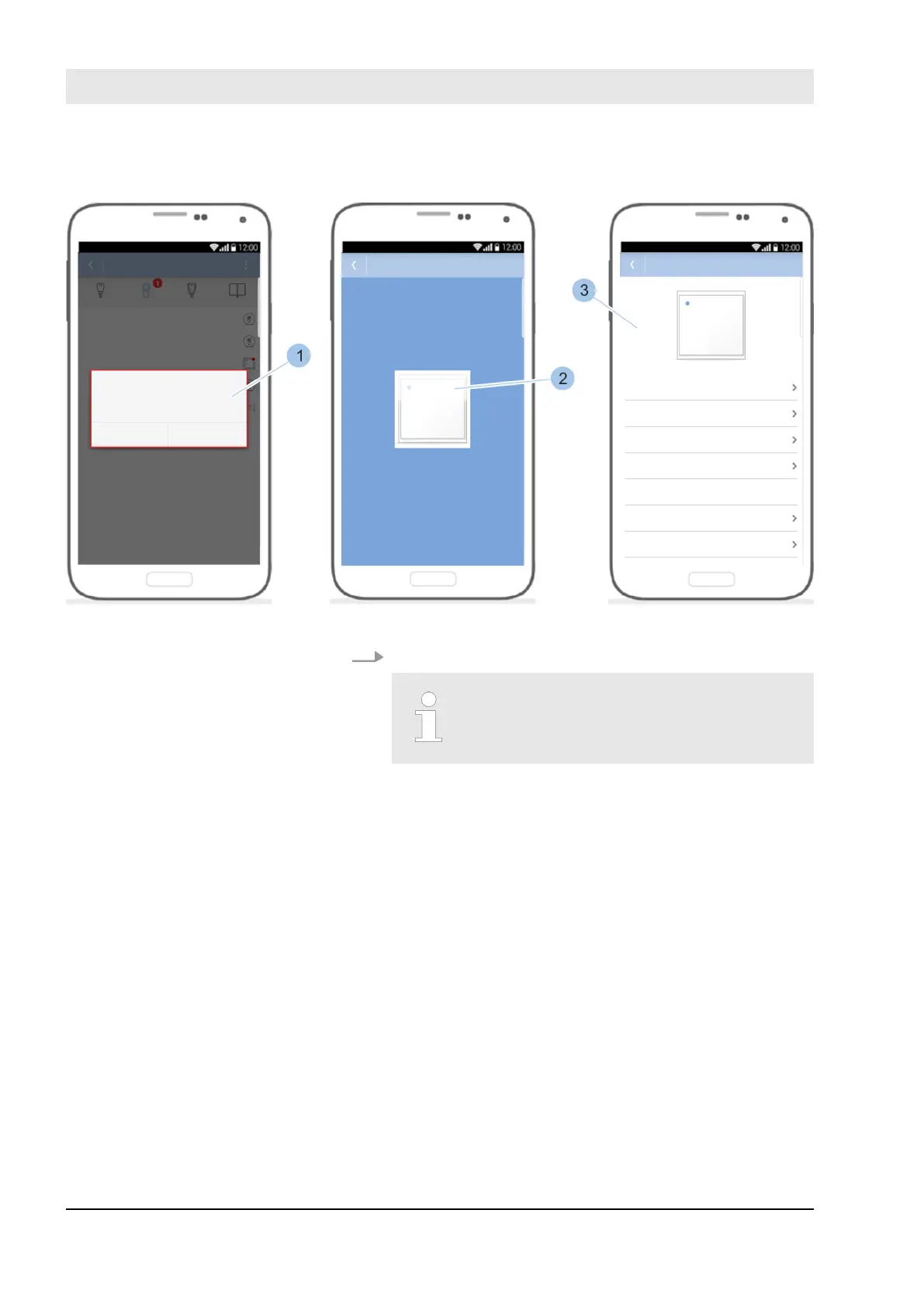
Fig. 122: Install software update
Press Yes (1) to start installing the software update.
The data transfer between the Mas-
terkey and reader can take several
minutes during the software update.
ð
The software update is installed (2) and completed
(3).
First installation option:
Install software updates
23.03.2020blueCompact electronic locking system150



 To Next Page