Troubleshooting
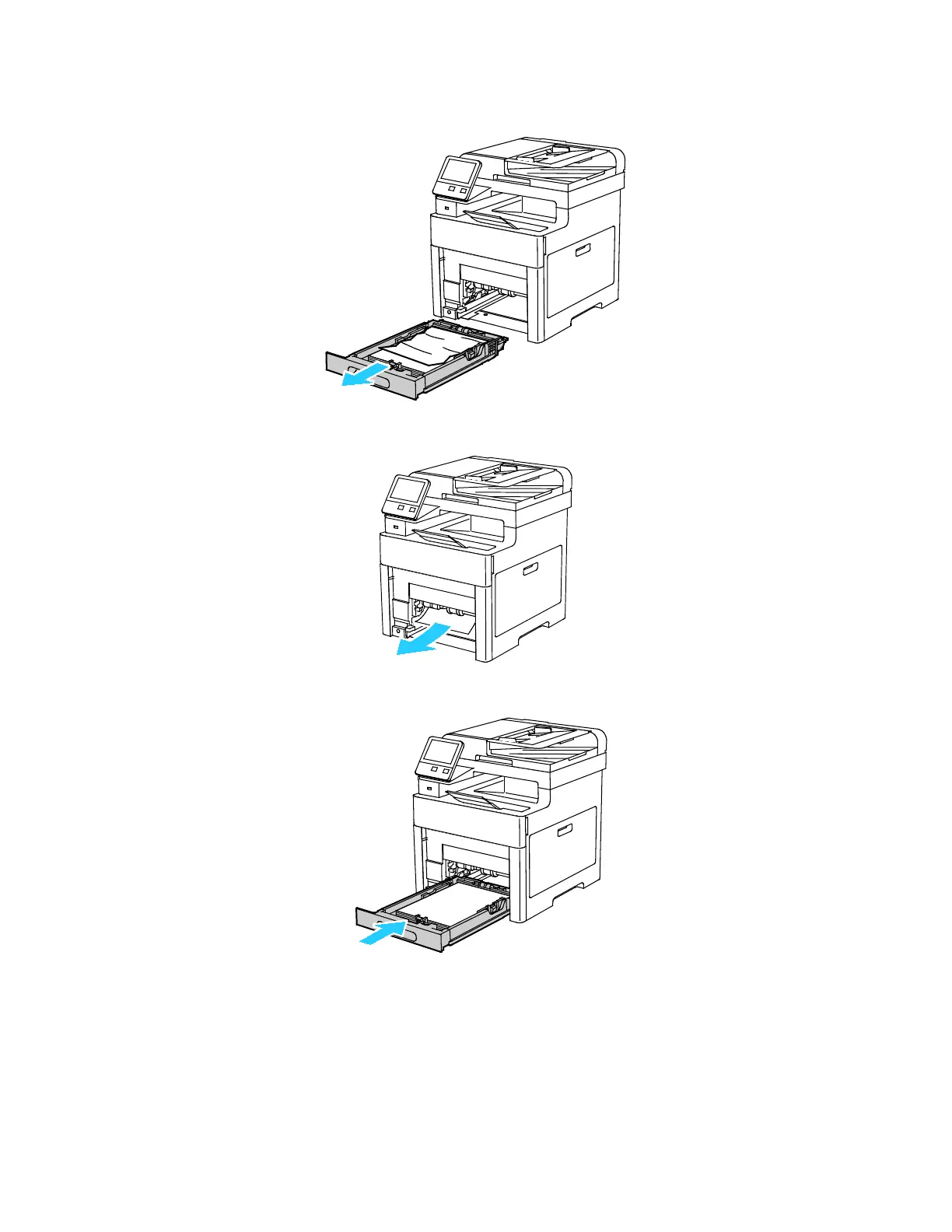
3. Remove Tray 1 from the printer.
4. Remove any crumpled paper from the tray and any remaining paper jammed in the printer.
5. Insert Tray 1 into the printer, then push it all the way in.
Note: If the tray is extended for legal-size paper, the tray protrudes when it is inserted into the
printer.
204 Xerox
®
WorkCentre
®
6515 Color Multifunction Printer
User Guide



 To Next Page
 Loading...