115
Genos2 Owner’s Manual
Connections—Using Your Instrument with Other Devices
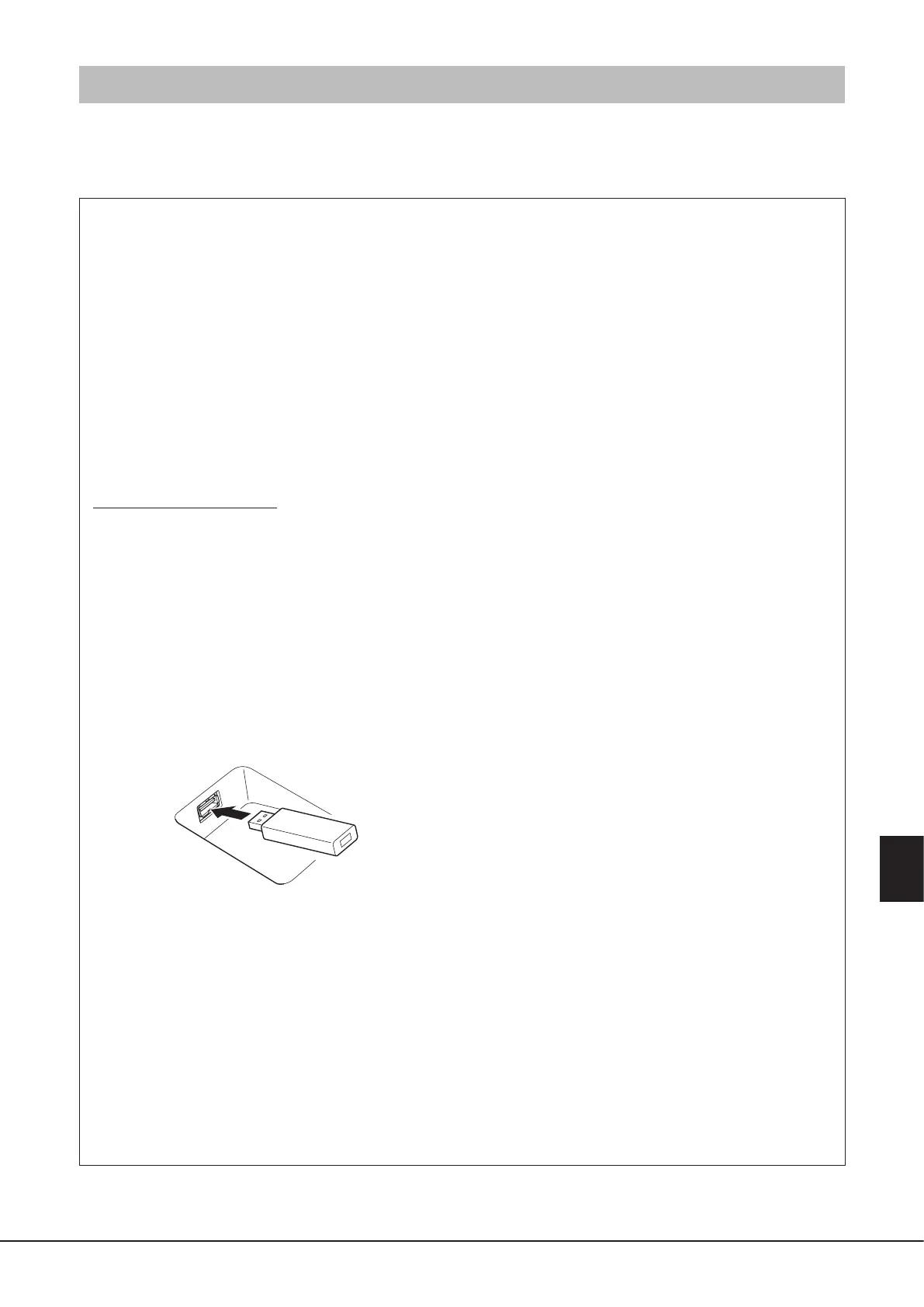
Connecting USB Devices ([USB TO DEVICE] terminal)
You can connect a USB ash drive to the [USB TO DEVICE] terminal, and save data you’ve created on the instrument to the drive
(page37).
Precautions when using the [USB TO DEVICE] terminal
This instrument features a built-in [USB TO DEVICE] terminal. When connecting a USB device to the terminal, be sure to handle
the USB device with care. Follow the important precautions below.
NOTE
For more information about the handling of USB devices, refer to the owner’s manual of the USB device.
• Compatible USB devices
• USB ash drive
Other USB devices such as a USB hub, computer keyboard or
mouse cannot be used.
The instrument does not necessarily support all
commercially available USB devices. Yamaha cannot
guarantee operation of USB devices that you purchase.
Before purchasing a USB device for use with this instrument,
please visit the following web page:
https://download.yamaha.com/
Although USB devices 1.1 to 3.0 can be used on this
instrument, the amount of time for saving to or loading from
the USB device may dier depending on the type of data or
the status of the instrument.
NOTE
The rating of the [USB TO DEVICE] terminal is a maximum of 5V/500mA.
Do not connect USB devices having a rating above this, since this can
cause damage to the instrument itself.
• Connecting a USB device
When connecting a USB device to the [USB TO DEVICE]
terminal, make sure that the connector on the device is
appropriate and that it is connected in the proper direction.
NOTICE
• Avoid connecting or disconnecting the USB device during
playback/recording and le management operations (such
as Save, Copy, Delete and Format), or when accessing the USB
device. Failure to observe this may result in “freezing” of the
operation of the instrument or corruption of the USB device and
the data.
• When connecting then disconnecting the USB device (and
vice versa), make sure to wait a few seconds between the two
operations.
NOTE
Do not use an extension cable when connecting a USB device.
• Using USB ash drives
By connecting the instrument to a USB ash drive, you can
save data you’ve created to the connected device, as well as
read data from the connected device.
• Number of USB ash drives that can be used
Only one USB ash drive can be connected to each of the
[USB TO DEVICE] terminals.
• Formatting a USB ash drive
You should format the USB ash drive only with this
instrument (page116). A USB ash drive formatted on
another device may not operate properly.
NOTICE
The format operation overwrites any previously existing data. Make
sure that the device you are formatting does not contain important
data. Proceed with caution, especially when connecting multiple USB
ash drives.
• To protect your data (write-protect)
To prevent important data from being inadvertently erased,
apply the write-protect provided with each USB ash drive.
If you are saving data to the device, make sure to disable
write-protect.
• Turning o the instrument
When turning o the instrument, make sure that the
instrument is NOT accessing the USB ash drive by playback/
recording or le management (such as during Save, Copy,
Delete and Format operations). Failure to do so may corrupt
the device and the data.
• Turning on the instrument
Make sure to have only one (or none) USB ash drives
connected to the [USB TO DEVICE] terminals when turning
on the power of the instrument. After the home display
appears, you can connect the remaining drives in the drive
letter order you want to assign.
If two or more USB ash drives are connected to the three
[USB TO DEVICE] terminals when the instrument is turned
on, the drive letters of those drives will be random. This
results in non-reproducible le paths such as for Registration
Memory and Playlist, and the data will not work properly.



 To Next Page