66
Genos2 Owner’s Manual
Playing with Styles—Operations
While Performing
Operation Guide
2
If you’ve made all desired settings for a single song (in the previous sections), now you’re ready to play the keyboard. This section
mainly explains the various Style-related operations you’ll use during your keyboard performance: Style playback, applying
expressive eects, and Multi Pad playback.
Operating Style Playback
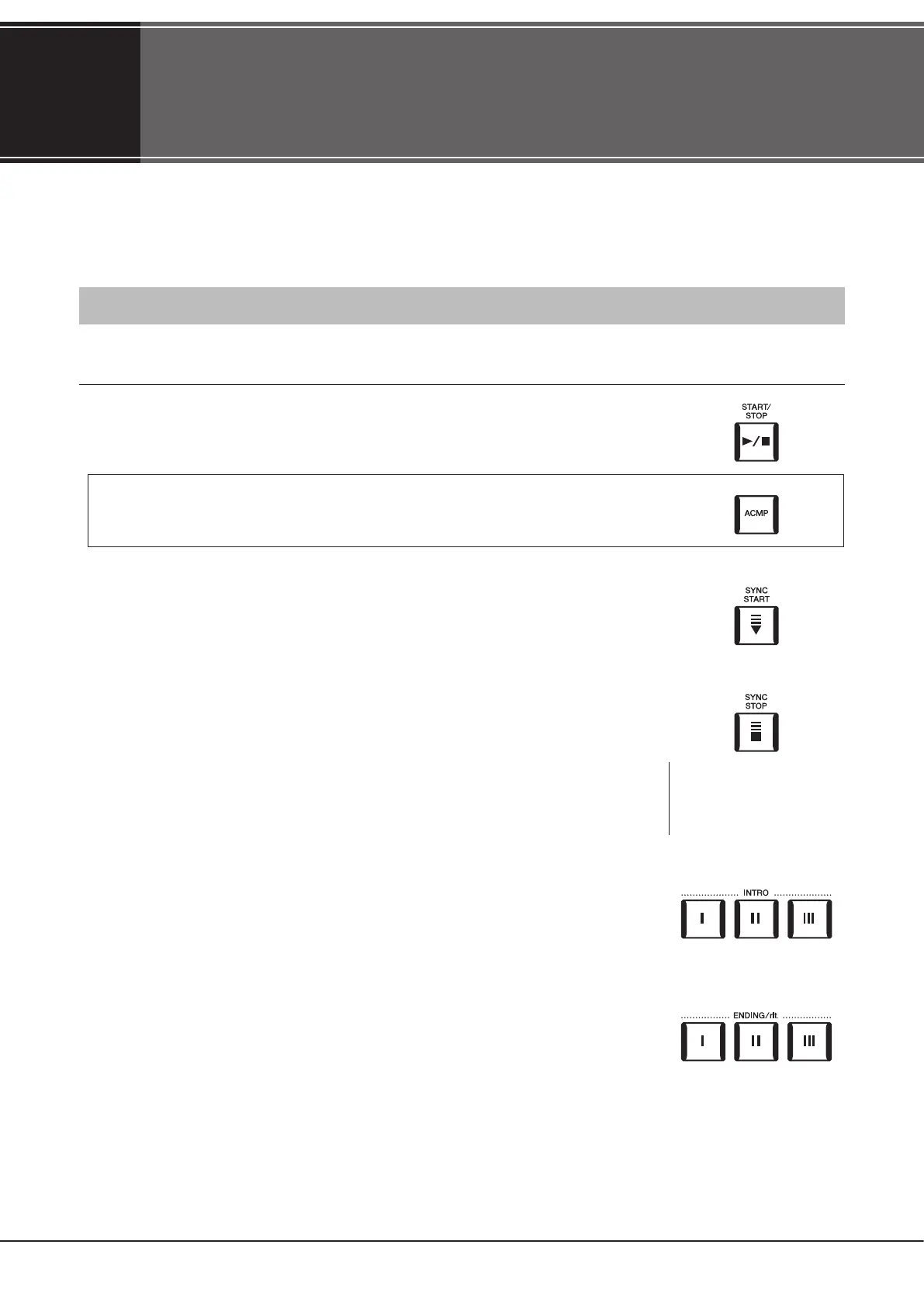
Starting and stopping Style playback
[START/STOP] button
Starts playback of the rhythm part of the current Style. To stop playback, press the button again.
Playing back both rhythm and auto accompaniment (ACMP)
If the [ACMP] button is turned on, both the rhythm part and auto accompaniment can be
played back when playing chords in the chord section during Style playback.
[SYNC START] button
This puts the Style playback in “standby.” The Style starts playing back when you press any note
on the keyboard (when [ACMP] is o) or you play a chord with your left hand (when [ACMP] is on).
While a Style is playing back, pressing this button stops the Style and puts playback in standby.
[SYNC STOP] button
You can start and stop the Style any time you want by simply playing or releasing the keys in the
chord section of the keyboard. Make sure that the [ACMP] button is on, press the [SYNC STOP]
button, then play the keyboard.
INTRO [I]–[III] buttons
Genos2 features three dierent Intro sections that let you add an introduction before starting the
Style playback. After pressing one of the INTRO [I]–[III] buttons, start playback of the Style. When
the Intro nishes playing, the Style playback automatically shifts to the Main section.
ENDING/rit. [I]–[III] buttons
Genos2 features three dierent Ending sections that let you add an ending before stopping Style
playback. When you press one of the Ending [I]–[III] buttons while Style is playing back, the Style
will automatically stop after the ending is played. You can have the ending gradually slow down
(ritardando) by pressing the same ENDING button once again, while the ending is playing.
NOTE
When the Fingering type
(page46) is set to “Full
Keyboard” or “AI Full Keyboard,”
Sync Stop cannot be turned on.



 To Next Page