60
Genos2 Owner’s Manual
Memorizing Original Panel Settings to One Touch Setting
You can memorize your original panel settings (mainly Style, Voices, and Multi Pads) to a One
Touch Setting (OTS). The newly created One Touch Setting will be saved in the User drive or a USB
ash drive as a Style, and you can call up the One Touch Setting as a part of the Style.
1 Select the desired Style to memorize your One Touch Setting.
2 Make the desired panel settings, such as those for Voices and Eects.
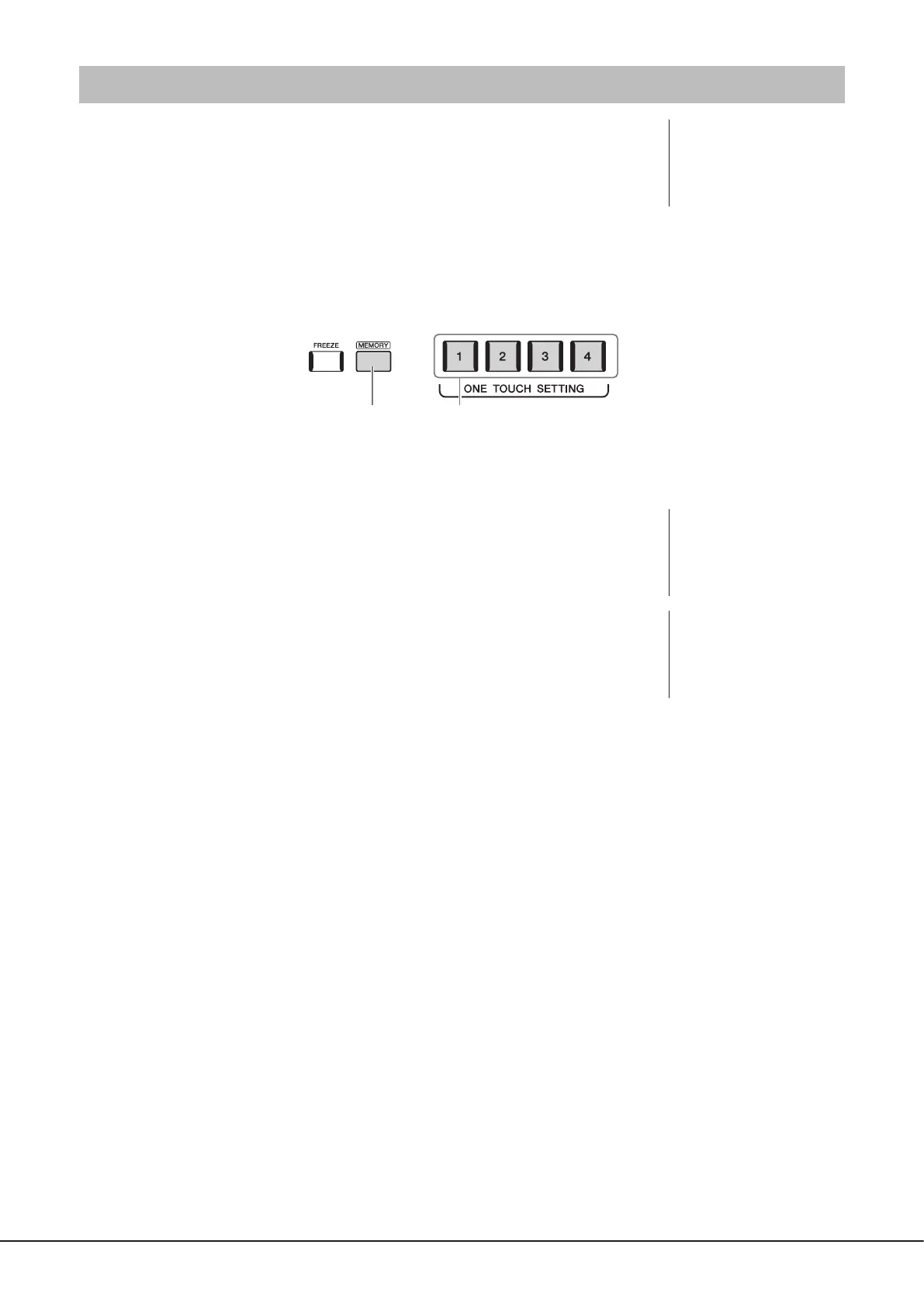
3 Press the [MEMORY] button in the REGISTRATION MEMORY section.
3 4
A message appears. However, you do not need to make any settings here, since the On/O settings in this display do not
aect the One Touch Setting function.
4 Press the desired ONE TOUCH SETTING [1]–[4] button to which you wish
to memorize your panel settings.
A message appears prompting you to save the panel settings at this time. To go on and
memorize various panel settings to other buttons, touch [No], and then repeat steps 2 to 4
as necessary, nally saving all your new settings in Step 5 below.
5 Touch [Yes] to call up the Style Selection display for saving your data, and
then save the current settings as a User Style.
For instructions on saving, refer to “File Management” (page37).
NOTE
For information on which
panel settings are memorized
to One Touch Setting, refer to
“Parameter Chart” in the Data
List on the website (page10).
NOTE
For OTS buttons to which your
panel settings have not been
memorized, the OTS settings
of the original Style will be
maintained.
NOTICE
The memorized One Touch
Setting will be lost if you
change the Style or turn the
power o without carrying out
the Save operation.



 To Next Page