89
Genos2 Owner’s Manual
Singing with Song Playback—Operations While Performing
4
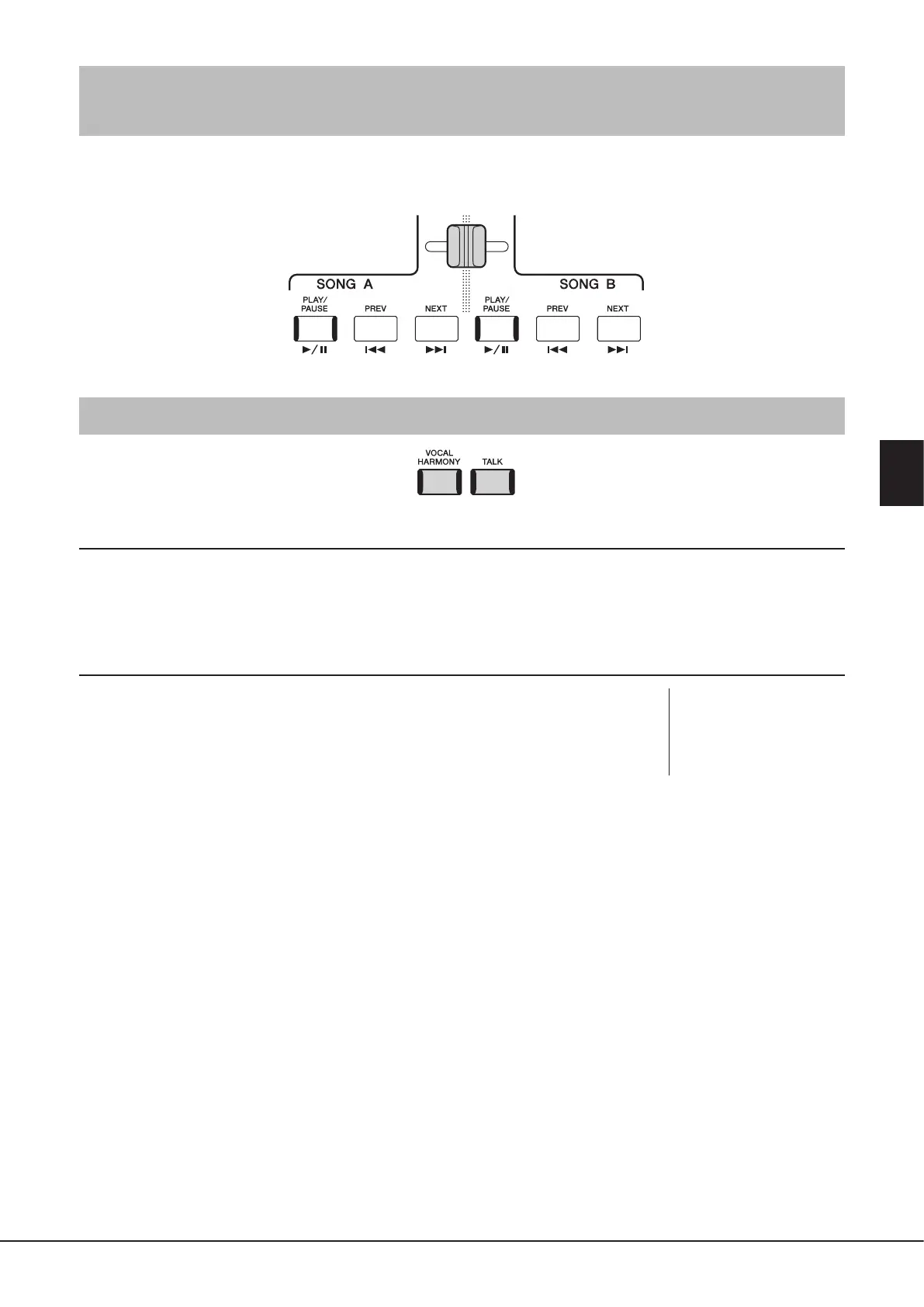
Adjusting the Volume Balance between SONG A and SONG B
(Cross Fader)
In the Dual Player mode of Song playback, the Cross Fader lets you adjust the volume balance between SONG A and SONG B
playback. Moving the fader leftward increases the volume of SONG A playback, and moving rightward increases the volume of
SONG B playback.
Controlling the Microphone Functions
Turning Vocal Harmony On/O
Pressing the [VOCAL HARMONY] button turns the Vocal Harmony function on/o. By using this button, you can quickly switch
whether Vocal Harmony eects are applied to your voice through a microphone or not. For details on the Vocal Harmony
function, including Harmony type selection, refer to page80.
Using the Talk function
Turning the Talk function on by pressing the [TALK] button lets you instantly change the
microphone settings for speaking to your audience. Vocal Harmony is not available when
this function is on. This is useful when you want to make announcements between song
performances without distracting reverb eects, etc.
NOTE
You can also adjust the Talk
settings to suit your preferences
on the “Mic Setting” display. For
details, refer to the Reference
Manual on the website.



 To Next Page