100
Genos2 Owner’s Manual
Managing a Large Repertoire by Using the Playlist
The Playlist is useful for managing multiple set lists for your live performances. You can select only the desired les from a large
repertoire (the huge number of the Registration Memory Bank les) and create a new set list for each performance.
Adding Records to the Playlist
By adding a Record to the Playlist, you can directly recall your desired Registration Memory.
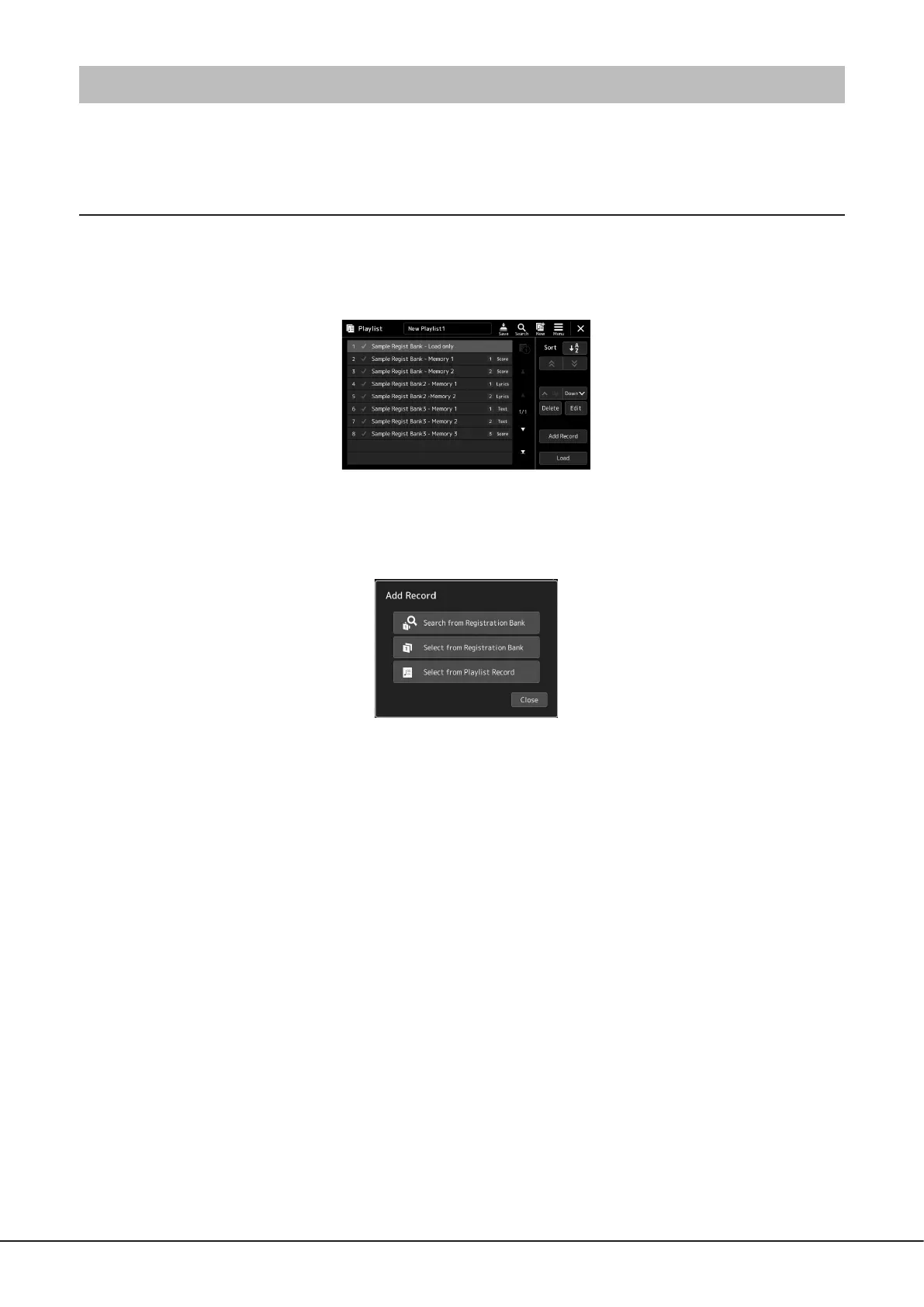
1 Press the [PLAYLIST] button to call up the Playlist display.
The last selected Playlist le appears. (For rst-time selection, the sample preset Playlist appears.)
2 Add a Record to the Playlist.
2-1 Touch [Add Record] on the display.
Pop-up window appears.
2-2 Touch one of the methods for adding.
Add a Record according to one of the methods below:
[Search from Registration Bank]
The display for searching the desired Registration Bank le is called up.
2-3 Touch the search window at the top, enter a keyword, and touch [OK]. For more details on searching for les,
refer to the Reference Manual on the website.
2-4 From the search result, select the desired le.
2-5 Touch [Add to Playlist] to close the display, and the new Playlist Record is added.
[Select from Registration Bank]
The Registration Bank Select display is called up.
2-3 Select the desired le to register as a Playlist Record.
2-4 Touch [Add to Playlist] to close the display, and the new Playlist Record is added to the Playlist.



 To Next Page