93
Genos2 Owner’s Manual
Adjusting the Parameters of Each Part—Mixer
5
Changing the Voice for Each Channel of the Style or MIDI Song
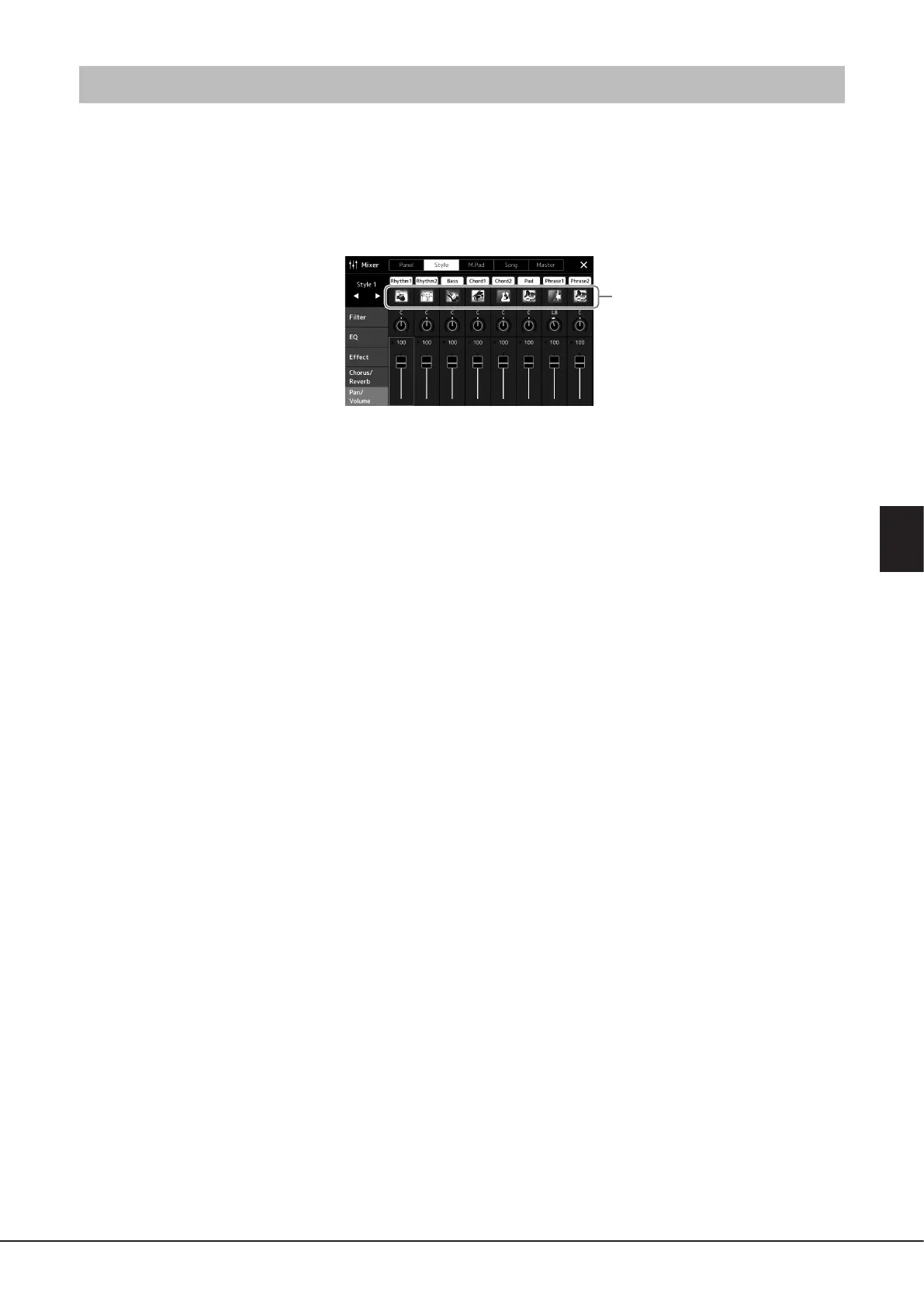
You can change the Voice for each channel via the Mixer display.
1 In the Mixer display, touch the [Style] tab or [Song] tab.
2 Touch the instrument icon below the channel name to call up the Voice Selection display, then
select the desired Voice.
3 As necessary, make other settings then save them as a Style le or Song le (step 5 on page91).
Voice



 To Next Page