22
Genos2 Owner’s Manual
Starting Up
Audio Connections
Connecting headphones or a speaker system
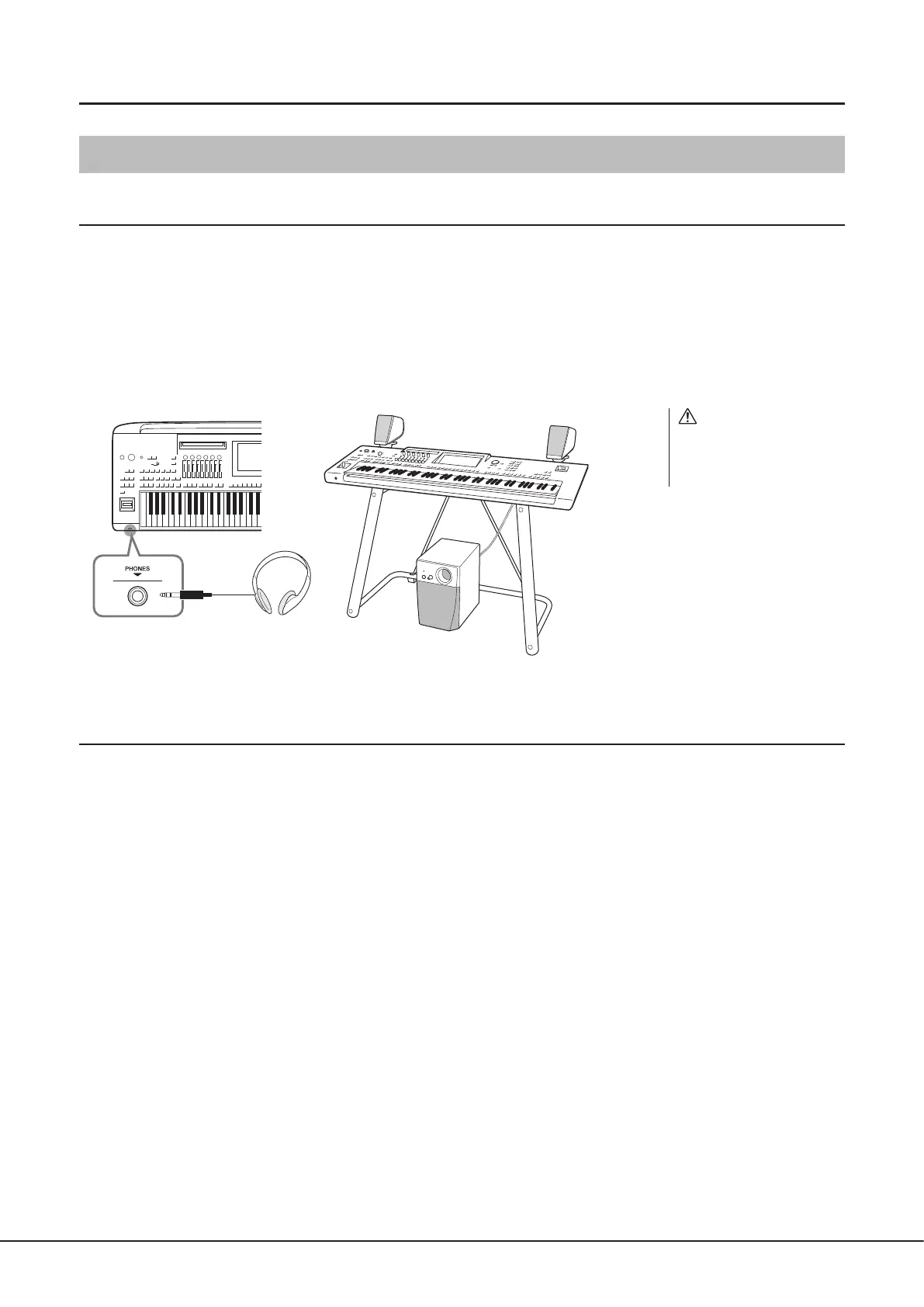
Since the instrument has no built-in speakers, you’ll need to use external equipment, such as headphones or a speaker system, to
hear the sound of the instrument.
Using headphones
Connect a set of headphones to the [PHONES] jack.
Using a speaker system
For instructions on installing the optional speakers GNS-MS01, refer to page124. For instructions on connecting other speakers,
refer to page112.
Connecting a microphone
By connecting a microphone to the [MIC INPUT] jack (either XLR or standard 1/4" phone plug connectors), you can sing along with
your keyboard performance or with Song playback. For instructions on connecting a microphone, refer to page110.
Standard stereo phone plug
Shown here is the optional
L-7B Keyboard Stand.
CAUTION
Do not listen with the
headphones at high volume for
long periods of time. Doing so
may cause hearing loss.



 To Next Page