14
Genos2 Owner’s Manual
Using Genos2—a Broad Overview
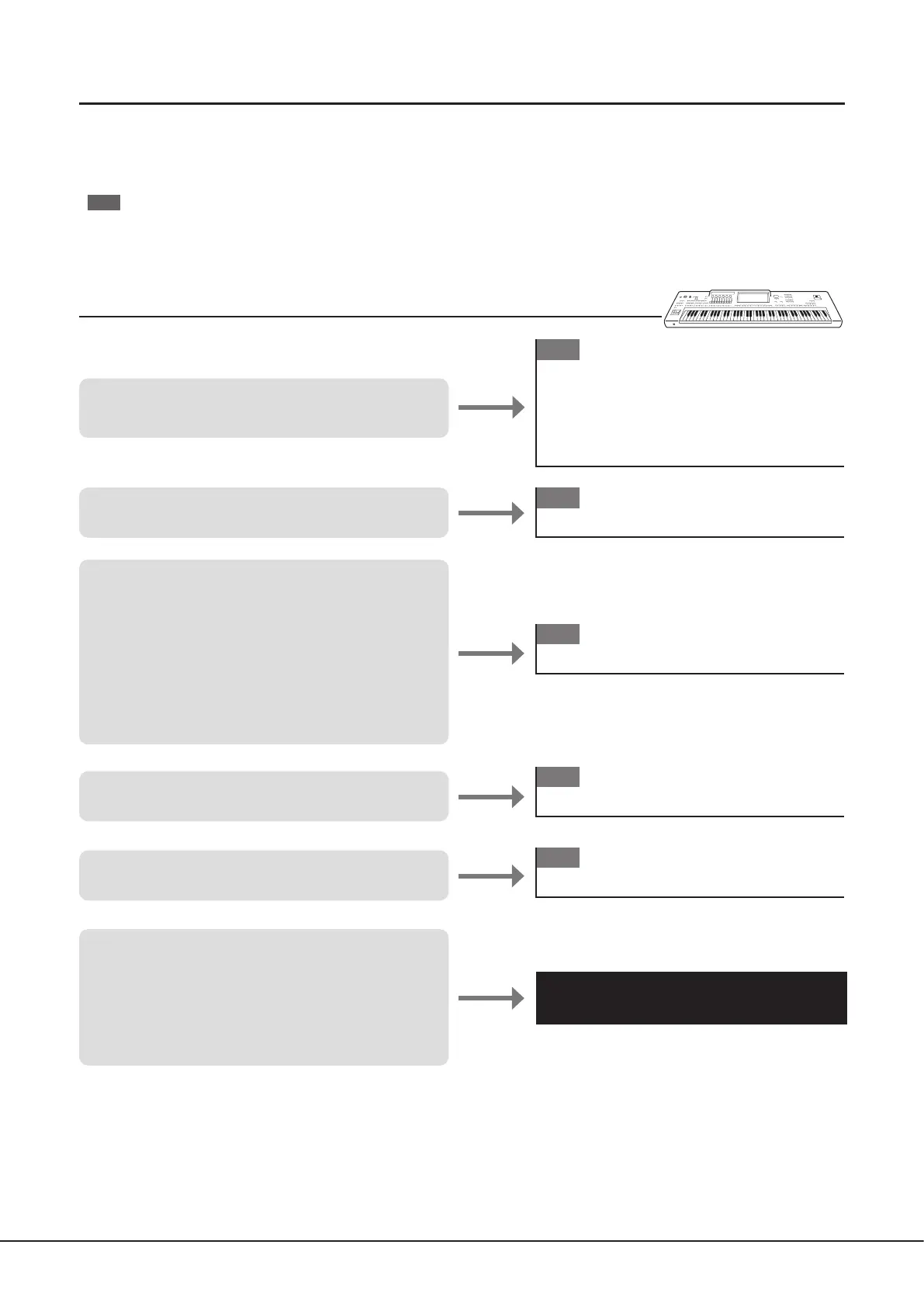
This section provides a helpful overview of the wide range of functions available in Genos2, and places you can nd necessary
information on those topics. If you need help in understanding a feature, function or operation—or need to have a general
understanding of what Genos2 can do and how to eectively use it—look through this section.
OM
: Genos2 Owner’s Manual (this book). The relevant chapter names are shown after this symbol. For detailed information on
each chapter, see “Contents” (page12).
* : This material can be obtained from the Yamaha website (see “Genos2 related downloads,” page10).
Using Genos2 by itself
Reference Manual*
• Understanding the basic features and operations of
Genos2
• Setting and playing for a single song
- Playing the keyboard with Styles
- Singing with Song playback
• Storing and calling up your original setups
• Easily managing a large repertoire of Songs
• Simply recording a performance with Quick
Recording
• Recording a performance in separate parts with
Multi Recording
• Using applications in the Menu display (detailed)
• Creating your own original contents (Styles, Voices
by editing presets, Multi Pads)
• Making basic connections and setting for Genos2
• Using applications in the Menu display (summary)
• Connecting devices (a microphone, USB ash drive, etc.)
OM
• Major Functions
• Panel Controls and Terminals
• Display Structure
• Basic Operations
• Quick Guide
OM
Starting Up
OM
Function List
OM
Connections
OM
Operation Guide



 To Next Page