15
Genos2 Owner’s Manual
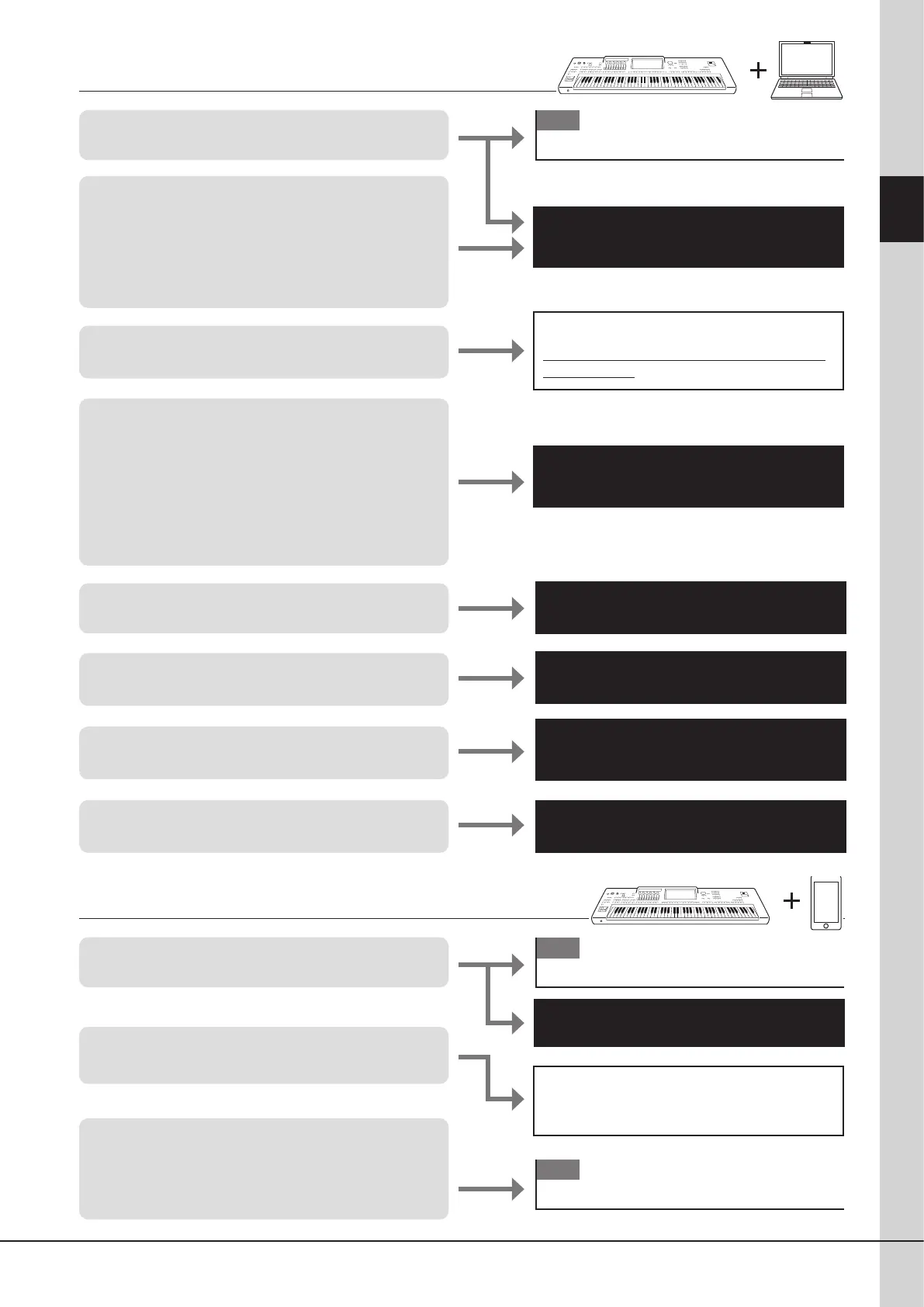
Using Genos2—a Broad Overview
Audio Phraser* Owner’s Manual
Reference Manual*
MEGAEnhancer* Owner’s Manual
(Bundled with the software)
MIDI Song to Style* Owner’s Manual
Computer Related Operations*
Smart Device Connection Manual*
Yamaha Expansion Manager*
Owner’s Manual
Genos2 product website
https://manual.yamaha.com/mi/kb-ekb/genos2/
direct/product/
Refer to explanation of each application page on
the website below.
https://www.yamaha.com/kbdapps/
• Connecting a computer to the instrument
• Connecting a computer to the instrument
• Obtaining the Expansion Packs made by Yamaha
(also called “Premium Packs”)
• Getting iPhone/iPad applications and using them
together with Genos2
• Connecting an audio device to the instrument with
Bluetooth connection
• Viewing the instrument’s display on an external
monitor
• Creating Audio Styles from audio les
• Installing Expansion Pack data to the instrument
(additional instructions)
• Converting XG/GM MIDI Song data to the specially
enhanced Song data for Genos2
• Converting MIDI Song data to Style data for
reproducing Songs
• Transferring les (Songs, Styles, Backup les, etc)
• Playing back Songs on a computer via the instrument
sounds
• Recording your keyboard performance to a
computer
• Managing Expansion Pack data
• Installing Expansion Pack data to the instrument
• Creating your own original Expansion Packs
• Creating your own original contents
- Creating new Voices from scratch (using your own
recorded waveform les)
OM
Connections
OM
Connections
OM
Connections
Using Genos2 with a computer
Using Genos2 with other devices



 To Next Page