61
Genos2 Owner’s Manual
Playing with Styles—Setups
1
Changing the Pitch of the Keyboard
Transposing the pitch in semitones (TRANSPOSE [−]/[+]buttons)
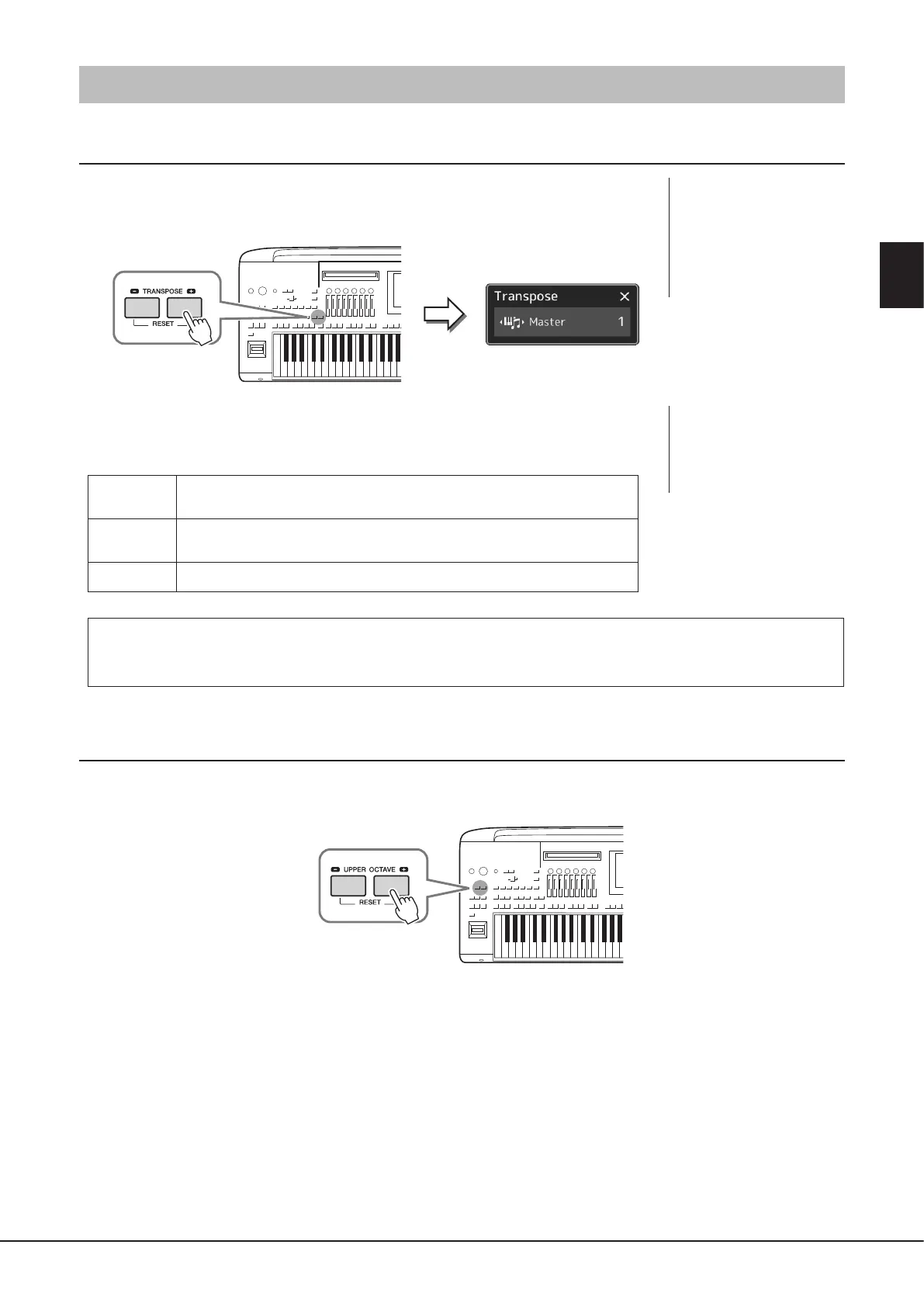
The TRANSPOSE [−]/[+] buttons transpose the overall pitch of the instrument (the keyboard
sound, Style playback, MIDI Song playback, and so on) in semitone steps (from −12 to 12). To
instantly reset the transpose value to 0, press the [−] and [+] buttons simultaneously.
You can independently select the part to be transposed as desired. Touch the Transpose pop-
up several times until the desired part appears, and then use the TRANSPOSE [−]/[+] buttons to
transpose it.
Master
Transposes the pitch of the entire sound, with the exception of the Audio Song and
input sound from a microphone or the AUX IN jacks.
Keyboard
Transposing the keyboard pitch including the chord root for triggering Style
Playback.
Song
Transposes the pitch of the MIDI Song.
Fine Tuning the Pitch
By default, the pitch of the entire instrument is set to 440.0 Hz according to equal temperament. This setup can be changed
from the display called up via [MENU] à [Master Tune]. For details, refer to the Reference Manual on the website.
Transposing the pitch in octave (UPPER OCTAVE [−]/[+] buttons)
The UPPER OCTAVE [−]/[+] buttons allow you to shift the pitch of the Right 1–3 parts up or down by one octave. To instantly reset
the octave value to 0, press the [−] and [+] buttons simultaneously.
NOTE
Transpose can be done on
the display also via [MENU] à
[Transpose]. For details, refer to
the Reference Manual on the
website.
NOTE
• If you want to transpose the
pitch of the Audio Song, use
the Pitch Shift parameter on
page84.
• The Transpose functions do
not aect the Drum Kit or SFX
Kit Voices.



 To Next Page