29
Genos2 Owner’s Manual
Display Structure
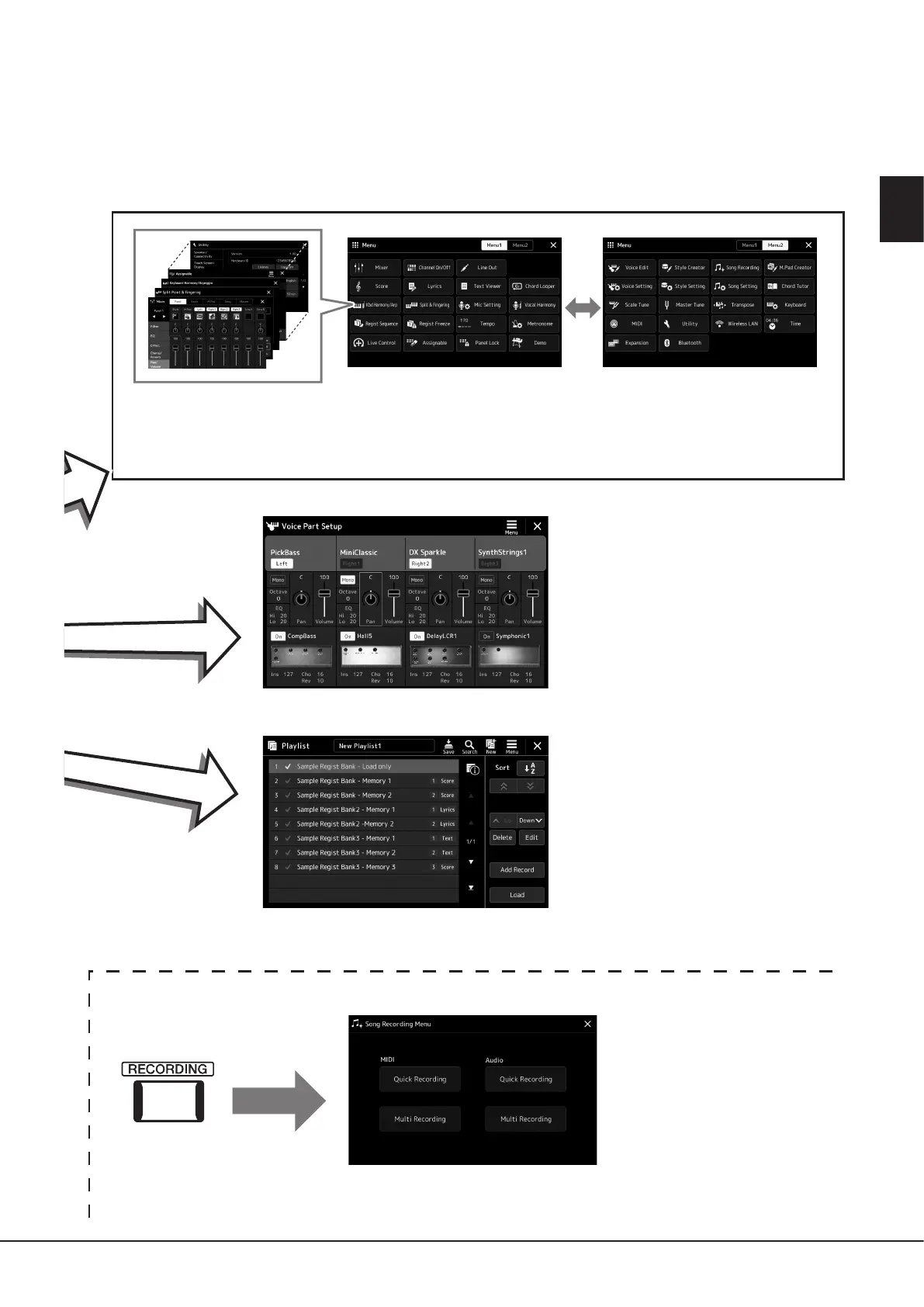
Menu display
By touching each of the icons, you can call up various functions, such as Song Score, Volume Balance and other
detailed settings (page33).
Voice Part Setup display
This is for making detailed settings such
as Voice Edit and Eect settings of the
keyboard parts. For details on the Voice
Part Setup display, refer to the Reference
Manual on the website.
Playlist display
This is for selecting and editing Playlists
(page100).
Song Recording display
This is for recording your
performance (page94).



 To Next Page