55
Genos2 Owner’s Manual
Playing with Styles—Setups
1
To return to the Home display
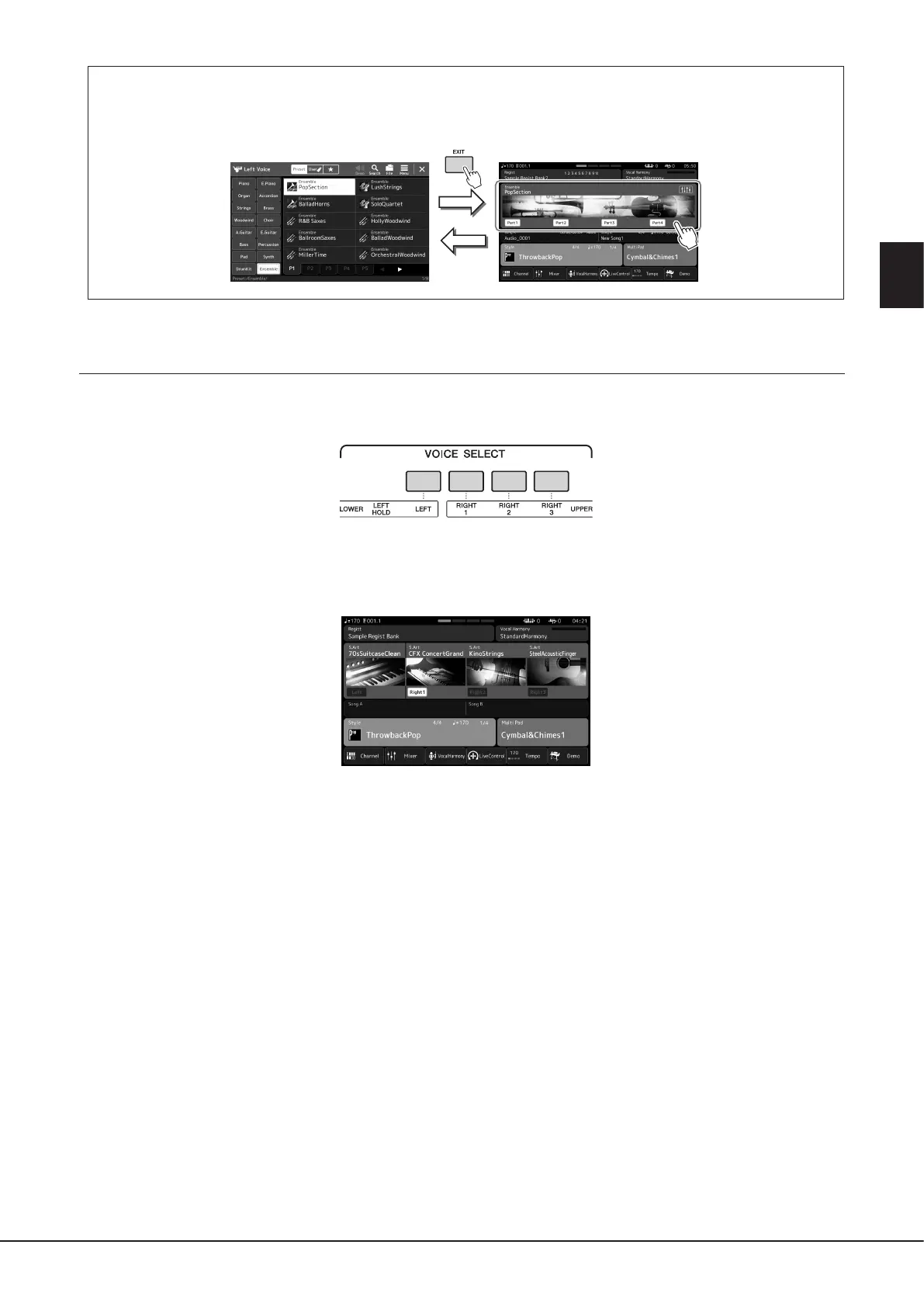
Press the [EXIT] button or the [HOME] button. The Voice area shows the Ensemble Voice name. To call up the Voice Selection
display again to select other presets, touch the Voice area of the Home display.
Exiting from the Ensemble Voice mode
1 Press any one of the VOICE SELECT buttons to call up the Voice Selection display.
2 Select a Voice other than an Ensemble Voice.
After you’ve selected another Voice, you can conrm that the Ensemble Voice mode is no longer active. To do this, press the
[Home] button to return to the Home display and check that the Voice area shows four dierent Voice names.



 To Next Page