63
Genos2 Owner’s Manual
Playing with Styles—Setups
1
Operating the LIVE CONTROL knobs/sliders
Operating the LIVE CONTROL knobs
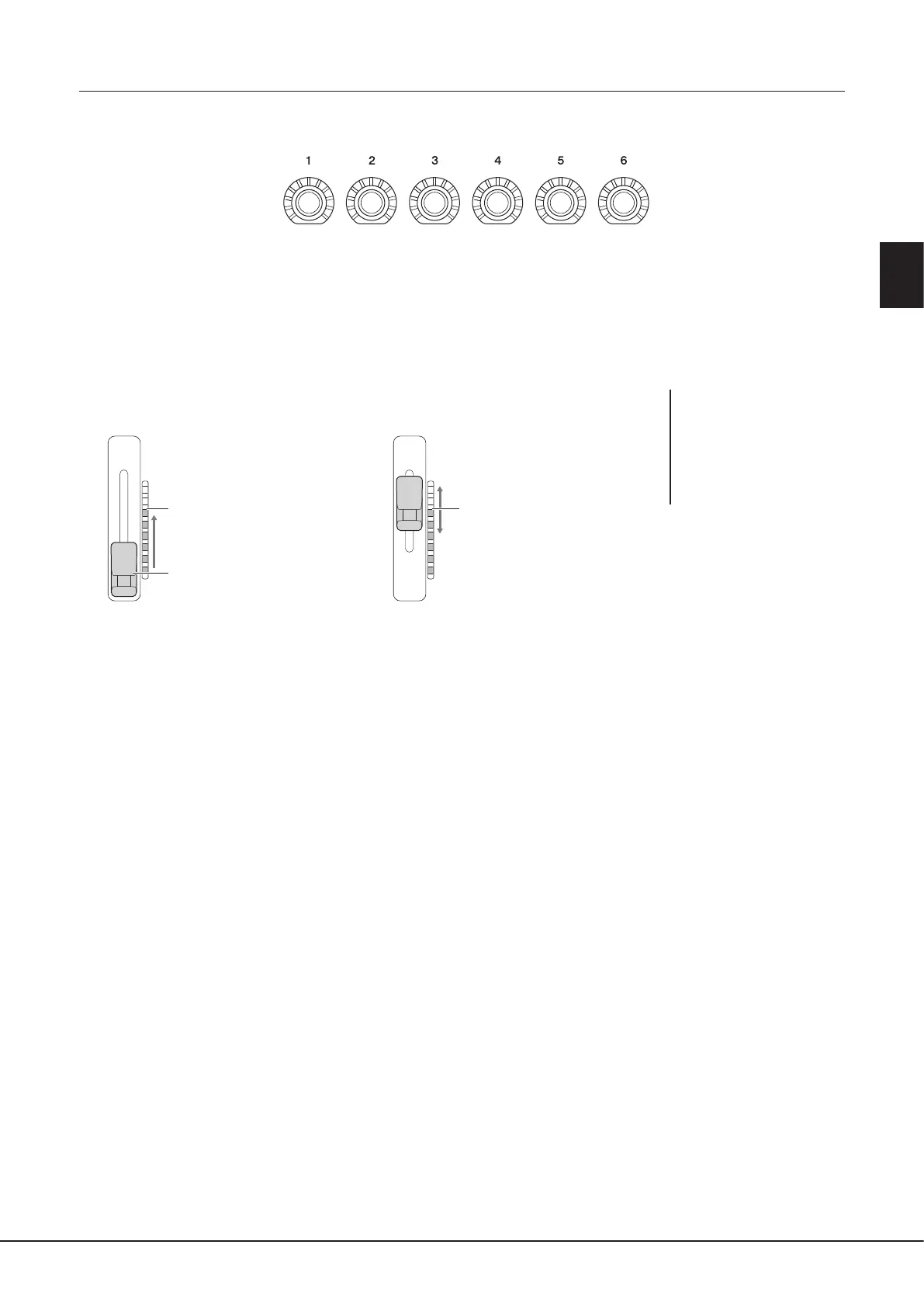
• LEDs around each knob display the current value of the parameter corresponding to the knob, in the current Knob Assign Type.
• When any knob is operated, the LIVE CONTROL view automatically displays the current Knob Assign Type and current values
(page27).
• Operating a knob changes the corresponding parameter from its current value.
Operating the LIVE CONTROL sliders
• An LED meter on the right side of each slider displays the current value of the parameter corresponding to the slider, in the
current Slider Assign Type.
• When any slider is operated, LIVE CONTROL view automatically displays the current Slider Assign Type and current values.
• When the slider’s position and the current parameter value are dierent, the current parameter value will be held until the
slider’s position matches (catches) the value. Once they have matched, the slider’s position will be reected to the parameter.
• When additional Slider Assign Types for Organ Flutes Voice are selected, the “catch” behavior described above does not apply
and the slider position is always directly reected.
NOTE
If a parameter value is set by
another method to outside the
range which can be changed
with the slider (for example:
“Tempo” as “300”), the slider
cannot be used to control the
parameter.
After the slider position matches
the current value
Before the slider position matches
the current value
Current parameter value
Moving the slider does not change
the parameter
The current parameter value and
slider position match
Moving the slider will change the
parameter
Slider position



 To Next Page