86
Genos2 Owner’s Manual
Using Markers in loop playback
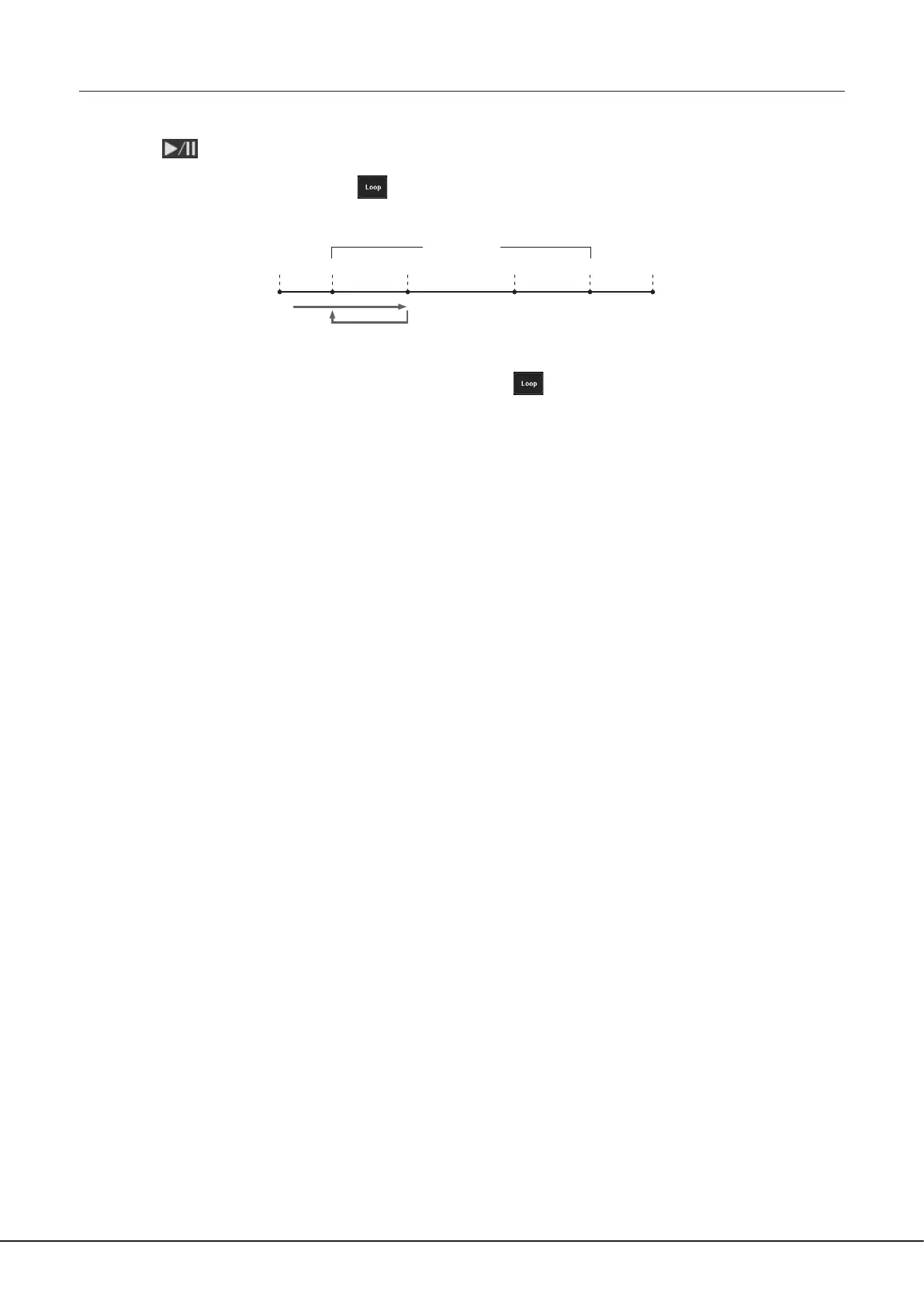
In this section, we’ll explain loop playback by the example of looping between markers [1] and [2].
1 Touch (Play/Pause) to start playback from the top of the Song.
2 After passing the [1] point, touch (Loop) to turn the loop function on.
The Song plays back up to the [2] point, then goes back to [1] and loops between the two points.
[1] [2] [3] [4]
3 To stop the loop and continue normal playback, touch (Loop) again.
When this is turned o, playback continues past the [2] point.
Top of the song End of the song
Song Positions



 To Next Page