B95W
Description
05_Beschreibung_en.fm - V1.0 - 1.8.17
91 / 306
5
11
Submenu,
rear view camera
Activate by selecting menu
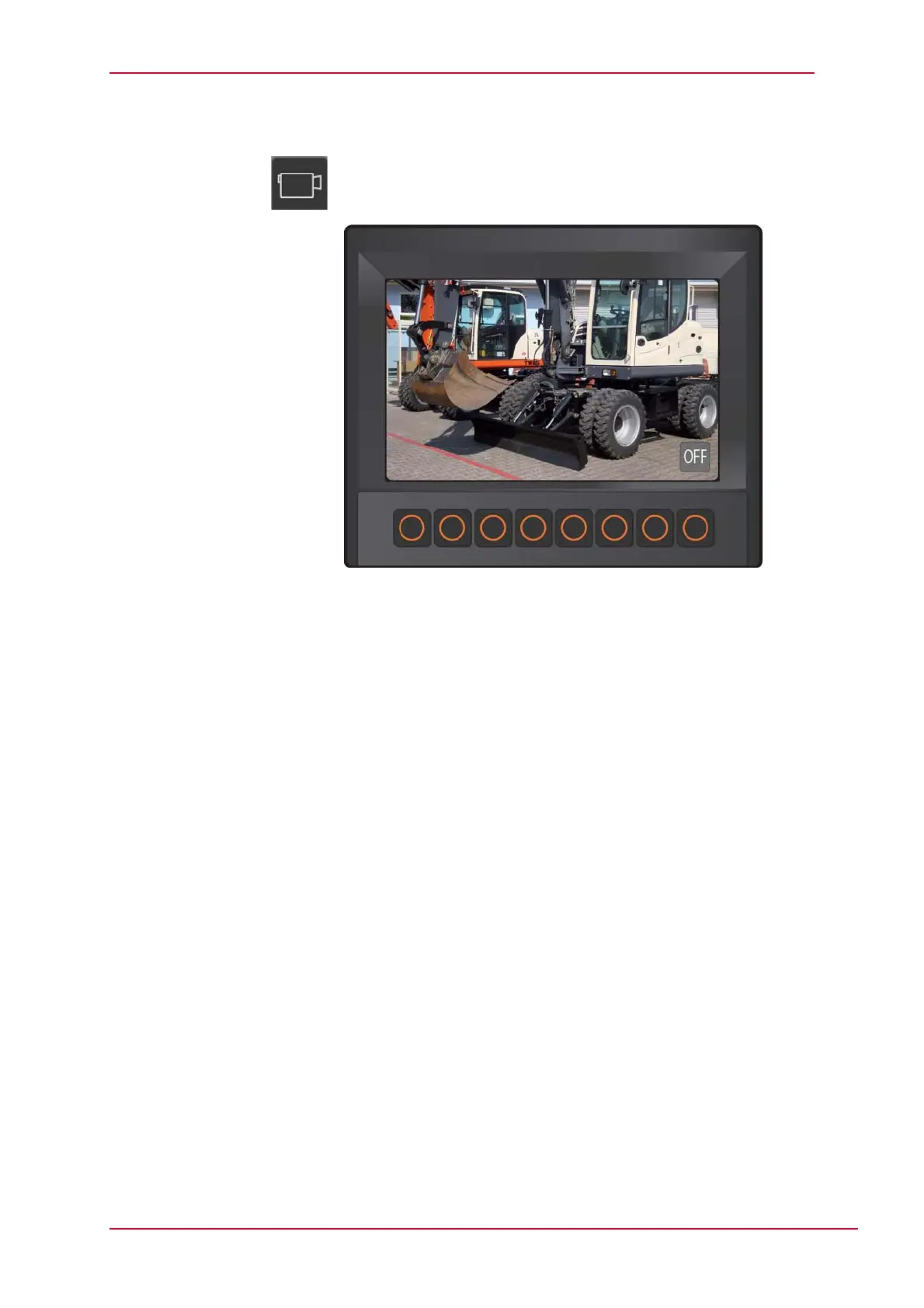
Fig. 5-26 Submenu, rear view camera
Activate the rear view camera in the main view.
Press the OFF button once.
J After 30 seconds, the camera view changes back to the main view.
Press the OFF button twice.
J The camera image remains visible until the OFF button has been pressed
again.



 To Next Page