Directions for Use
60
Operation Manual
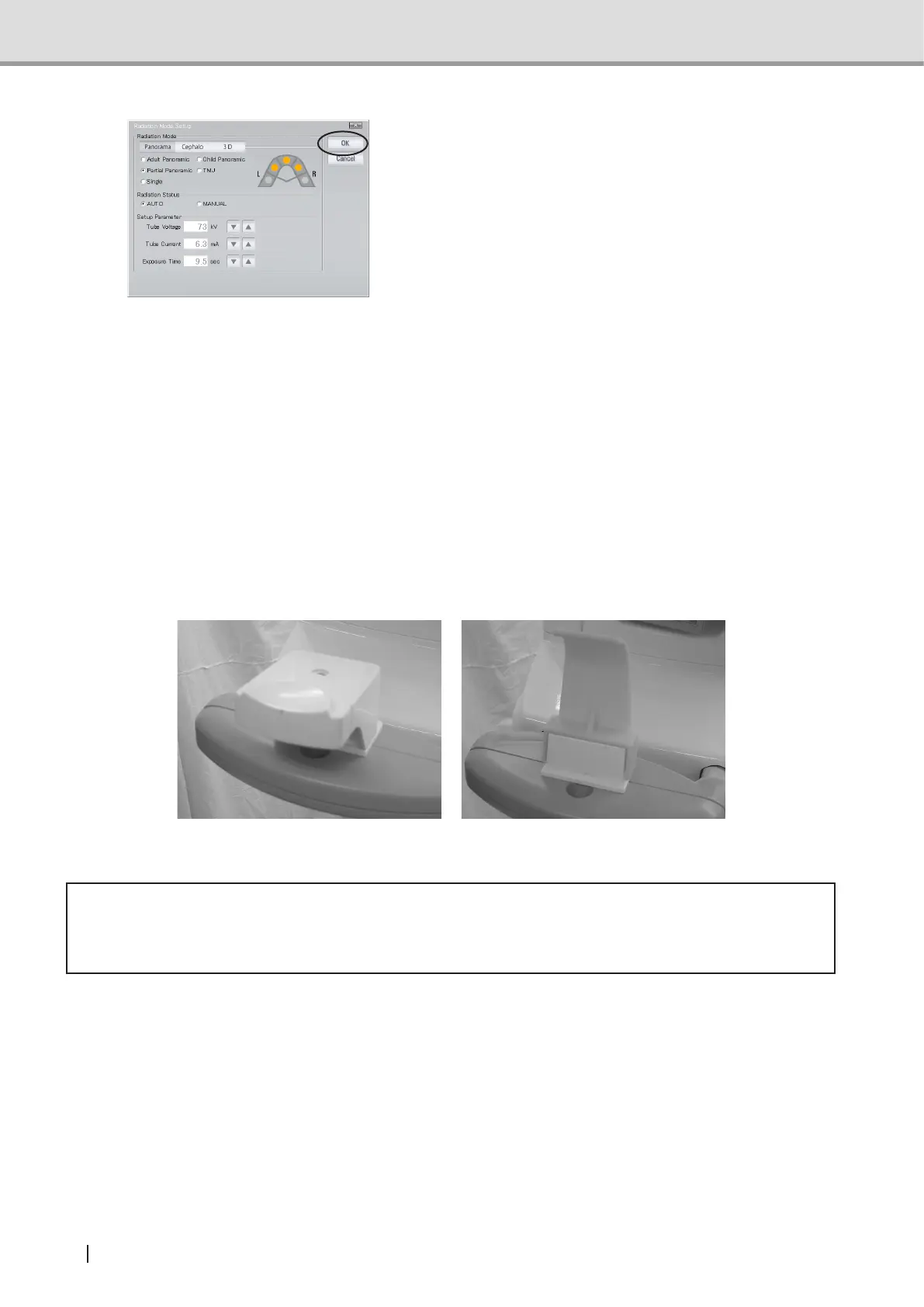
4 In the “Image Acquisition Condition
Setting” screen, select mode, status
and parameters (tube voltage, tube
current, Exposure time) of the image
acquisition, and press “OK”. The setting
information is transferred to the main
equipment.
Suppl. :Oncehavingconrmedthe
modicationbyclickingon
“Set”, you can no longer
restore the previous setting
(s) even by clicking “Cancel”.
: The value set on either of the
control panel and the PC is
reected.
Checking the chin rest block
Check that the chin rest block appropriate for the selected exposure mode has been
selected.
Panoramic mode
TMJ mode
* Caution
• Use the chin rest block appropriate for the selected exposure mode. Otherwise, no
correct image can be obtained.



 To Next Page