Directions for Use
93
Operation Manual
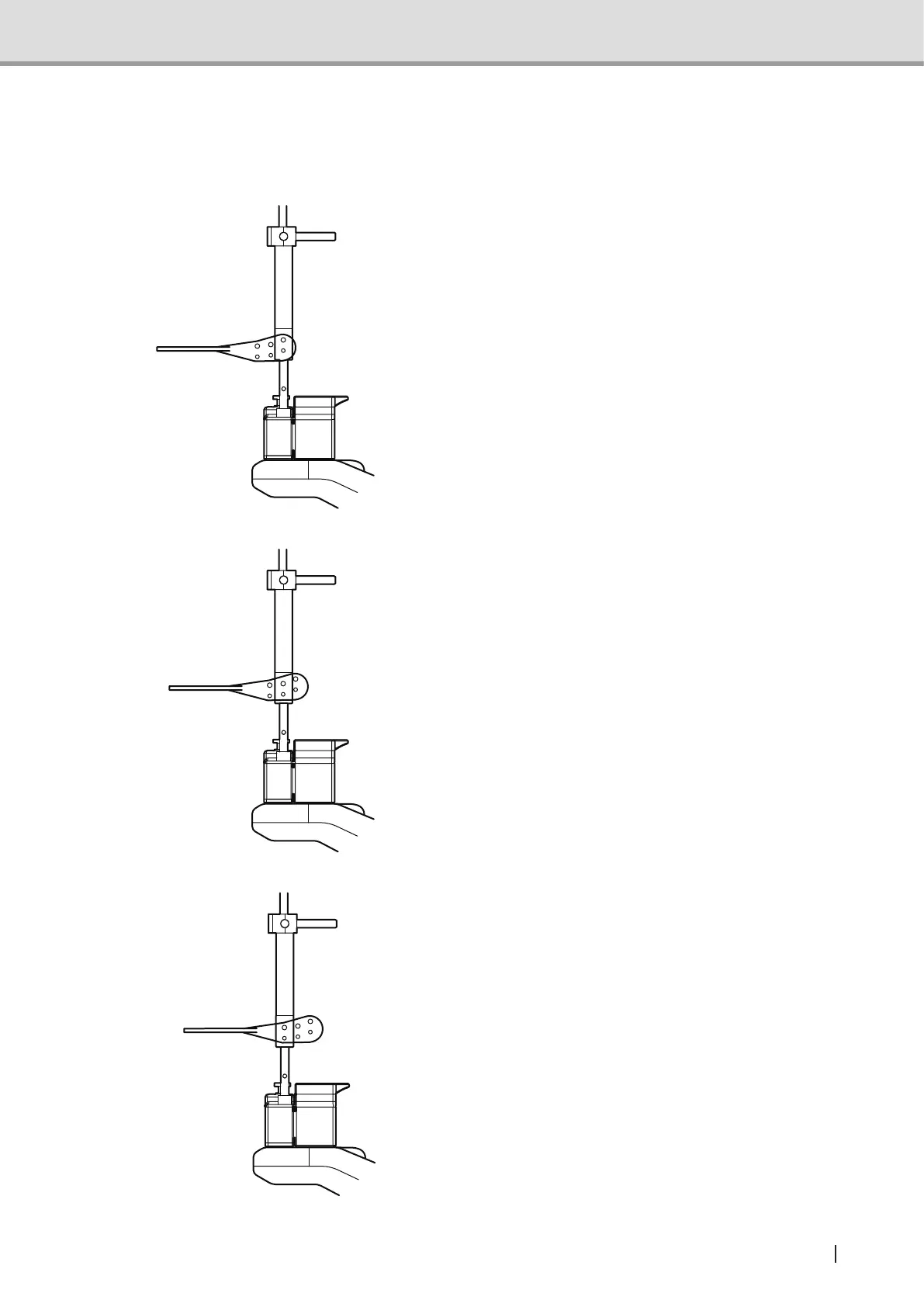
2.5.5.6 Attaching position of the bite plate
Adjust the bite plate to the image acquiring position and attach it to the shaft unit of the head
xatorfor3Dimageacquisition.
1 For front teeth image acquisition, insert
the rear row pins of the bite plate to
attach.
2 For molar teeth image acquisition or
front teeth 3D Oral image acquisition,
insert the center row pins of the bite
plate to attach.
3 For wisdom teeth image acquisition,
insert the front row pins of the bite plate
to attach.
Suppl. : Oral mode is recommended
for wisdom teeth image
acquisition.



 To Next Page