START-UP
Carl Zeiss Establishing a mains connection, and switching … Axio Examiner
48 M60-2-0003 e 05/2012
3.2.3 Connecting and switching the
HBO 100 illuminator on or off
The HBO 100 illuminator (for reflected light
fluorescence) is supplied with power by a separate
transformer, and it is switched either on or off at
the transformer power switch.
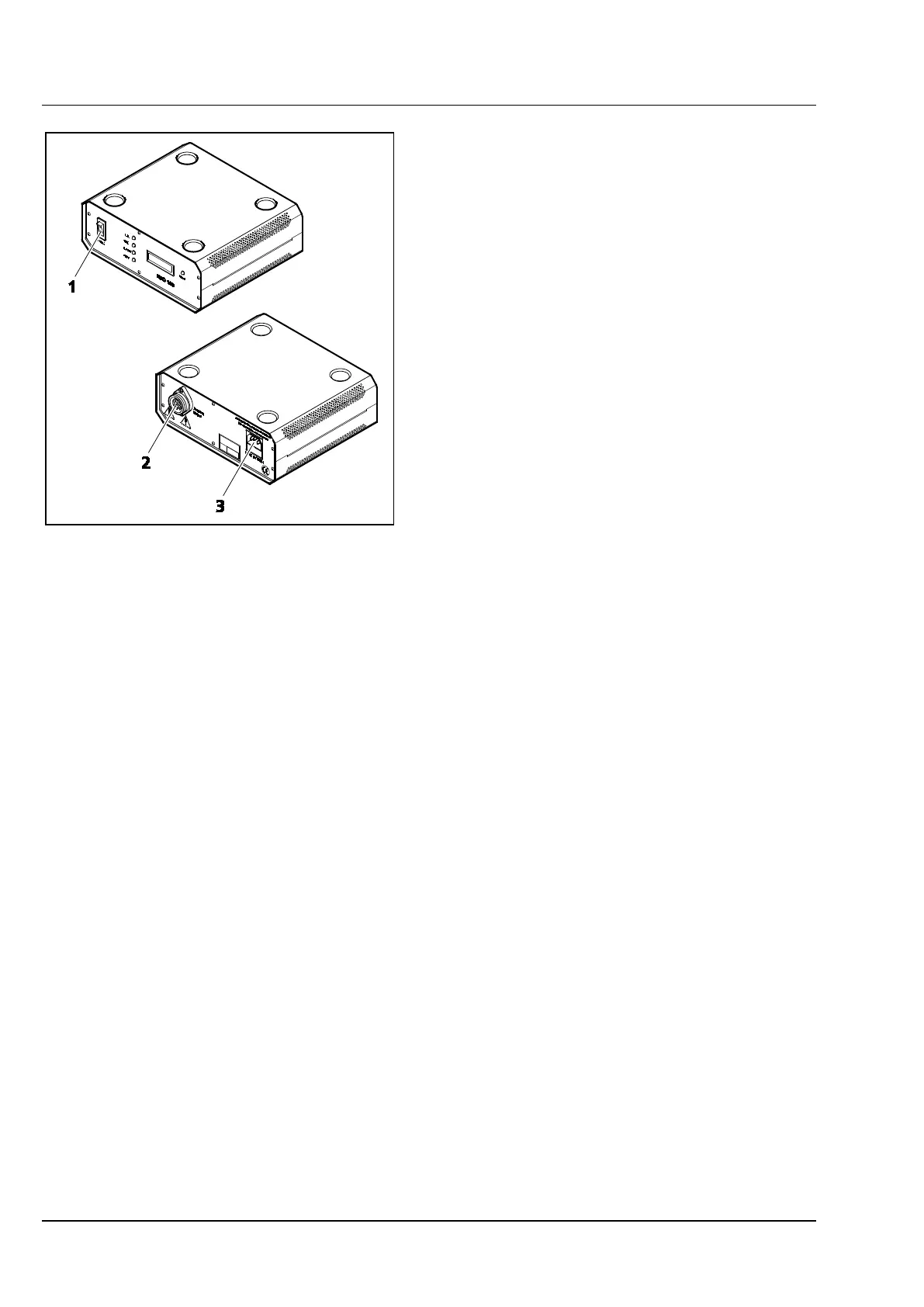
• Connect the multipolar illuminator plug of the
HBO 100 illuminator to the appliance bushing
(Figure 3-31/2) of the HBO 100 W transformer,
and secure it by a retaining ring.
• Connect the HBO 100 W transformer's AC
power socket (Figure 3-31/3) to a mains outlet.
• Use the power switch (Figure 3-31/1) to switch
the HBO 100 W power supply unit either on or
off.
3.2.4 Connecting and switching the HBO 50 illuminator on or off
As for the HBO 100, the HBO 50 illuminator is also supplied with power by a separate transformer, and
switched on or off using the transformer's power switch.
• Connect the HBO 50 illuminator to the mbq52ac-z transformer.
• Use the power switch at the transformer to toggle the illuminator.
Figure 3-31 HBO 100 W power supply unit
(front and rear sides)









 To Next Page