OPERATION
Carl Zeiss Docking station with TFT display Axio Examiner
72 M60-2-0003 e 05/2012
4.3.2 Menu structure
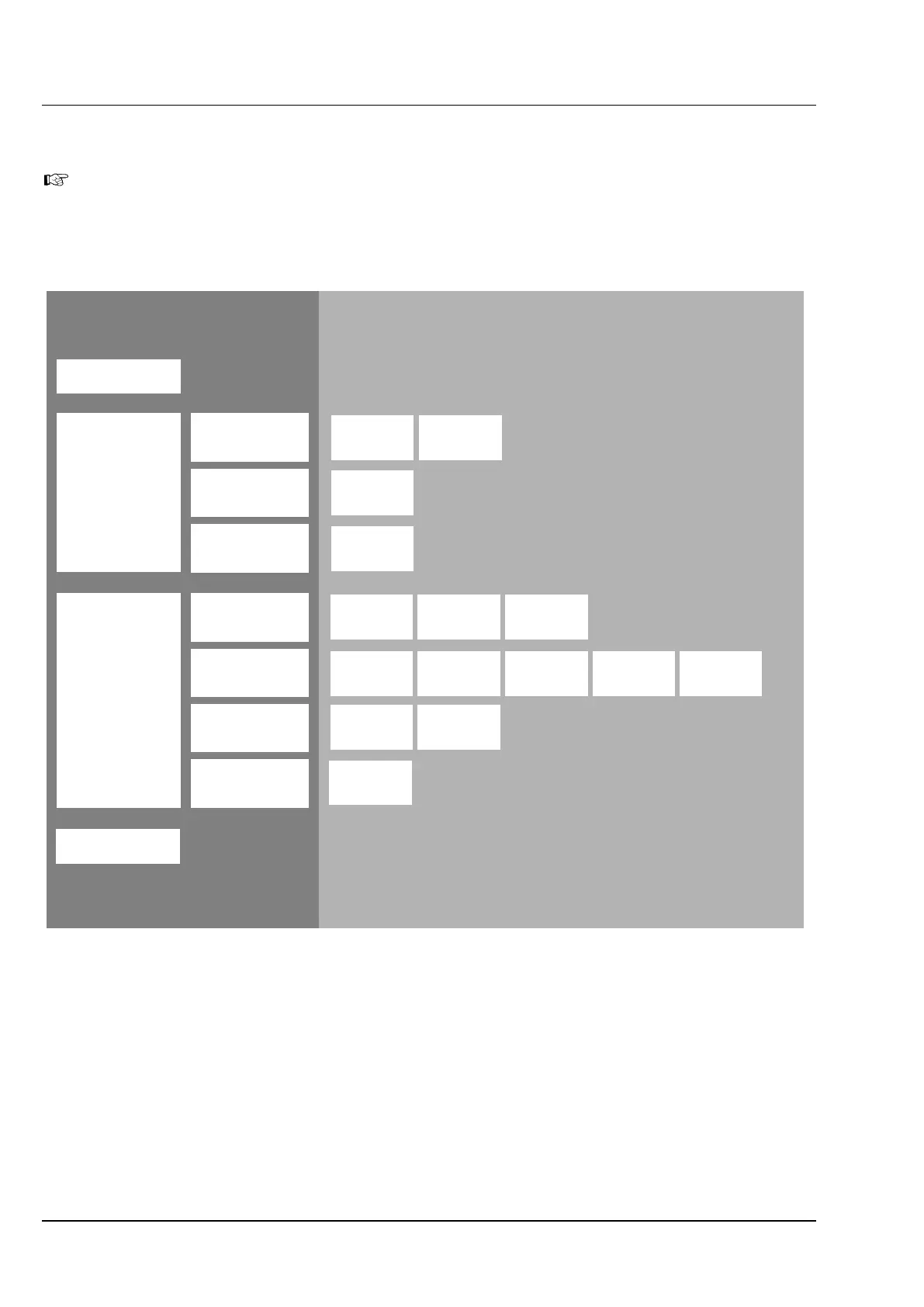
The menu structure shown below may differ from your microscope's configuration. This menu
structure contains the total scope including optional components and menu items which are only
available if you have administrator rights. (Read rights are available only unless you are logged in as
an administrator).
Tabs in control area
3
rd
level
Navigation bar
1
st
level
Home
Microscope
Settings
Display
Control
Automatic
User
Info
Extras
Components
XY Z
Soft keys
Position
Focus
Mode
Buttons
Left
Buttons
Right
Stand type Language
Ethernet Misc.
Reflector
Cond.
Focus
Navigation bar
2
nd
level
Reflector Misc.
Firmware
Figure 4-11 Menu structure
The buttons of the first level appear on the far left screen border in the navigation bar (Figure 4-11). To
change the button assignment in the navigation bar, press either the Microscope, Settings or Display
buttons.
The buttons in the second level of the navigation bar are used to open the tabs assigned to each of them.
Press the tabs to display the corresponding buttons in the operator control area.
All operator control functions are displayed exclusively either in the operator control area or in a popup
window.









 To Next Page