OPERATION
Carl Zeiss Docking station with TFT display Axio Examiner
70 M60-2-0003 e 05/2012
4.3 Docking station with TFT display
The optional docking station (432926-9000-000) for the motor-driven Axio Examiner may be used to
operate and configure the microscope, or apply optional functions. The TFT display is designed as a touch
screen monitor.
4.3.1 Screen layout
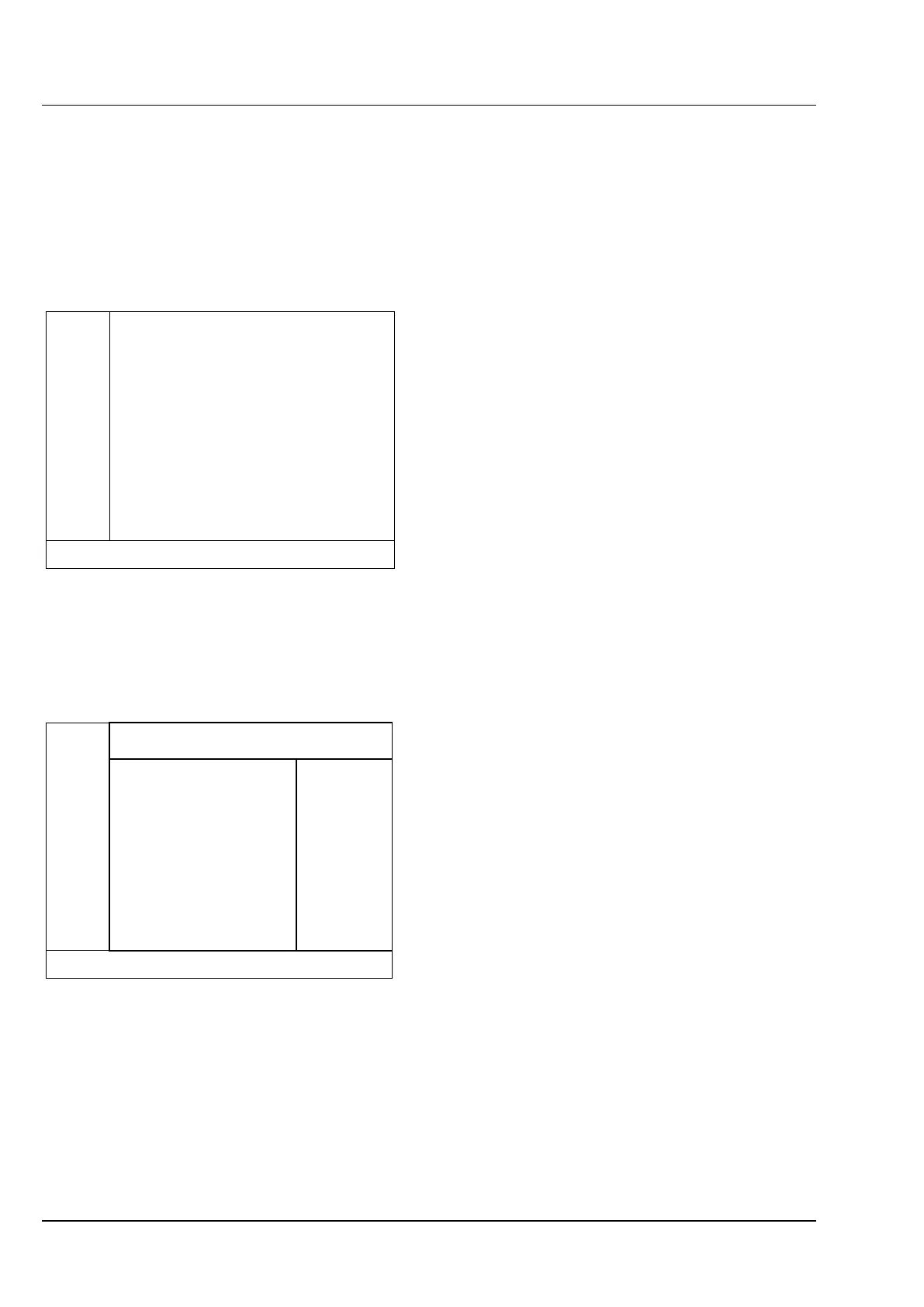
Control elements and information displays are
distributed over different tabs each assigned to a
determined subject matter. Basically, a TFT display
screen is divided into the following main areas (see
Figure 4-9).
Navigation bar 4.3.1.1
The navigation bar is located at the left-hand
screen side, and may be used to open all pages.
The keys available depend on the current page. But
the following keys are available on every page:
− Home Open the home page;
− Display Open the display page.
Information line 4.3.1.2
The information line at the screen bottom provides
information on current microscope settings.
Operator control area 4.3.1.3
The operator control area is divided into further
subsections (see Figure 4-10):
− Tabs,
− Motors & illumination,
− Operator control,
− Popup windows.
Operator control area
Information line
Navigation bar
Figure 4-9 Main areas on the TFT display
Bedienbereich
Tabs
MotorsOperator control
Figure 4-10 Operator control area on the TFT
display









 To Next Page