Chapter 3 91
Removing the Thermal Module
1. See “Removing the Battery Pack” on page 46.
2. See “Removing the LCD Module” on page 66.
3. See “Removing the Upper Cover” on page 68.
4. See “Removing the Main Board” on page 88.
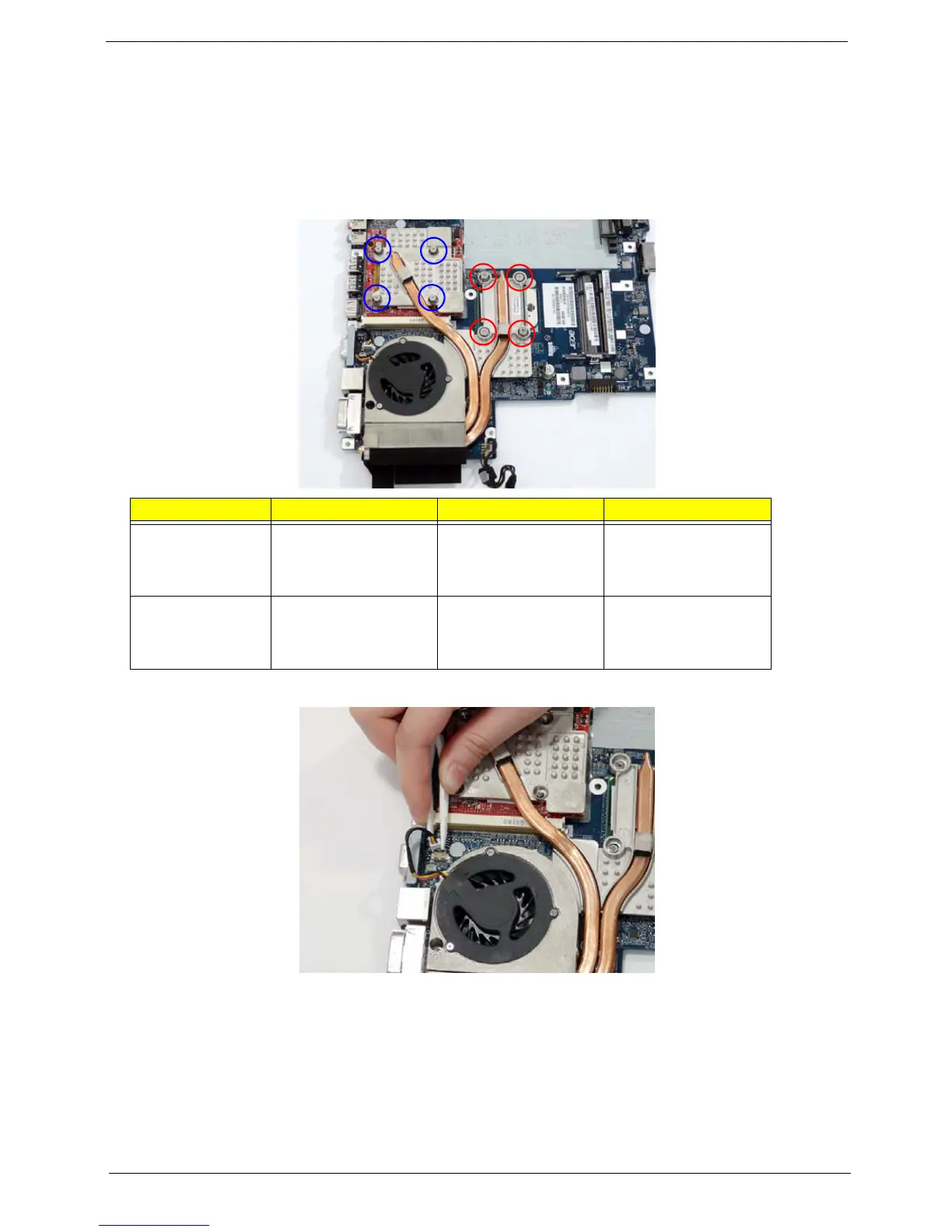
5. Remove the eight securing screws from the Thermal Modules.
6. Disconnect the fan module cable from mainboard.
Step Size Quantity Screw Type
CPU Thermal
Module
(red callout)
M2*6.5 4
VGA Thermal
Module
(blue callout)
M2*5 4












 To Next Page