Chapter 3 93
Removing the CPU
1. See “Removing the Battery Pack” on page 46.
2. See “Removing the Upper Cover” on page 68.
3. See “Removing the Main Board” on page 88.
4. See “Removing the Thermal Module” on page 91.
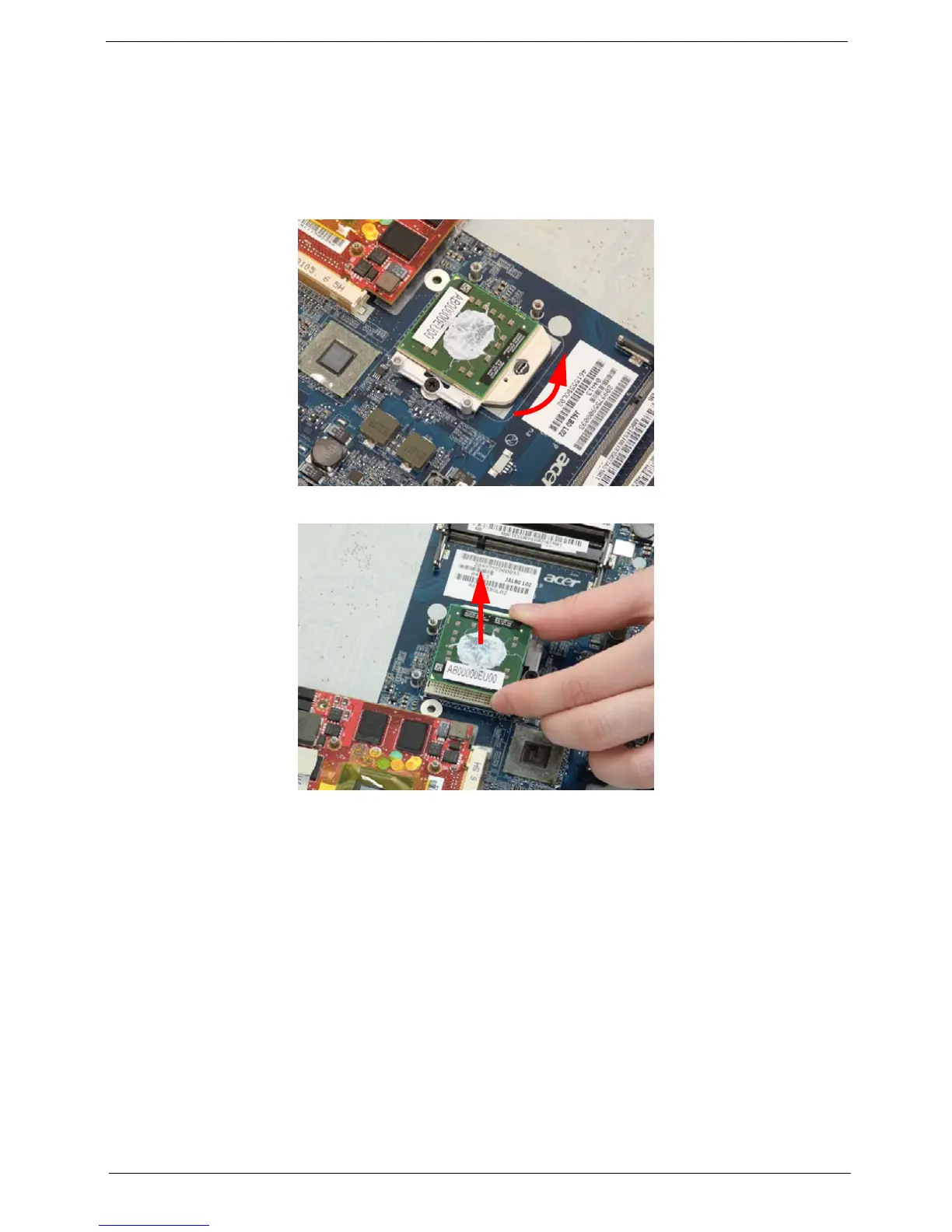
5. Using a flat screwdriver, turn the CPU socket latch counter-clockwise 180° to release the CPU.
6. Lift the CPU clear of the Mainboard.












 To Next Page