Chapter 3 103
Removing the Antennas
1. See “Removing the Battery Pack” on page 46.
2. See “Removing the Lower Covers” on page 49.
3. See “Removing the WLAN Module” on page 52.
4. See “Removing the LCD Panel” on page 101.
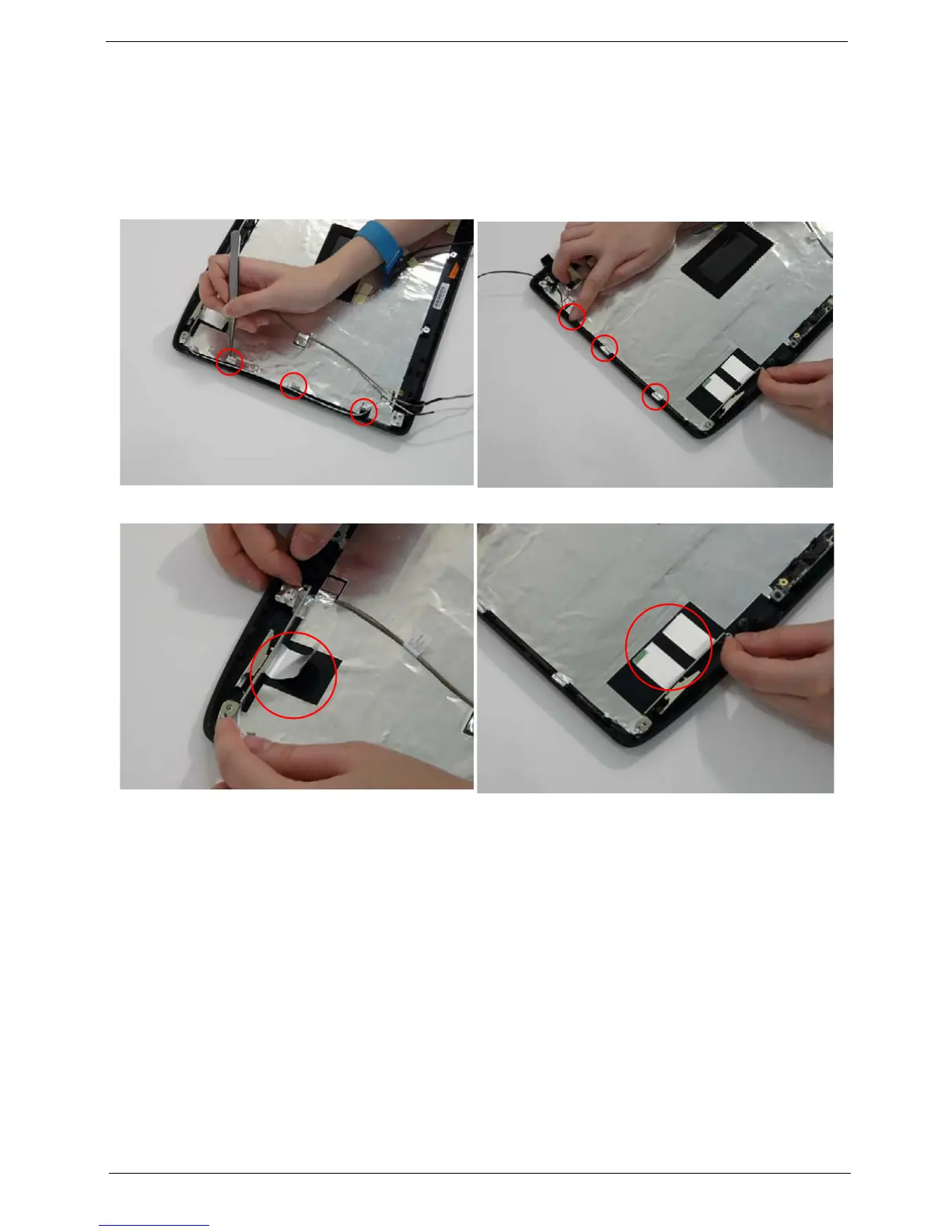
5. Remove the strips holding the antenna cables in place. Ensure the cables are free from obstructions.
6. Remove the tabs securing the left and right antennas to the LCD module.
7. Remove the antenna cables and assembly from the LCD module.












 To Next Page