120 Chapter 3
Replacing the Media Board
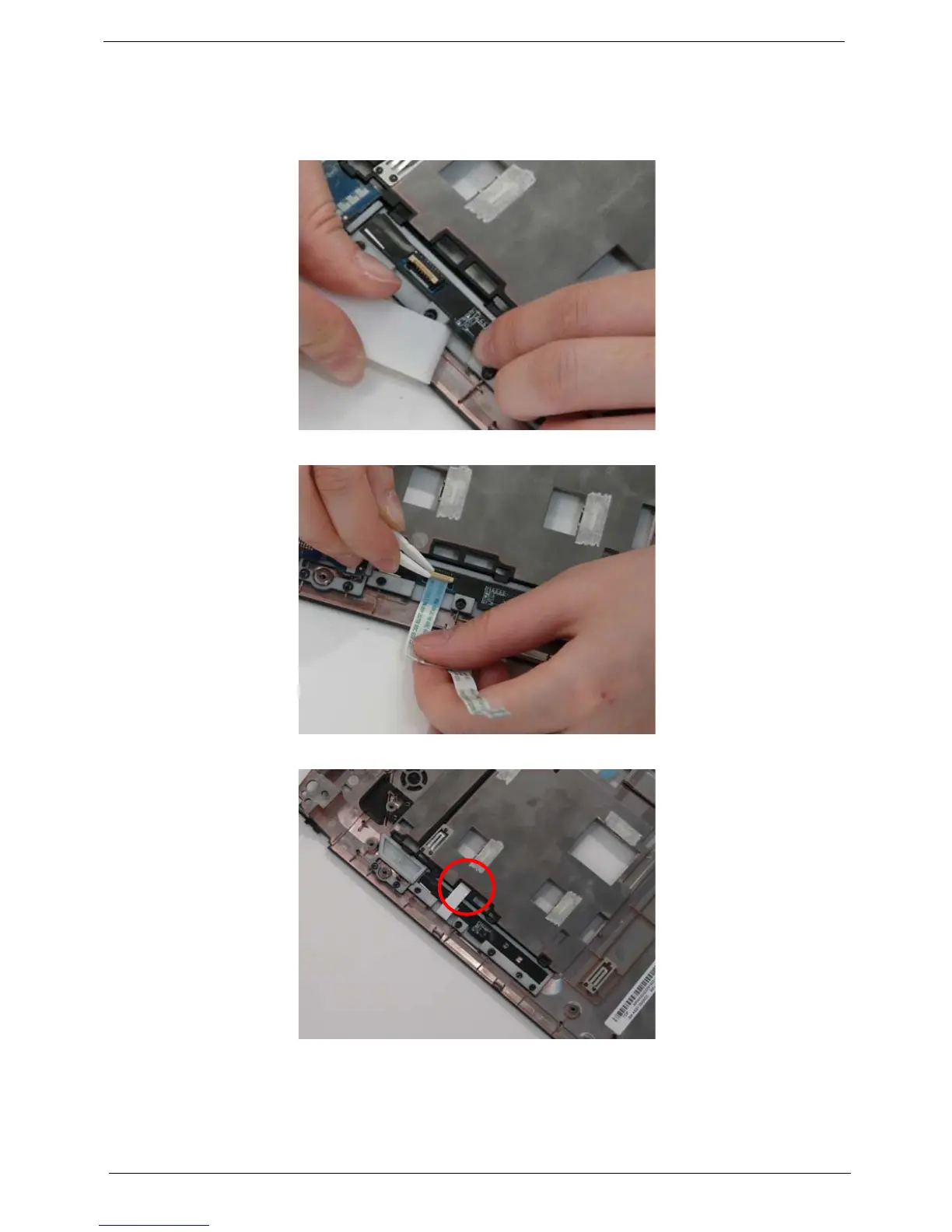
1. Insert the Media Board into the lower cover. If necessary, use a pry to press the board in place.
IMPORTANT:Do not press on components to prevent damage.
2. Insert the FFC flush with the connector and press the locking lever down to secure.
3. Insert the FFC through the chassis.












 To Next Page