54 Chapter 3
Removing the TV tuner Module
1. See “Removing the Lower Covers” on page 49.
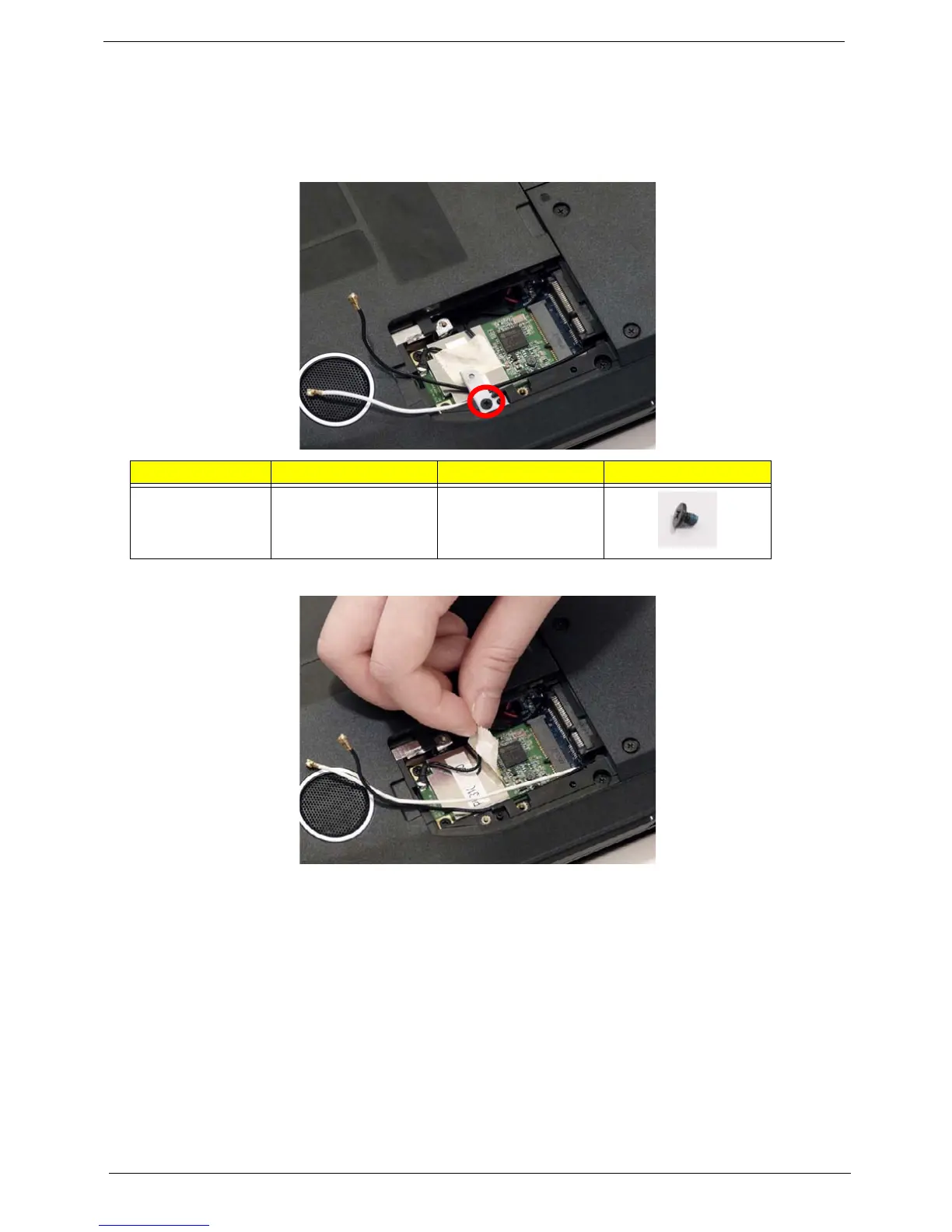
1. Remove the securing screw, located on the WLAN bracket, and remove the bracket.
NOTE: Move the antenna cables out of the way to allow for easier access.
2. Remove the adhesive strip to release the cable.
NOTE: Do not throw away the adhesive strip it is necessary to secure the cable on the new module.
Step Size Quantity Screw Type
WLAN Bracket M2*3 (NL) 1












 To Next Page