124 Chapter 3
Replacing the TouchPad Bracket
IMPORTANT:The TouchPad cannot be removed individually. To replace the TouchPad, replace the entire
Upper Cover.
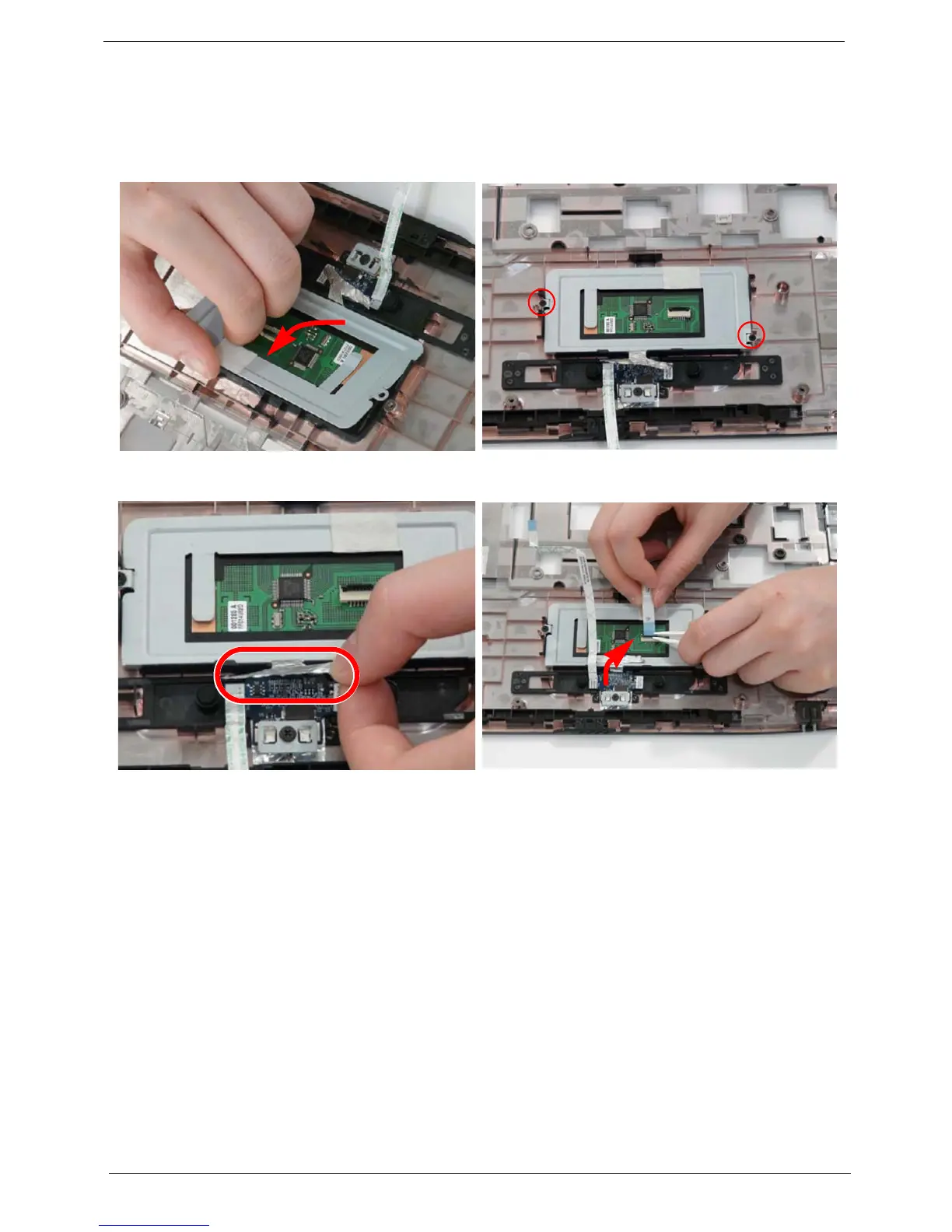
1. Replace the TouchPad bracket. 2. Replace the two securing screws from the
TouchPad bracket.
3. Replace the Finger Print reader FFC and secure
with the adhesive strips.
4. Replace the TouchPad FFC as shown.












 To Next Page