Chapter 3 111
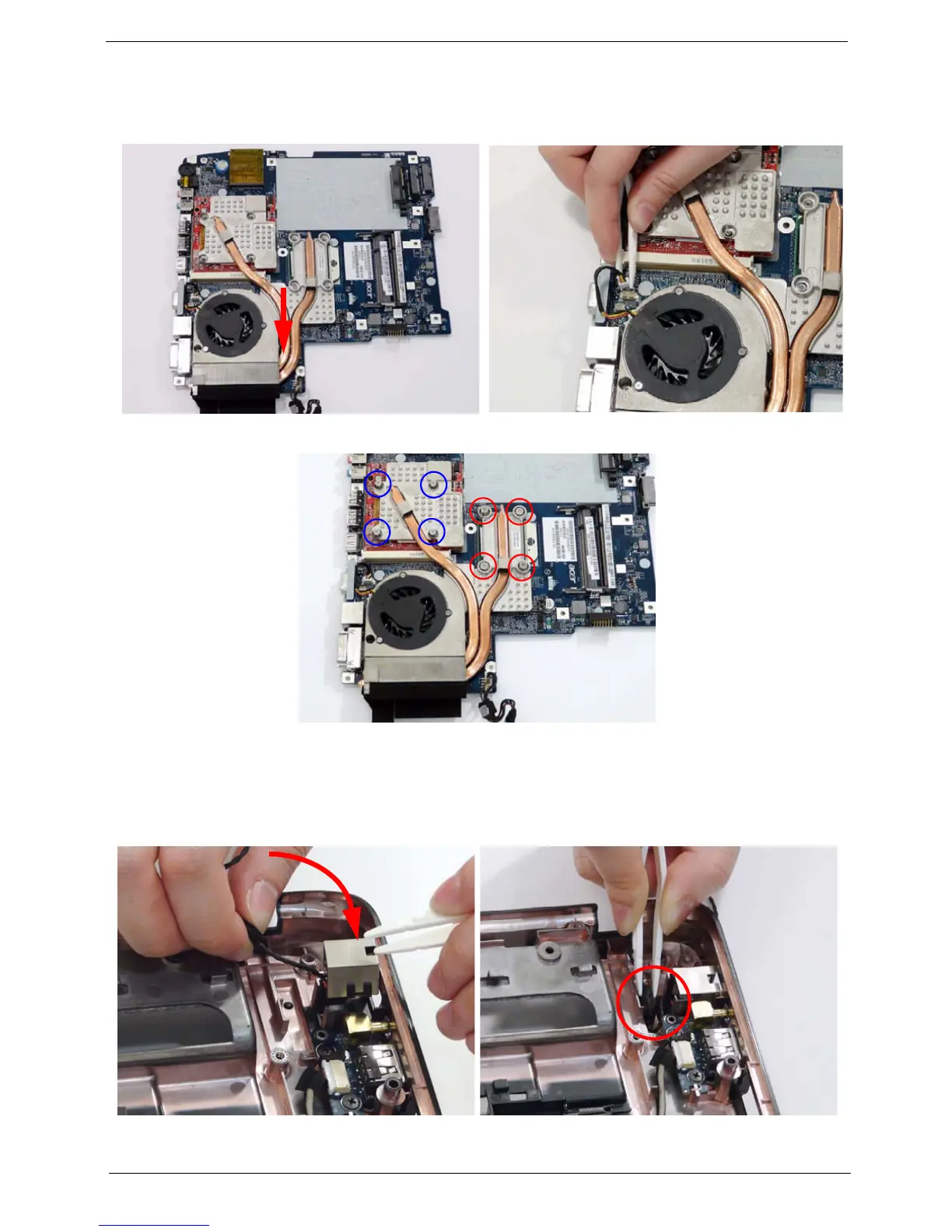
Replacing the Thermal Module
Replacing the RJ-11 Port
1. Align and place the Thermal Module in the
mounting as shown.
2. Connect the fan module cable to the mainboard.
3. Replace the eight securing screws from the Thermal Module.
1. Insert the RJ-11 port into the base as shown. 2. Using the tweezers, grasp the end of the cable and
press down to attach it to the base.












 To Next Page