64 Chapter 3
Removing the Antenna
WARNING:Do not attempt to pull the antenna cables under the WLAN bracket to prevent stripping of the
cable.
1. See “Removing the WLAN Module” on page 52.
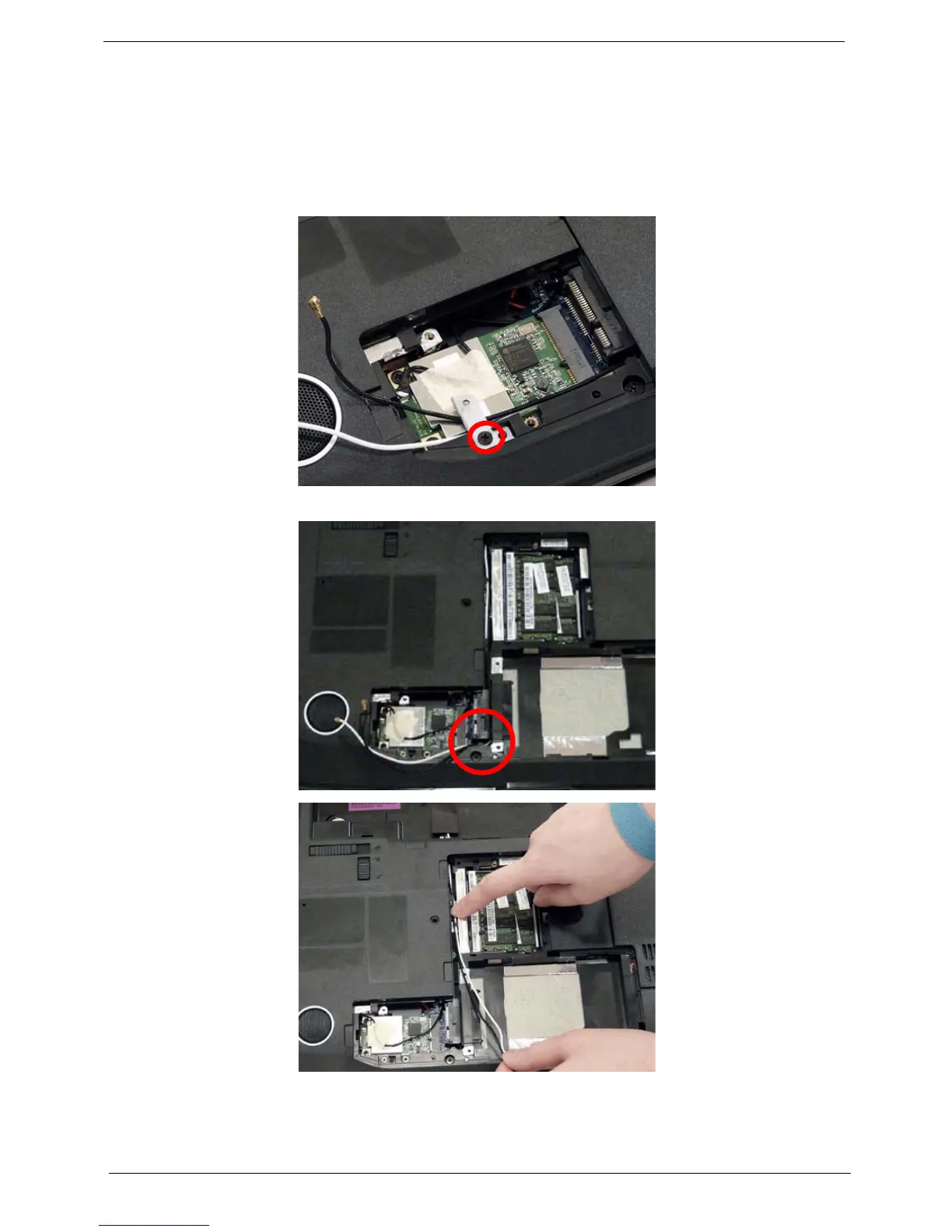
2. Remove the securing screw, located on the WLAN bracket, and remove the bracket.
NOTE: Move the antenna cables out of the way to allow for easier access.
3. Remove the Antenna Cables from the securing guides as shown.












 To Next Page