Chapter 1 5
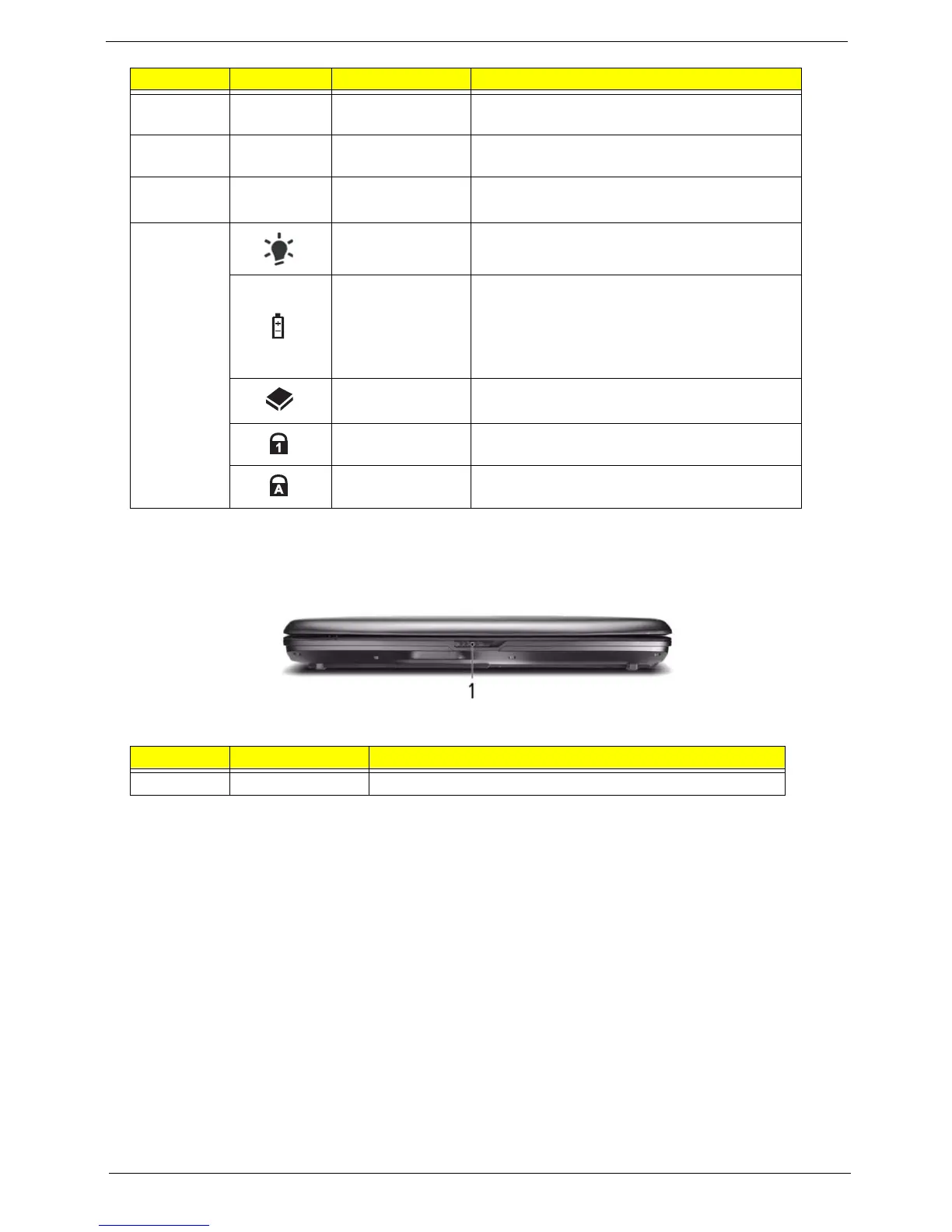
* The front panel indicators are visible even when the computer cover is closed up.
Closed Front View
8 Palmrest Comfortable support area for your hands when
you use the computer.
9 TouchPad Touch-sensitive pointing device which functions
like a computer mouse.
10 Click buttons
(left and right)
The left and right buttons function like the left
and right mouse buttons.
11 Power* Indicates the computer's power status.
Battery* Indicates the computer's battery status.
1. Charging: The light shows amber when the
battery is charging.
2. Fully charged: The light shows green when
in AC mode.
HDD Indicates when the hard disk drive is active.
Num Lock Lights up when Num Lock is activated.
Caps Lock Lights up when Caps Lock is activated.
No. Item Description
1 Latch Locks and releases the lid.
No. Icon Item Description












 To Next Page