56 Chapter 3
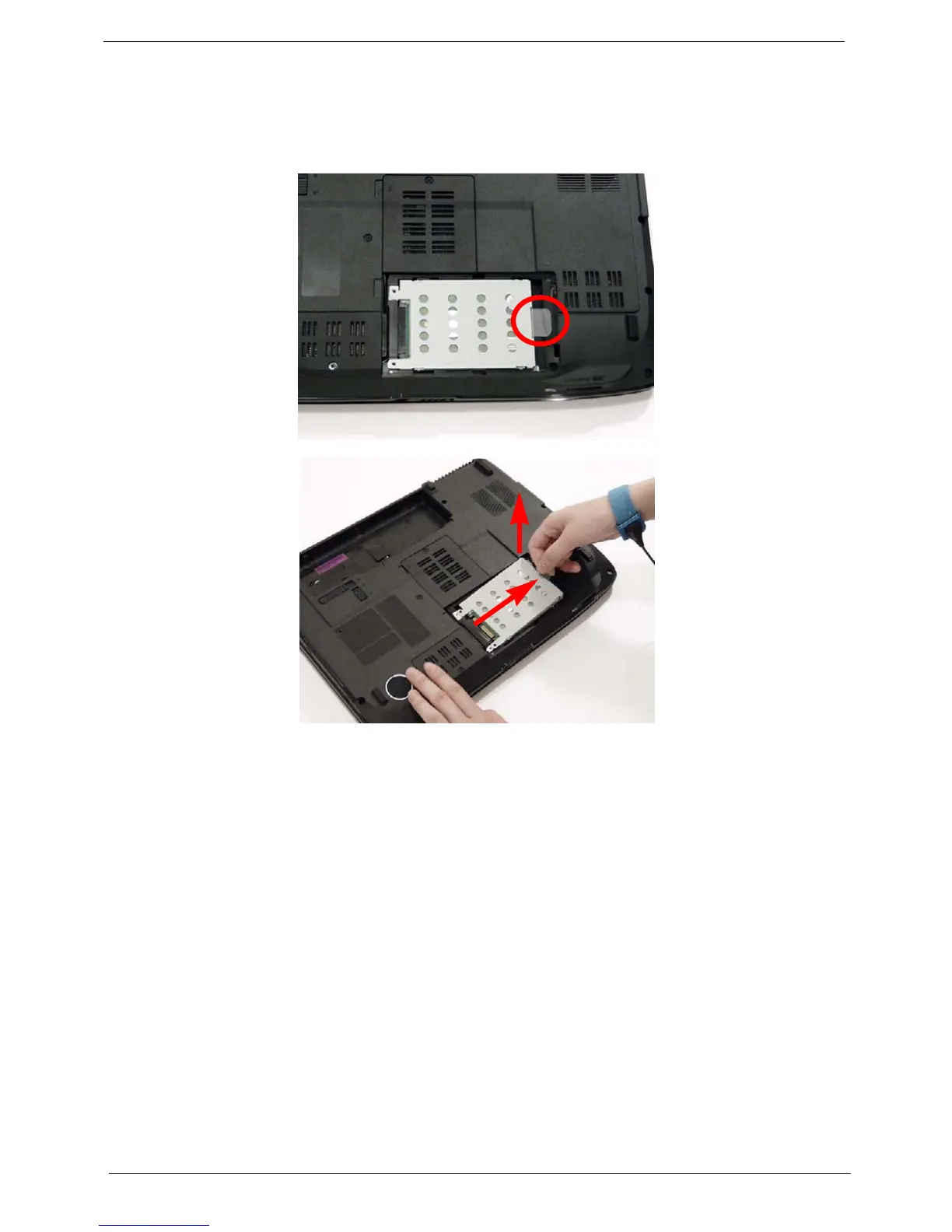
Removing the Hard Disk Drive Module
1. See “Removing the Battery Pack” on page 46.
2. Remove the HDD cover, See “Removing the Lower Covers” on page 49.
3. Use the mylar tab to slide and lift up the hard disk drive module to remove.
NOTE: To prevent damage to device, avoid pressing down on it or placing heavy objects on top of it.












 To Next Page