Chapter 3 125
Replacing the Left Speaker Module
Replacing the Upper Cover
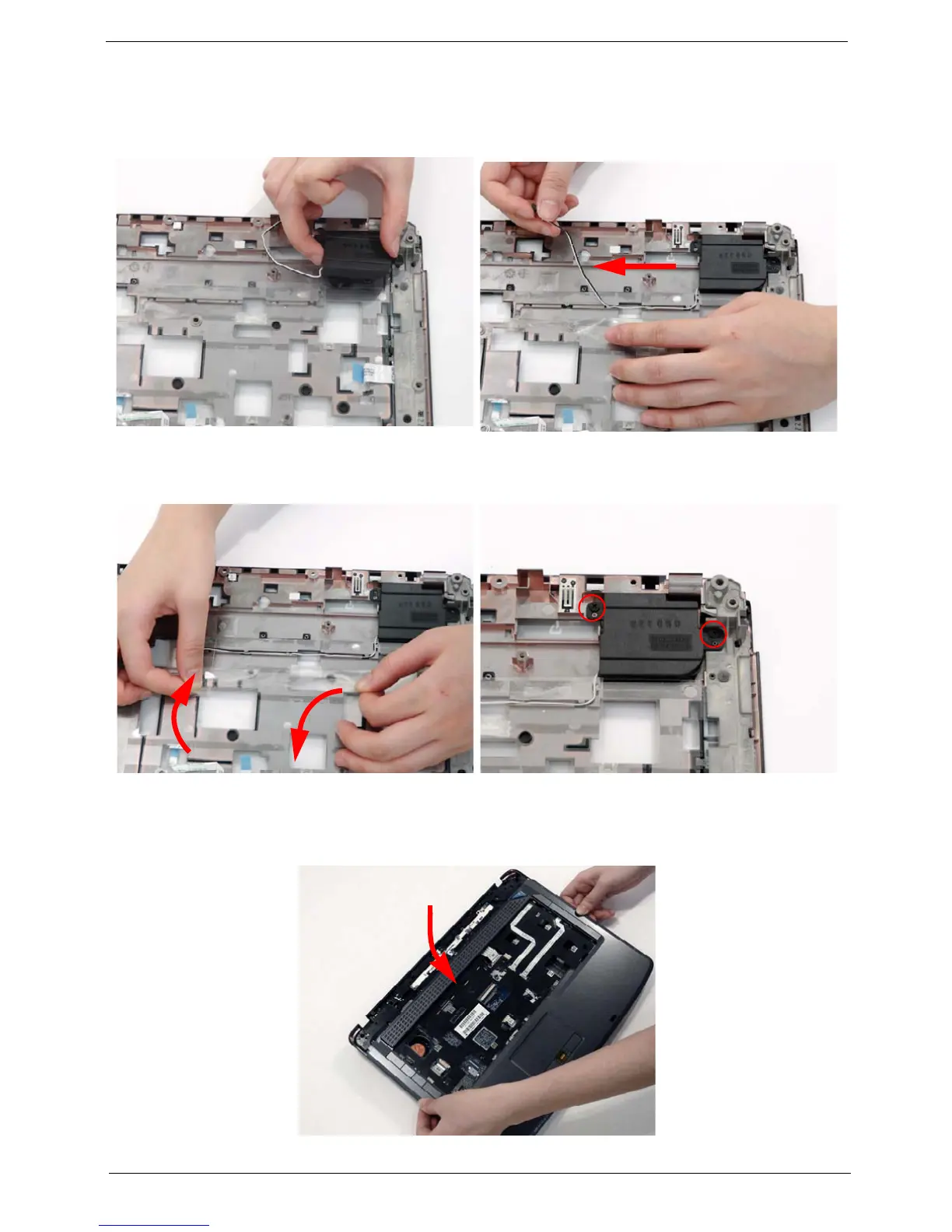
1. Starting with the rear, align the upper cover with the lower cover, taking care to not force in place.
1. Align and replace the Speaker Module in the upper
case.
2. Grasp both ends of the mylar cover to expose the
housing.
3. Replace the speaker cable as shown.
4. While holding the mylar cover back with one hand,
replace the speaker cable in its housing.
5. Replace the mylar cover to secure the cable.
6. Replace the two securing screws on the left
speaker.












 To Next Page