Chapter 3 101
Removing the LCD Panel
1. See “Removing the Battery Pack” on page 46.
2. See “Removing the Lower Covers” on page 49.
3. See “Removing the WLAN Module” on page 52.
4. See “Removing the Keyboard” on page 63.
5. See “Removing the LCD Module” on page 66.
6. See “Removing the LCD Bezel” on page 96.
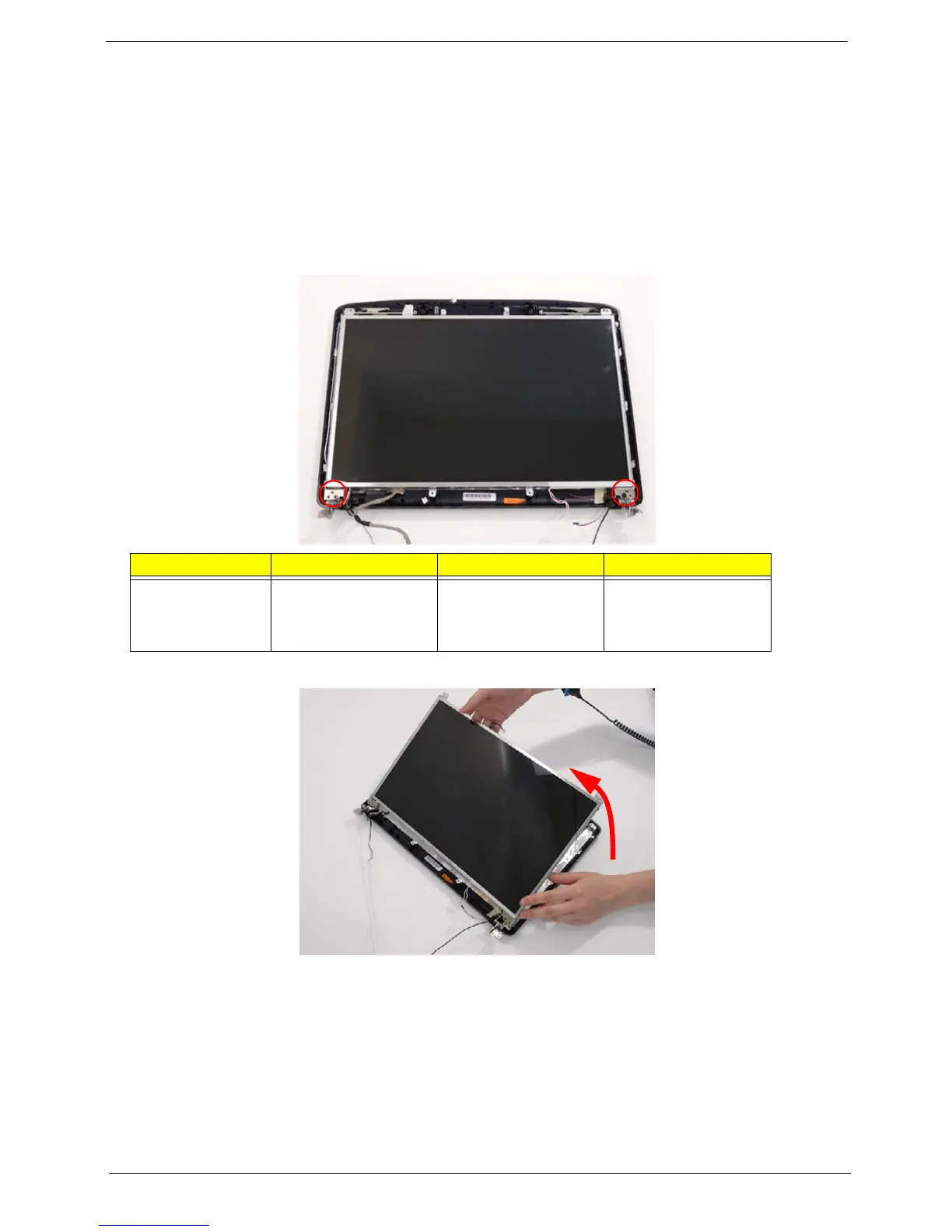
7. Remove the two securing screws from the LCD Module.
8. Lift the LCD Panel clear of the LCD Module.
Step Size Quantity Screw Type
LCD Panel M2.5*6 (NL) 2












 To Next Page