106 Chapter 3
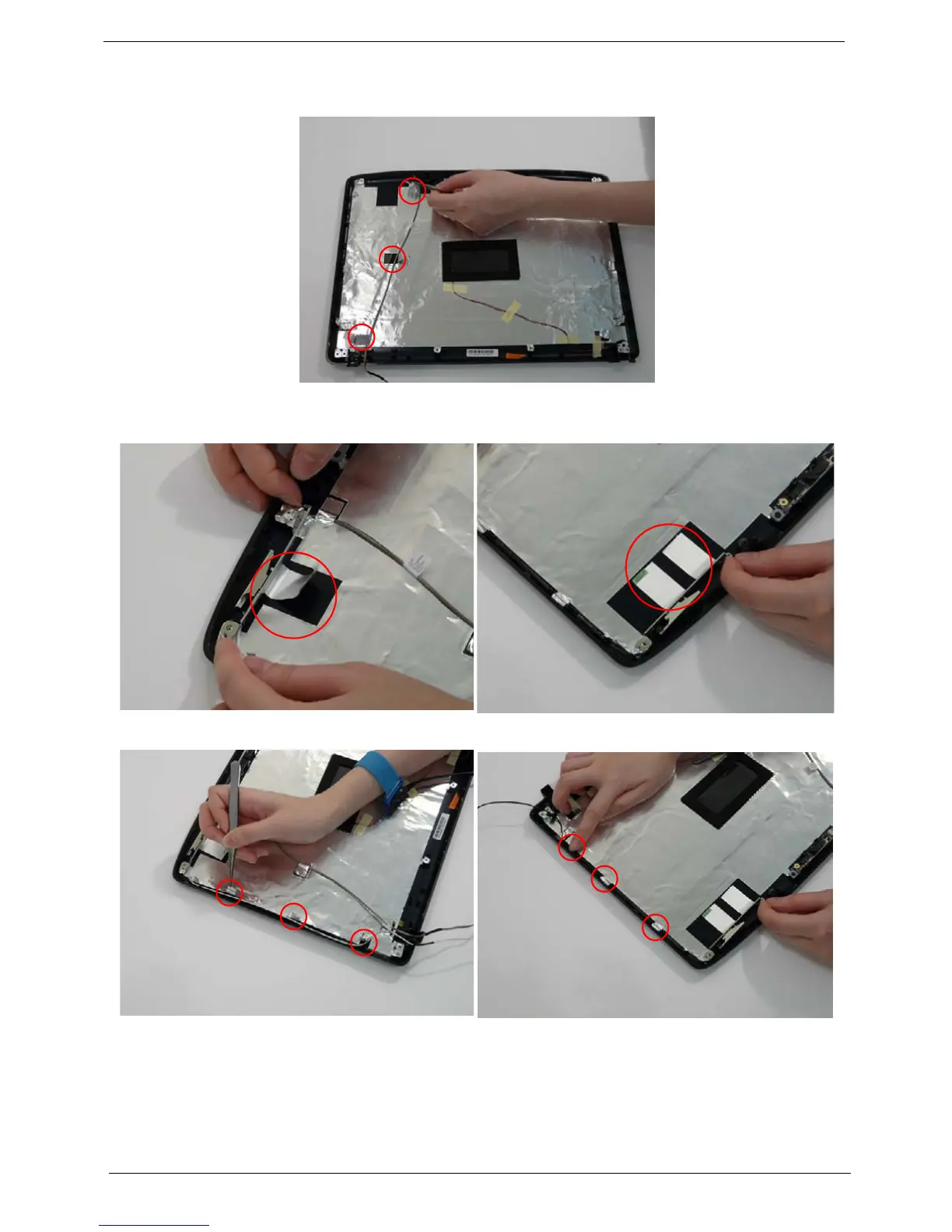
4. Replace the MIC cable under the mylar tab strips, and replace the MIC as shown. Secure the cable by
pressing down on the strips.
5. Replace the antenna cables and assembly.
6. Replace the tabs securing the left and right antennas to the LCD module.
7. Replace the strips holding the antenna cables in place. Ensure the cables are free from obstructions.












 To Next Page