Appendix A
Terminals
IBM 3151
Set Up Mode
At any point during normal operations (i.e., PASSWORD screen, system
prompt, menu, program), you can enter the set up mode for the terminal. To
do this, hold down the Ctrl key and press Set Up.
There are 4 menus of values:
GENERAL, COMMUNICATION, PRINTER, and
FUNCTION. Press Send to select the next menu. Use the arrow keys to select
a field and the Space Bar to display the next selection for a field. See the
default parameters below. Parameters shown in bold type can be either
response.
After making changes to the set up values, press Send until you see the
FUNCTION menu. Using the arrow keys, move to Save and press the Space
Bar. Then press Ctrl and Set Up simultaneously to exit the set up mode
and save the changes. Or to quit without making changes, press Ctrl and
Set Up simultaneously from any field except
Save.
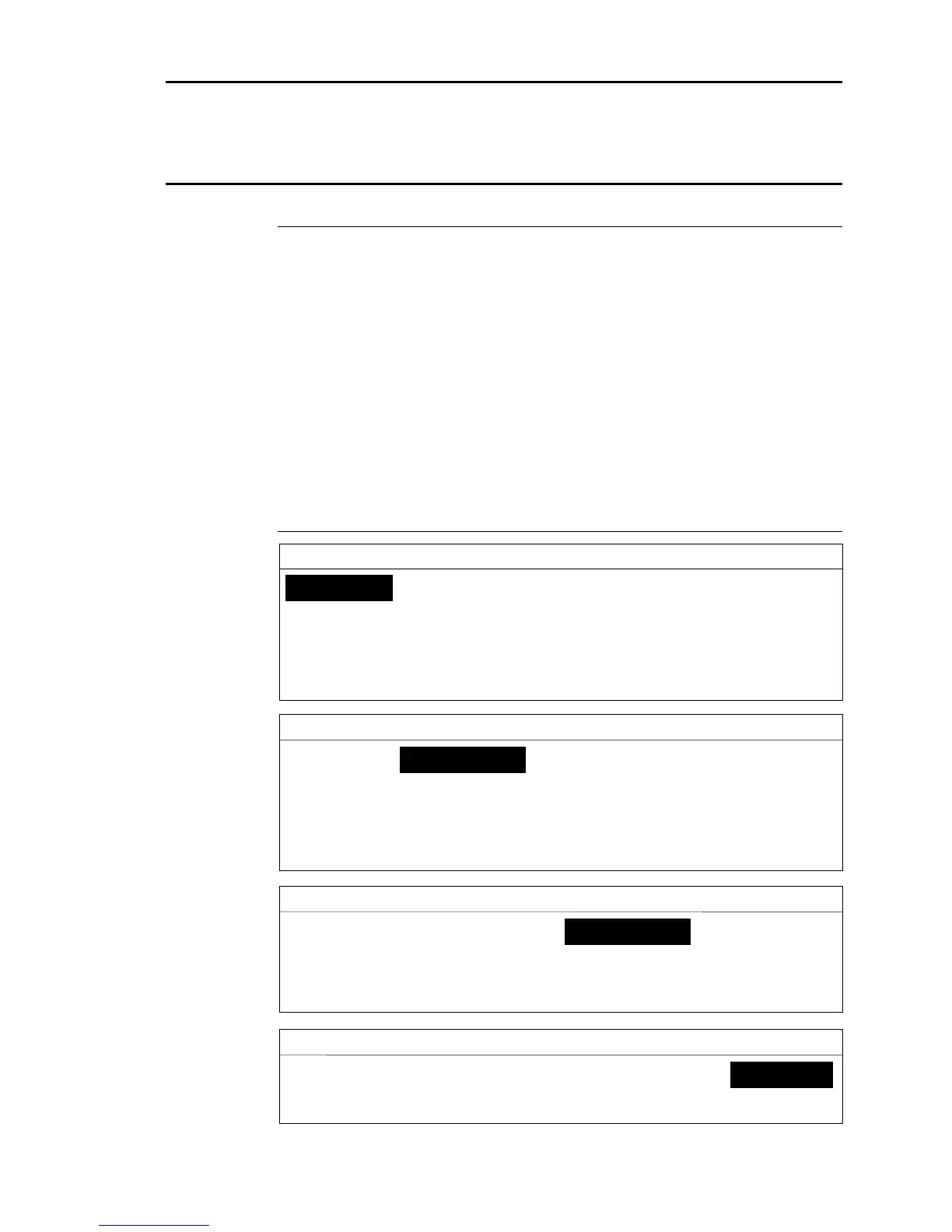
Default Parameters
S E T U P M E N U
GENERAL COMMUNICATION PRINTER FUNCTION
Machine Mode WYSE 50/50+ CRT Saver ON
Enhance Mode OFF Line Wrap ON
Screen NORMAL Attribute SCREEN
Row and Column 24 x 80 Return/Enter CR/CR
Scroll JUMP Word Processing OFF
Auto LF OFF Protect HALF-INT
S E T U P M E N U
GENERAL COMMUNICATION PRINTER FUNCTION
Operating Mode ECHO Line Control IPRTS
Line Speed (bps) 19200/9600 Pacing ON
Word Length (bits) 8/7 Block End US/CR
Parity OFF Edit Mode DUPLEX
Stop Bit 1 Keyboard Lock ENABLE
Parity Check OFF
S E T U P M E N U
GENERAL COMMUNICATION PRINTER FUNCTION
Line Speed (bps) 19200/9600
Word Length (bits) 8
Parity NO
Stop Bit 2/1
S E T U P M E N U
GENERAL COMMUNICATION PRINTER FUNCTION
Recall Save Default
Reset Terminal Clear Status Mode Adjust
Dimensions 14 363



 To Next Page