Chapter 2. System Training
File Structure
Data files contain a variety of information depending on the file: customers,
vendors, invoices, payments, inventory items, journal entries, and so forth. A
basic understanding of simple file structure is useful as you learn the Dimensions
system. The following terms are used when dealing with files.
File
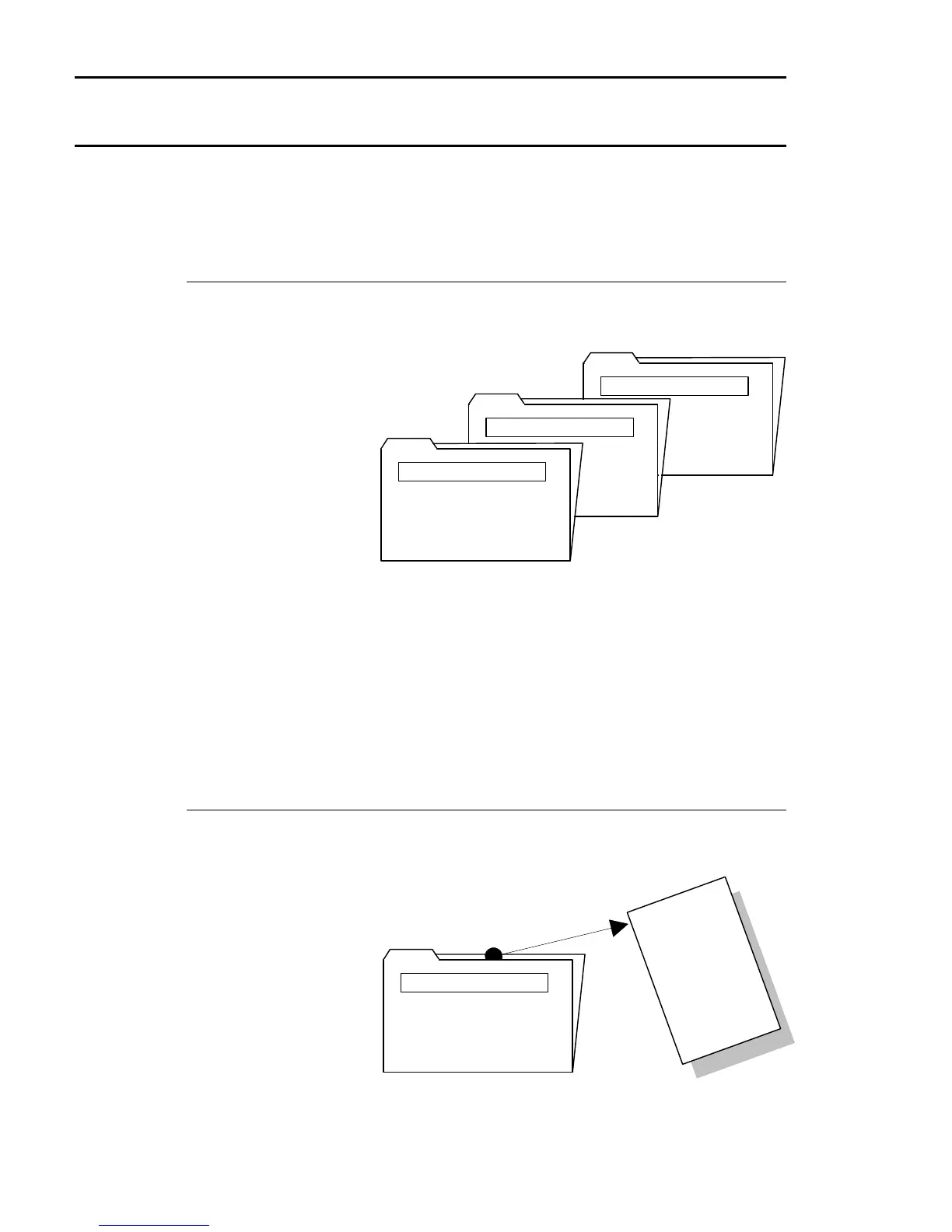
A file is a subdivision of the user group used to organize a specific kind of data. It
is like a file folder in the file drawer.
Inventory Static File
Customer Transaction File
Customer Master File
Each file has a unique
filename, which
corresponds to the type
of data it is storing. It
comes after the
drive:user group and is
preceded by a colon.
For example:
5:1:CM1.D Customer Master File
5:1:CM3.D Customer Transaction File
5:1:IM1.D Inventory Static File
5:1:SM0.D Sales Master File
Files contain records, one record for each entry in the file.
Record
A record is an entry in a file. This is like one piece of paper in the file folder. For
example, the Customer
Master File contains
one record for each
customer.
9
9
9
X
Y
Z
C
O
M
P
A
N
Y
-
-
-
-
-
-
-
-
-
-
-
-
-
-
-
-
-
-
-
-
-
-
-
-
-
-
-
-
-
-
-
-
-
-
-
-
-
-
-
-
-
-
-
-
-
-
-
-
-
-
-
-
-
-
-
-
-
-
-
-
-
-
-
-
-
-
-
-
-
-
-
-
-
-
-
-
-
-
-
-
-
-
-
-
-
-
-
-
-
-
-
-
-
-
-
-
-
-
-
-
-
-
-
-
-
-
-
-
-
-
-
-
-
-
-
-
-
-
-
-
-
-
-
-
-
-
-
-
-
-
-
-
-
-
-
-
-
-
-
-
-
-
-
-
-
-
-
-
-
-
-
-
-
-
-
-
-
-
-
-
-
-
-
-
-
-
-
-
-
-
-
-
CM1.D
Customer Master File
Each record contains
fields of specific infor-
mation.
38 Dimensions 14



 To Next Page