A help for control panel utilization/access.
Operating principle of the control panel
C
110
Access
to level 4 - Password
C
130
Setting
and
maintenance
part
presentation
of the control panel
Access
to
parameters
and
parameters
active
depending on authorization
C
120
Summary
of screens
Complete displays list with
access
way and
associated
sheet
C
140
Purpose
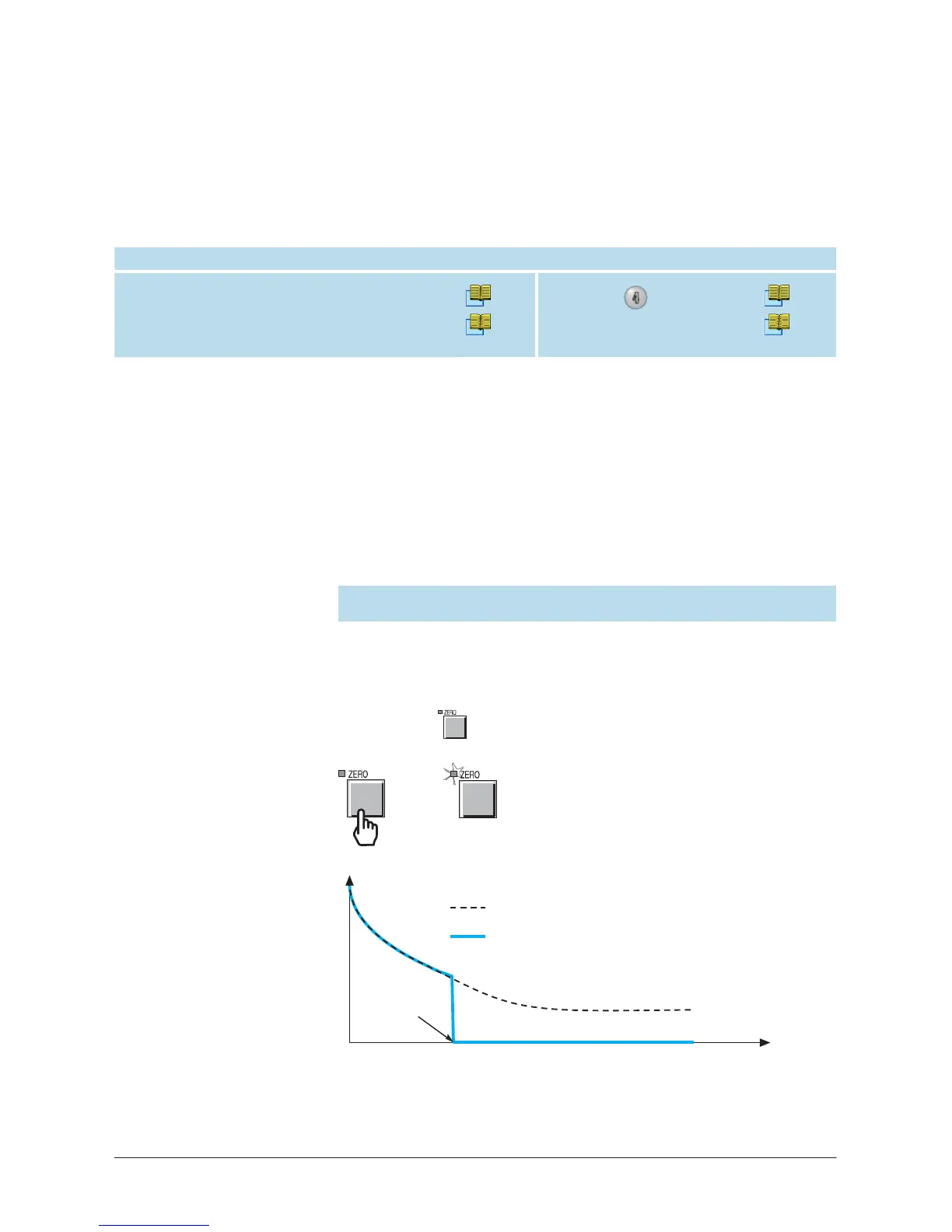
Zero function is provided:
•
to help the operator to identify a very small
fluctuation
of the helium
signal out of the ambiant background,
•
to enlarge small
fluctuations
of the helium signal on the analog
display
.
The
zero function could be activated:
-
by the operator,
-
in automatic.
It
’
s
advised
to
use this function when helium background signal
is low.
Activate the
zero
function
The process
of the zero function is the
same
whatever the activation
mode (operator or automatic).
The
only difference is when the
background
suppression
activation is automatic, the operator does not
need to press
.
=>
Principle
example
He flow value
Background value displayed without autozero activation
Background value displayed with autozero activation
Autozero
activation
0
T
ime



 To Next Page